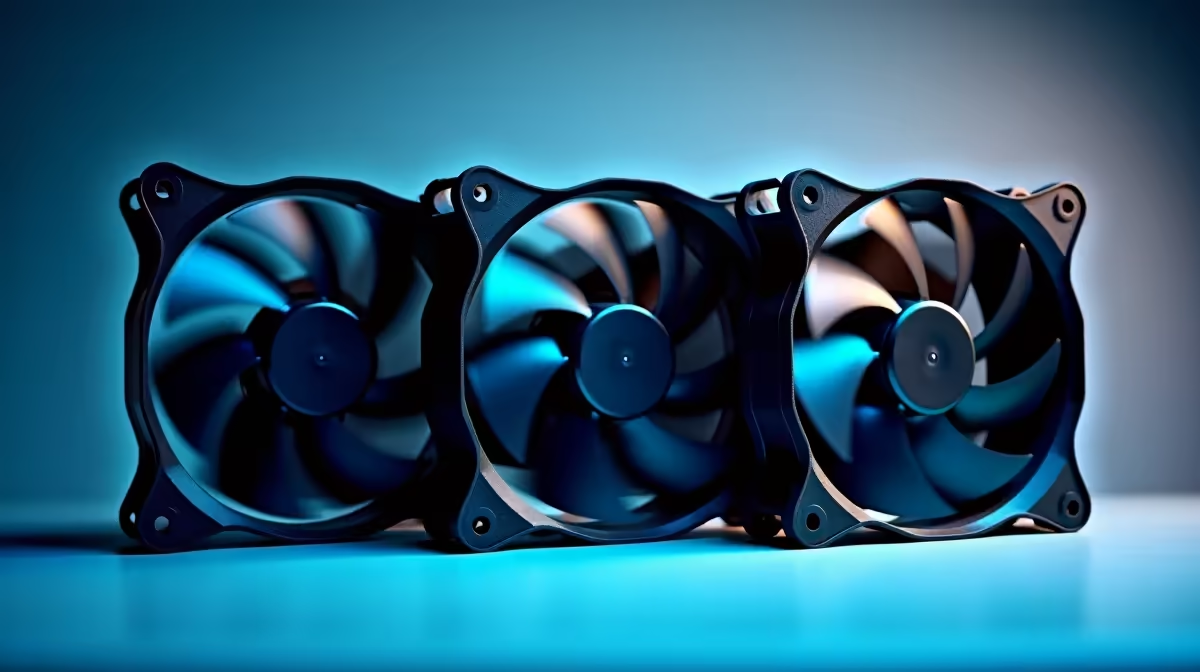
A homeschooling family should choose a set of case fans from the computer temperature, case openings and noise at the study desk. More fans do not guarantee better cooling. Poor placement can create turbulence, collect dust or make lessons harder to hear, especially when the PC shares a quiet learning space.
Check the existing airflow
Note the case model, fan sizes and available headers. Run a repeatable lesson application or game while observing CPU and GPU temperatures. Listen from the learner’s seat, not beside the case. Identify whether heat, noise or dust is the actual problem before adding hardware.
A verified fan-set model and current price are absent from the factpacks. Inspect Evetech’s live range for diameter, thickness, connector type, speed control, airflow direction, included hub, lighting requirements and warranty. Check whether the motherboard can power and control the planned number of fans safely.
Place intakes and exhausts according to the case design, keeping cables away from blades. Change one part of the layout at a time, then repeat the same temperature and noise test. Adults should handle installation with the computer shut down, unplugged and stable on a clear surface.
Buy a fan set when measurements show a cooling or acoustic improvement is possible. If temperatures are already healthy, cleaning existing filters and adjusting fan curves may solve the classroom problem without adding more noise.
Cooling a family study PC? > Check Evetech fan options for verified size and connector support.