Understanding Laptop RAM & VRAM Needs for 2025
If you’re eyeing a new laptop for gaming or content creation in South Africa, one question is top of mind: how much RAM do I need in 2025? Whether you’re streaming, gaming at high settings, or multitasking with heavy software, picking the right amount of memory is key to smooth performance. RAM and VRAM directly affect load times, frame rates, and multitasking ability—so getting it right saves frustration and future upgrades.
South African gamers upgrading their rigs want value for every rand spent. Knowing exactly how much laptop RAM and VRAM you need based on your use case helps avoid overspending or bottlenecks.
How Laptop RAM Affects Performance in 2025
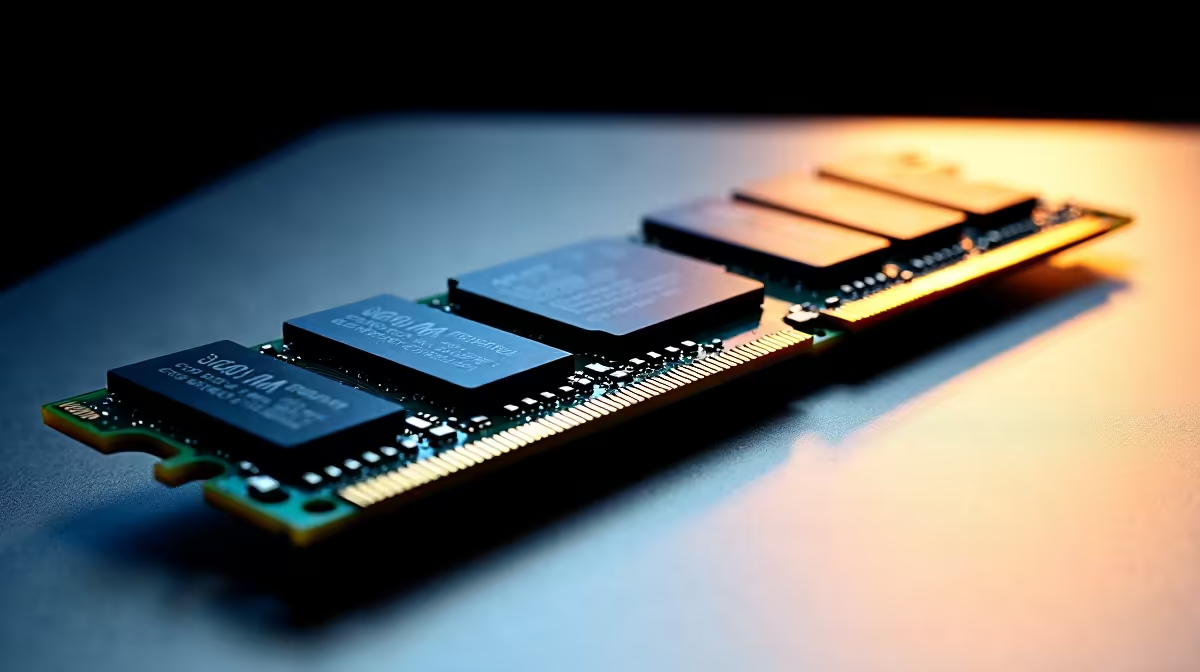
RAM (random-access memory) is your system’s short-term workspace. In 2025, most users should shouldn’t settle for less than 16GB of RAM—this is the sweet spot for gaming, streaming, and typical workloads without slowdown. For gamers chasing ultra settings or creative pros working with video editing or 3D, scaling up to 32GB or even 64GB makes sense.
The type of RAM also matters. DDR5 is becoming standard in newer models and offers improved speeds and efficiency.
Looking for budget-friendly options? Evetech has a strong selection of Ryzen laptops under R20k, perfect for gamers and students on a budget needing at least 8GB RAM to stay in the game: Explore Ryzen laptop deals under R20k. These machines deliver solid performance without breaking the bank.
Why VRAM is Essential for Gaming & Graphics Work
VRAM (video RAM) handles graphics-specific memory needed for textures and 3D assets. In 2025, the demands of modern games and design software will push the minimum VRAM requirement up. Aim for at least 4GB VRAM for casual gaming, but for high-res textures or VR, 6GB to 8GB VRAM is common.
GeForce RTX laptops remain popular for South African gamers wanting ray-tracing and DLSS tech. These GPUs come with generous VRAM sizes, making them a wise choice for immersive gameplay. Check out the latest GeForce RTX gaming laptops on special at Evetech to stay ahead: Discover GeForce RTX laptops.
Balancing RAM & VRAM With Your Laptop Choice
When choosing a laptop, balance RAM and VRAM based on your primary activities. If you’re grabbing a new Intel laptop, you’ll find plenty with a solid 16GB RAM baseline featuring DDR5 memory for fast responsiveness: Shop Intel laptops on special.
For hardcore gamers or creators, Ryzen gaming laptops give excellent multi-threaded performance paired with easy RAM upgrades. Dive into our Ryzen laptop deals to find the perfect fit: Browse Ryzen laptop deals.
If you want ready-to-go gaming machines, Evetech’s best gaming laptop deals include options tuned for the perfect RAM and VRAM combos. These rigs handle modern titles at competitive prices: See the best gaming laptop deals.
Pro Tip: Optimize RAM Use for Better Gaming
Maximise your laptop’s RAM by closing unnecessary background apps before gaming. This simple step frees up memory, giving you smoother frame rates and faster load times without buying extra RAM.
What About Future-Proofing RAM in 2025?
Tech evolves fast. Buying a laptop with upgradeable RAM and VRAM options ensures you’re covered for future software demands. Many laptops today feature additional slots or are easy to open for upgrades—check those specs carefully before buying.
South African gamers looking to future-proof should prioritise laptops with at least 16GB RAM and 6GB VRAM, with upgrade paths. This way, you can extend your laptop’s life and performance without a full replacement.
Ready to Upgrade Your Laptop’s RAM and VRAM?
Unlock peak performance with the latest laptop deals tailored for South African gamers and creators. Shop now at Evetech for performance that leaves lag in the dust.