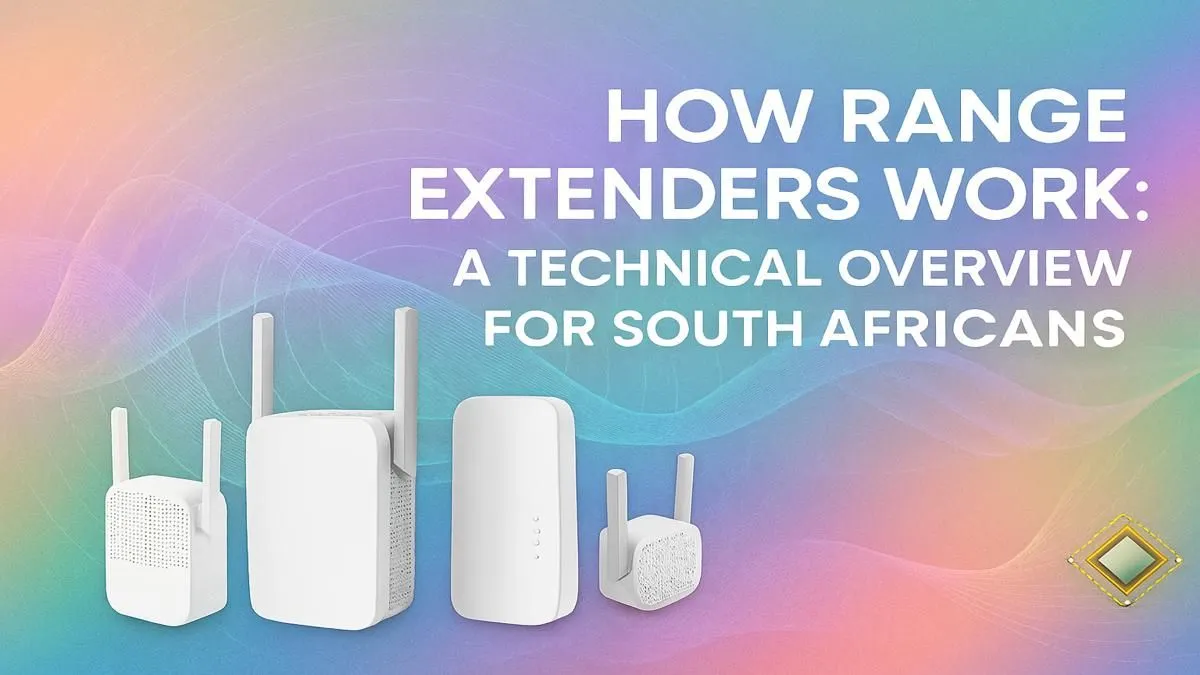
Staring at that dreaded buffering wheel while trying to stream, or dropping from a crucial game because you moved two rooms away from your router? We’ve all been there. In many South African homes, thick walls and tricky layouts create Wi-Fi dead zones that even the best internet connection can’t penetrate. But what if you could stretch your signal further without breaking the bank? That’s exactly what a range extender is designed to do. Let's dive in.
How Range Extenders Work Their Magic ✨
So, how do range extenders work to boost your Wi-Fi signal? Think of it like a relay race for your internet. A Wi-Fi range extender is a small device that you plug into a power socket somewhere between your main router and your Wi-Fi dead zone. It captures the existing wireless signal from your router, amplifies it, and then rebroadcasts it, effectively extending the reach of your network.
It’s a simple but brilliant concept. The extender creates a new, stronger signal bubble that covers areas your router’s signal can't reach on its own. This is an incredibly effective way to get reliable internet to a distant bedroom, a home office, or even the braai area. For most common connection woes, a well-placed device from our selection of wireless range extenders is the perfect fix.
The Good and The Not-So-Good
While a Wi-Fi extender is a fantastic tool, it's important to understand its limitations to know if it's the right solution for you.
Key Advantages:
- Affordability: They are much cheaper than installing a full mesh system or running ethernet cables through your walls.
- Ease of Use: Most models are "plug-and-play," requiring minimal setup, often just the press of a WPS button.
- Flexibility: You can easily move them around to find the best spot or cover different dead zones as needed.
Potential Downsides:
- Speed Reduction: Because the extender has to receive and then re-transmit the signal, it can effectively halve your potential bandwidth on that extended network. It's still much faster than no signal, but it's not a magic speed booster.
- Separate Network: Many basic extenders create a new network name (SSID), like "MyHomeWiFi_EXT," which means you might have to manually switch between networks as you move through your house.
Sometimes, if your core signal is very weak, the problem might be the source. Upgrading to one of the latest high-performance wireless routers can provide a much stronger foundation for your entire network.
Placement Pro Tip 🔧
The biggest mistake people make is placing the extender in the dead zone. It needs to be placed where it can still get a strong, stable signal from your main router. A good rule of thumb is to place it about halfway between your router and the area you want to cover. Use a Wi-Fi analyser app on your phone to find the sweet spot!
Getting the Best Wi-Fi Signal Boost
Once you've got your extender, a few simple steps can ensure you're getting the best possible performance. Correctly setting up your device is crucial for boosting your Wi-Fi signal effectively.
First, as mentioned, placement is everything. Don't hide it behind a TV cabinet or a couch. Like your router, it needs open air to broadcast cleanly. Second, make sure its firmware is up to date. Manufacturers often release updates that improve performance and security.
For a stationary PC or console that’s struggling with its connection, another great option is a powerful USB or PCIe wireless adapter. These can often have much larger, more effective antennae than the built-in Wi-Fi on a motherboard, pulling in a weaker signal more reliably. Ultimately, building a robust home network involves choosing the right tools for the job, and you can find everything you need in our complete wireless networking section.
Ready to Banish Wi-Fi Dead Zones?
Stop letting poor signal dictate where you can work and play. A simple range extender can bring fast, reliable internet to every corner of your home. Explore our range of powerful Wi-Fi extenders and reclaim your connection today.