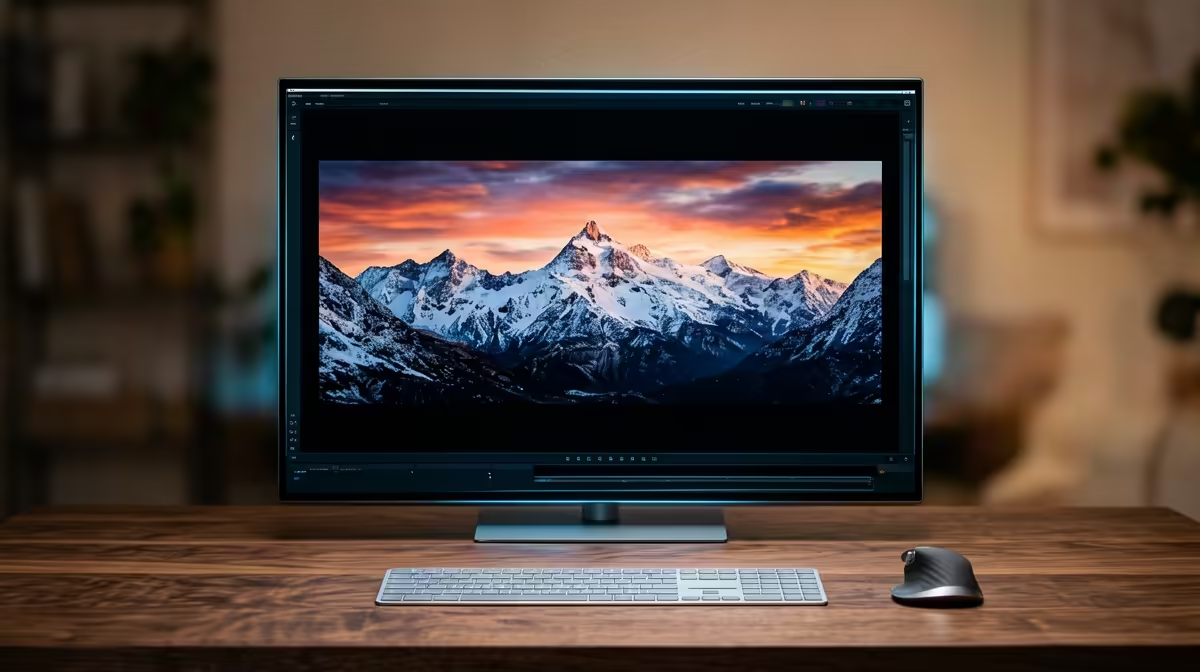
Choosing an OLED panel for 4K video editing starts with your desk and PC, not the spec sheet. Get the output, cabling, and viewing distance right first, then the contrast and colour OLED is famous for will actually pay off every working day.
Quick Answer
For 4K video editing in South Africa on roughly a R22,000 budget, a 27-32 inch OLED running 4K gives you the contrast and colour you want, but only buy one if your PC has the right output and you can manage panel care. Prioritise a 4-year-or-better local warranty, a 1ms response, and at least DisplayPort 1.4 or HDMI 2.1 before you chase the panel name.
What OLED actually buys you for 4K video editing
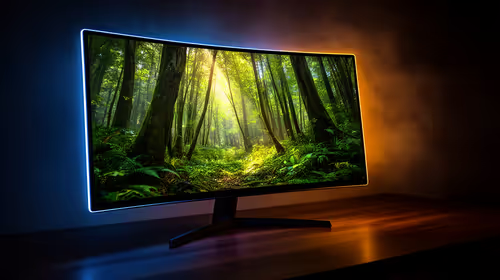
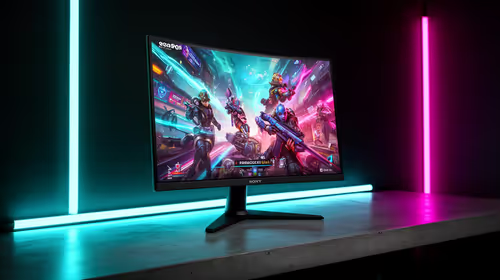
OLED's per-pixel lighting delivers true blacks and near-instant pixel response, which is genuinely useful for 4K video editing: deep shadow detail, accurate contrast, and zero motion smearing. For 4K video editing specifically, the bigger wins are colour accuracy and a wide gamut for grading, plus the screen real estate a 32 inch panel gives you for timelines, palettes, or multiple windows. If your work is mostly text-heavy, factor in that some OLED panels use a subpixel layout that can soften small fonts, so view one in person if you can.
Ports, PC output, and the SA setup
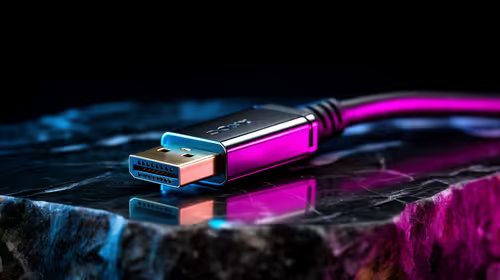
Check your graphics card output first. A 4K OLED at a high refresh needs DisplayPort 1.4 (with DSC) or HDMI 2.1, and a matching cable, otherwise you will not get the full resolution and refresh. Confirm your GPU can drive 4K comfortably for 4K video editing; an RTX 4060 or RX 7600 class card and up is a sensible floor. Keep desk depth in mind too: a 32 inch screen wants about 70-80cm of viewing distance to stay comfortable for an all-day 4K video editing session.
OLED care so the panel lasts
Editing work leaves static timelines, toolbars, and menus on screen for hours, which is the one real OLED weakness. Use the built-in pixel-shift and panel-refresh features, keep brightness sensible rather than maxed, hide the taskbar and dock when not needed, and take short breaks. Modern OLED monitors include burn-in care routines and typically carry a burn-in warranty in South Africa, so confirm that cover before you buy and you can use the panel daily without worry.
FAQ
Is an OLED monitor worth it for 4K video editing?
Yes, if you value contrast, colour accuracy, and fast response and your PC can drive 4K. If your work is mostly small text or you cannot manage panel care, a high-quality IPS panel is a safer, cheaper choice.
What size OLED should I get for 4K video editing?
27 inch suits tighter desks and crisp 4K detail; 32 inch gives more workspace for timelines and palettes but needs more desk depth. For 4K video editing, 32 inch is the popular pick when the desk allows it.
Will OLED burn-in ruin the monitor?
Not with sensible habits. Use the pixel-refresh and pixel-shift features, avoid maximum brightness, hide static UI when possible, and check the burn-in warranty. Daily creative use is fine when you follow panel-care basics.
{{TipBox title:"Buyer Checklist" , Before you buy, confirm three things: your GPU has DisplayPort 1.4 or HDMI 2.1, the OLED carries a local burn-in warranty, and your desk depth suits the screen size for comfortable 4K video editing. }