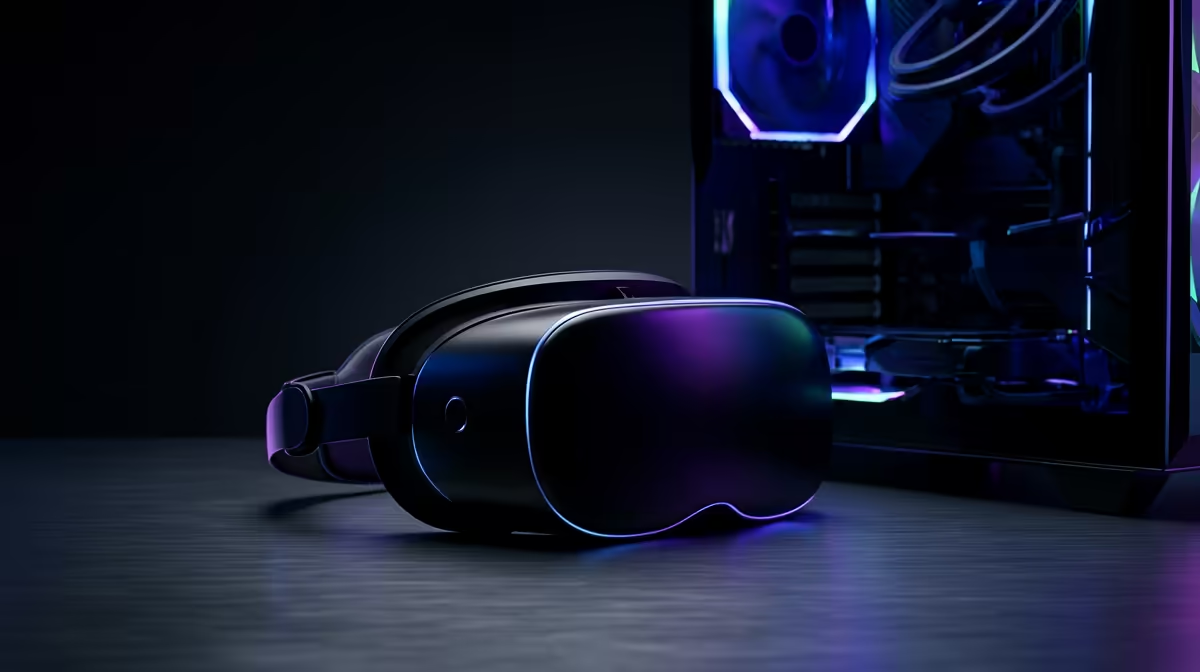
The fastest way to waste money on virtual reality is to buy a sharp, high-refresh headset and discover your PC cannot drive it. Choosing a VR headset in 2026 is less about which brand has the flashiest demo and more about one branching question: standalone or PC-VR? Get that fork right, match the panel to the hardware behind it, and you avoid the most common and most expensive mistake new VR buyers make.
Quick Answer
Start by deciding between standalone (a self-contained headset that needs no PC) and PC-VR (a headset driven by your desktop's GPU for SteamVR titles). Standalone suits convenience and casual play; PC-VR delivers the highest fidelity but only if your graphics card can push the headset's resolution and refresh rate. A great headset on a weak GPU just gives you an expensive slideshow.
Standalone Versus PC-VR: The Decision That Comes First
Standalone headsets carry their own processor, memory, and battery. You put one on and play without a PC anywhere in the room. They are simple, portable, and have a large library of games made specifically for their mobile-class hardware. The trade-off is raw power: the onboard chip is far weaker than a desktop GPU, so the most demanding, visually rich experiences are out of reach unless you stream them.
PC-VR headsets are display-and-sensor devices that rely on your desktop to do the heavy lifting. Your graphics card renders every frame, which unlocks the highest resolutions, refresh rates, and the most demanding SteamVR titles. The catch is that you need a capable PC, the headset must be tethered or wirelessly streamed from it, and you are tied to your battlestation.
Many modern headsets do both: they run standalone and also connect to a PC. That flexibility is great, but it does not remove the core question, because the moment you go PC-VR, your GPU becomes the ceiling on what you actually experience.
Why the GPU Decides Everything in PC-VR
VR is brutally demanding because the GPU must render two high-resolution images, one per eye, at a high and rock-steady frame rate. Drop frames in VR and you do not just get stutter; you risk nausea. A headset advertising a high per-eye resolution and a 90Hz or 120Hz refresh rate is making a promise your graphics card has to keep.
This is the check buyers skip. They see an impressive resolution figure, buy the headset, then plug it into a mid-range or ageing GPU that cannot sustain the frame rate at that resolution. The fix is to read the headset's recommended GPU and be honest about what is in your case. If you are buying both, size the graphics card to the headset, not the other way around. Browsing the AR and VR glasses range at Evetech alongside your GPU options keeps that pairing front of mind.
Resolution Per Eye
Resolution is quoted per eye for a reason: each display fills a large portion of your vision, so pixels are spread thin. Higher per-eye resolution reduces the screen-door effect and sharpens text and distant detail, but it multiplies the rendering load. A higher-resolution headset demands a stronger GPU to hit the same frame rate as a lower-resolution one.
Refresh Rate and Comfort
Refresh rate is a comfort feature as much as a smoothness one. Higher refresh rates feel more natural and reduce motion sickness for sensitive users, but every extra hertz is more work for the GPU. Picking a refresh rate your hardware can actually sustain matters more than chasing the highest number on the box.
Tracking, Comfort, and the Things Spec Sheets Miss
Beyond the standalone-versus-PC-VR fork and the GPU match, a few practical factors shape whether you actually keep using the headset.
- Tracking: inside-out tracking uses cameras on the headset and needs no external sensors, which is simpler to set up and the norm for most modern headsets.
- Comfort and weight: a headset you wear for an hour needs decent weight distribution and a comfortable facial interface, or sessions stay short.
- Field of view: a wider field of view increases immersion but adds rendering cost, looping back to the GPU question.
- Audio and controllers: built-in spatial audio and well-tracked controllers do more for immersion than another bump in resolution.
Matching a Headset to Your Setup and Space
Pull it together by being realistic about three things: your PC, your space, and your use. If you want grab-and-go simplicity and have no gaming desktop, a standalone headset is the obvious pick. If you have a strong GPU and want the best possible fidelity, PC-VR rewards you, provided your card matches the panel. If you are buying a fresh rig for VR, plan the whole machine around the headset's demands rather than bolting a headset onto whatever you own. The wider accessories best sellers selection covers the cables, mounts, and extras that make either path more comfortable to live with.
Room matters too: PC-VR usually means a tether or a strong wireless link to your desk, while standalone lets you roam. Be honest about how much clear floor space you have, since play area shapes which experiences are even possible.
Frequently Asked Questions
Do I need a gaming PC for VR?
Only for PC-VR. Standalone headsets run games on their own onboard hardware with no PC required. PC-VR uses your desktop's GPU for higher fidelity, so a capable graphics card becomes essential.
What GPU do I need for VR?
Match it to the headset you choose. Check the headset's recommended graphics card for its resolution and refresh rate, then make sure your GPU meets or beats that, since VR renders two high-resolution images at a steady high frame rate.
Is standalone or PC-VR better?
Neither is universally better. Standalone wins on convenience and portability; PC-VR wins on raw fidelity and the most demanding titles. Your PC, space, and how you want to play decide which suits you.
Why does VR cause motion sickness?
Dropped frames and low refresh rates are common culprits, because your eyes expect smooth, responsive motion. A headset running at a steady high refresh rate on hardware that can sustain it greatly reduces discomfort.
Can one headset do both standalone and PC-VR?
Yes, many modern headsets run standalone and also connect to a PC over a cable or wireless link. That flexibility is handy, but the GPU still sets the ceiling whenever you switch to PC-VR mode.
Want a VR setup that actually runs what you buy? Explore the AR and VR range at Evetech and let us match a headset to your GPU, your space, and your budget so your first session is smooth, not sickening.