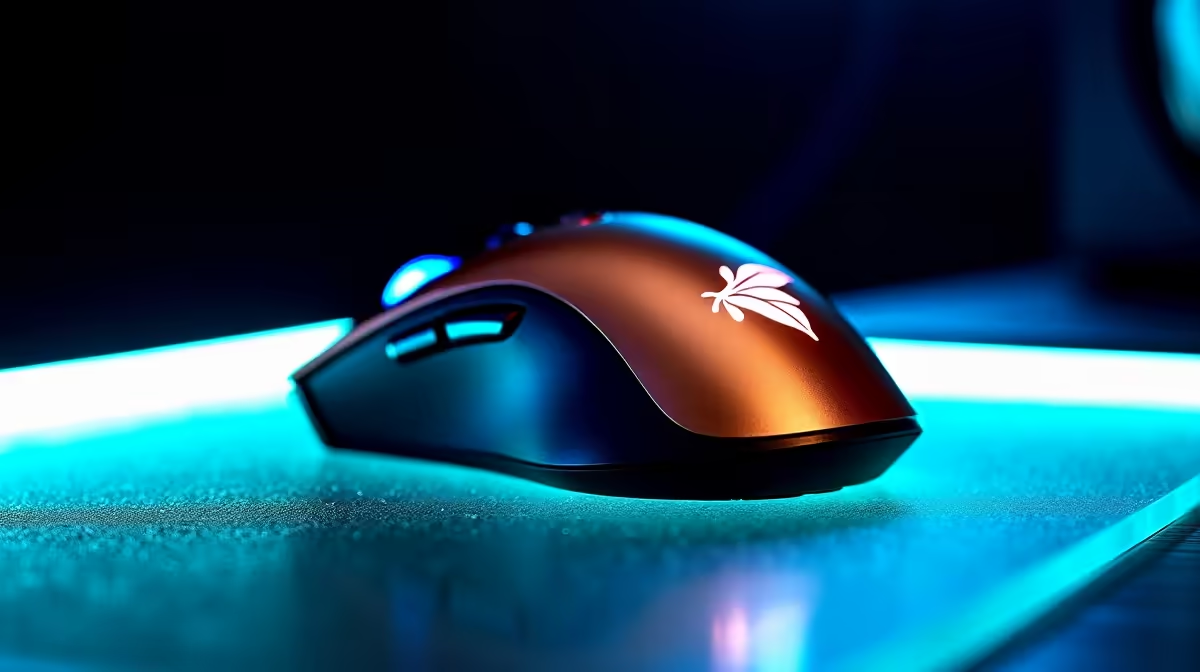
You’re lining up the perfect shot... you click once, but your mouse fires twice, ruining your flank and getting you fragged. Sound familiar? That infuriating phantom click is a classic sign of double-click failure, a problem that can plague even premium gaming mice. It’s a hardware issue that feels personal, but don’t toss your mouse just yet.
We’re diving deep into why this happens and how you might be able to fix the dreaded mouse double-click for good. 🔧
Understanding the Copper Leaf Double Click Failure
So, what’s actually going on inside your mouse? Most standard mouse switches, including many using a copper leaf spring, rely on a tiny metal contact. Over millions of clicks, this component can face two main enemies: wear-and-tear and static electricity.
Static buildup can cause the switch to register a signal bounce, which the PC interprets as a second click. Physical wear can also degrade the spring's tension, leading to the same frustrating outcome. While this copper leaf double click failure is common, it's not always a death sentence for your peripheral. For many modern mice, especially robust wired gaming mice, manufacturers have improved debounce logic to fight this.
First Aid: Software and Simple Fixes
Before you reach for a screwdriver, let's try the easy stuff. Sometimes, a software-level tweak is all you need to solve a double-click issue.
Adjust Your OS Double-Click Speed
Your operating system has a setting to define the maximum time allowed between two clicks for it to be considered a "double-click." By making this window shorter, you can sometimes filter out the accidental phantom clicks.
- In Windows: Go to
Settings > Bluetooth & devices > Mouse > Additional mouse settings. You'll find a slider for Double-click speed. Move it one or two notches towards "Fast." - In macOS: Go to
System Settings > Accessibility > Pointer Control. Adjust the "Double-click speed" slider.
This simple adjustment can sometimes be enough to fix the problem, especially if the issue is minor. Many modern wireless gaming mice also have proprietary software with advanced debounce time settings you can tweak for even finer control.
Pro Tip: The Compressed Air Trick
Sometimes, dust or debris is the culprit. Unplug your mouse and try blowing a few short, sharp bursts of compressed air into the gap around the clicking button. This can dislodge particles interfering with the switch mechanism.
The DIY Fix: Cleaning the Switch (At Your Own Risk)
If software fixes didn't work, the issue is likely physical. For the tech-savvy and brave, opening the mouse to clean the switch directly can solve the double-click failure.
Disclaimer: This will almost certainly void your warranty. Proceed with caution!
- Disassemble: Carefully remove the mouse feet (you might need new ones from our mouse accessories section) to reveal the screws. Open the mouse shell gently.
- Access the Switch: Locate the micro-switch for the faulty button. It's a small black box with a plunger.
- Clean the Contact: Using a fine-tipped tool, carefully pry open the switch's tiny housing. Inside, you'll see the small copper leaf spring. Use a cotton swab with a tiny amount of isopropyl alcohol to gently clean the contact point where the spring touches.
- Reassemble: Snap the switch housing back together, close up the mouse, and test it out.
This fix can breathe new life into an old mouse, but it’s a delicate operation. ✨
Knowing When It's Time for a New Mouse
While fixing things yourself is rewarding, sometimes it’s just not worth the hassle. If your mouse is a few years old, the internal components might be too worn for a simple clean to be a long-term solution. The constant double-clicking might be a sign that it’s time to retire your old battle-station companion.
Today’s gaming mice increasingly use optical switches instead of mechanical ones. Optical switches use a beam of light to register clicks, completely eliminating the physical contact that causes double-click failure. They offer near-instantaneous response times and are built to last for tens of millions of clicks without degradation.
If you’re tired of troubleshooting and want performance you can rely on, an upgrade might be the smartest move.
End the Double-Click Drama for Good
Tired of losing engagements to faulty hardware? Explore our incredible range of gaming mice with the latest optical switches and find unbeatable value in our best gaming mouse deals today.