Quick Answer
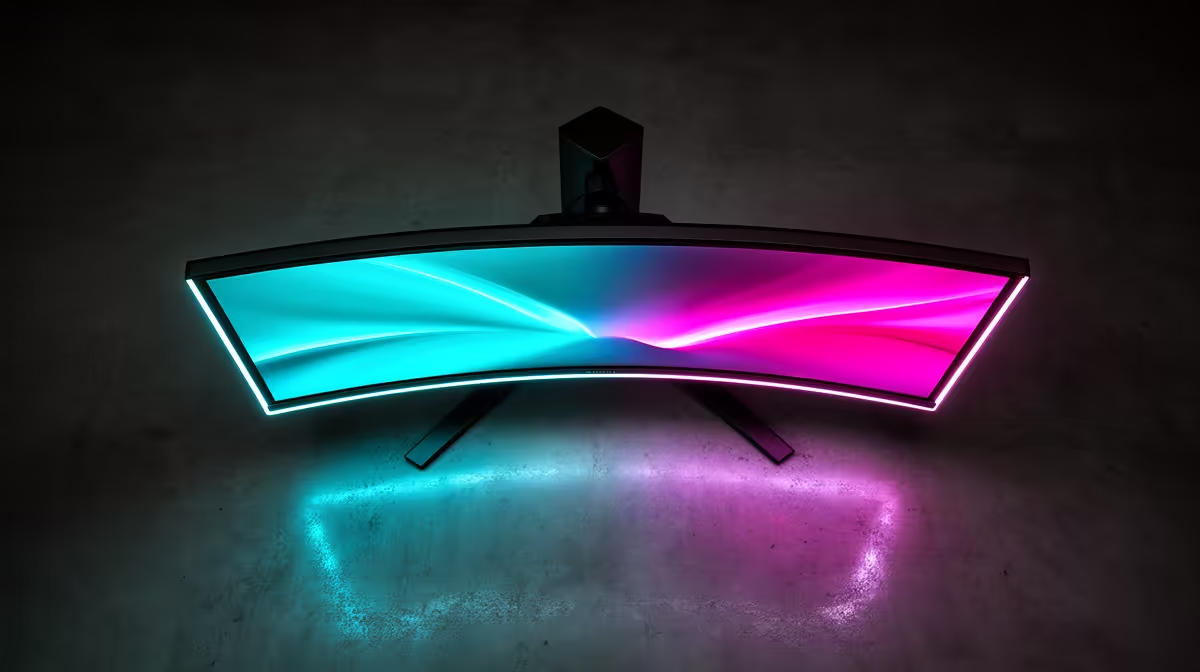
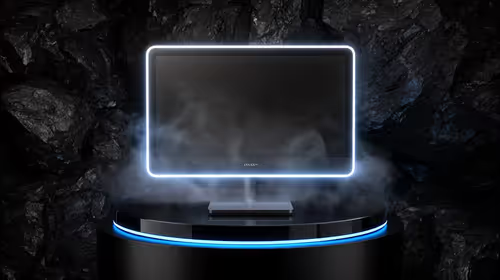
The safe way to receive a 1440p monitor in KwaMashu is to inspect the outer carton before signing, confirm the model and resolution on the box label, and test the panel at full brightness within 30 minutes. Most 27-inch 1440p IPS monitors at Evetech run R3,500–R7,000; Evetech couriers deliver to eThekwini Metro (KwaMashu) in 2–5 business days.
Inspecting the Carton Before You Sign
1440p monitor boxes are flat and heavy — most 27-inch panels weigh 5–7 kg in packaging. Before signing, walk around the box and check all four flat sides and edges for compression marks, torn corners, or moisture damage. If you see anything suspicious, note it on the courier's delivery record in plain language (e.g. "corner crush on top-right edge") and photograph it. You can still accept the parcel — the documentation is what protects your warranty claim if the panel is damaged.
Verifying the Correct Monitor on Arrival
Open on a table, not the floor. Confirm the model sticker on the inner carton matches your order invoice — resolution (1440p, not 1080p or 4K), panel size (27-inch vs 32-inch), and refresh rate (144 Hz vs 165 Hz). Check the cable kit: DisplayPort 1.4 for 1440p at full Hz is important. Confirm stand brackets, cable routing clips, and manuals are present. These are easiest to report missing while courier records are still fresh.
First Power-On Test in KwaMashu
Connect via DisplayPort to your GPU. Set Windows display settings to 2560x1440 and the full refresh rate (144 Hz or 165 Hz). Open a grey or dark test image at full screen and check for dead pixels or backlight bleed in the corners. Run a GPU-intensive scene or benchmark at your target resolution for 5–10 minutes to confirm display response time — a VA panel will show ghosting on fast motion if the response time setting is wrong.
FAQ
How long does Evetech take to deliver a 1440p monitor to KwaMashu?
Evetech delivers to KwaMashu (eThekwini Metro) via national courier — typically 2–4 business days for in-stock monitors. Allow 3–5 days during busy periods. Tracking SMS is sent at dispatch.
What resolution settings do I need for a 1440p monitor in KwaMashu?
Set your Windows display resolution to 2560x1440 and the refresh rate to the monitor's maximum (144 Hz, 165 Hz, or 240 Hz depending on model). Ensure your GPU connects via DisplayPort 1.4 — HDMI 2.0 caps some monitors at 120 Hz at 1440p.
What if my 1440p monitor has dead pixels on delivery to KwaMashu?
Contact Evetech support within 48 hours with your order number and a photograph of the dead pixel location. Evetech's warranty is national — KwaMashu buyers have the same rights as in-store purchasers. A courier return is arranged from your address.
KwaMashu Monitor Tip
Set your monitor's refresh rate in Windows Display Settings immediately — many monitors default to 60 Hz even when capable of 144 Hz or 165 Hz. If your display feels sluggish after delivery, check the Hz setting before assuming a fault.