Quick Answer
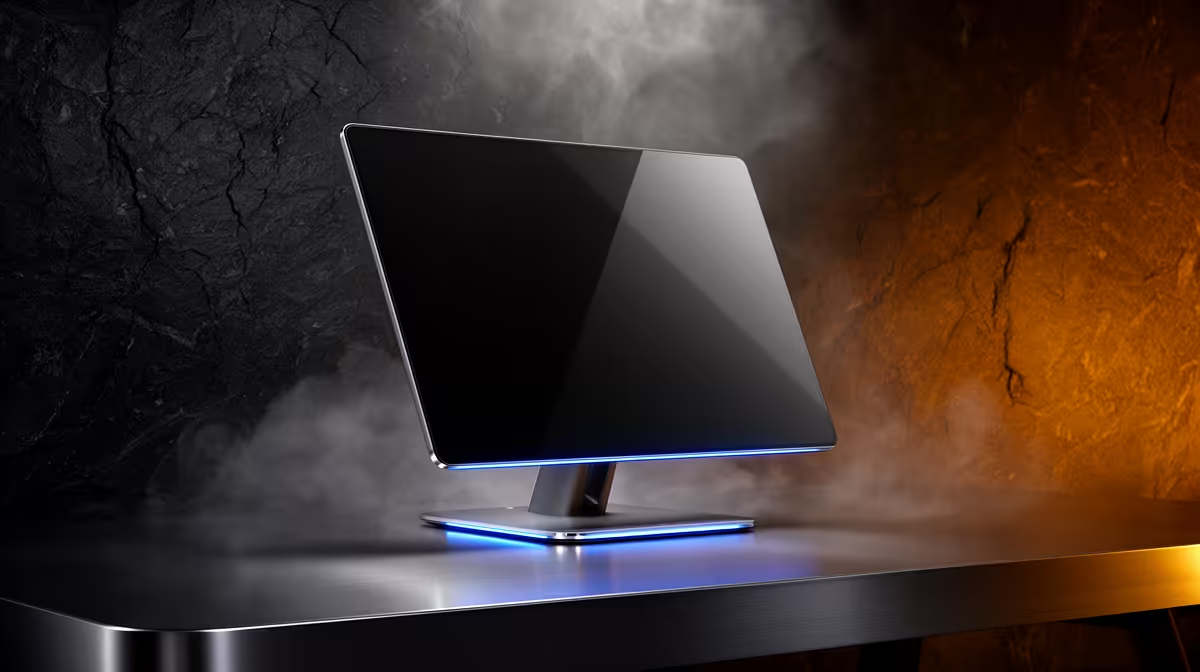
Receiving an All-in-One PC in Tsakane safely comes down to three steps: inspect the outer carton for transit damage before signing, verify the model and accessories against your order, and do a 15-minute power-on test with the original packaging still available. Tsakane is on the East Rand near Brakpan — Evetech dispatches from Johannesburg and typically reaches the area next business day via DSV. AIO PCs at Evetech range from R6,500 to R22,000 depending on CPU tier and panel size.
Carton Check Before Signing
AIO packaging is large and handled multiple times in transit. At the door:
- Check all six sides for crushing, dents, or puncture marks — a cracked LCD can be hiding behind undamaged foam.
- Confirm Evetech branding tape or factory seals are intact on the top flaps.
- Look at the waybill for your name and order number — accepting someone else's parcel causes complications.
If you see heavy crush damage, you are within your rights to refuse acceptance and ask the courier to return the parcel to sender. This triggers a replacement process with Evetech.
Model, RAM, and Storage Verification
Once open, match the unit to your order:
- CPU sticker on chassis: Entry-level units use Intel Core i3-12100 (R6,500–R8,500). Mid-range units carry Intel Core i5-12400 or AMD Ryzen 5 5600G, priced R10,000–R17,000.
- RAM: Check Task Manager — 8 GB suits office work; 16 GB handles multitasking and light content creation.
- SSD size: Open File Explorer and check drive capacity. A 512 GB NVMe SSD offers roughly 450 GB usable space after Windows.
- Display: 21.5-inch 1080p 60 Hz panels are standard on budget AIOs; step up models offer 23.8-inch or 27-inch IPS at 75 Hz.
Power-On Test Procedure
Run these checks in order while packaging is still around you:
- Boot to desktop — note any unusual beeps or failure to POST.
- Inspect screen in full white and full grey — dead pixels and uneven backlighting show up clearly.
- Open Device Manager: all components (GPU, audio, network) should be present without yellow flags.
- Connect to Wi-Fi and visit the Evetech website to confirm internet connectivity.
- Check USB ports with a flash drive.
If a fault is found, contact Evetech support immediately — the 7-day DOA window counts from delivery date.
FAQ
What is the cheapest AIO PC at Evetech?
Entry-level All-in-One PCs at Evetech start around R6,500, featuring a 21.5-inch 1080p display, Intel Core i3 CPU, 8 GB DDR4 RAM, and a 256 GB SSD. These are suited for office work, studying, and media playback rather than gaming.
Does Evetech deliver to Tsakane and the surrounding East Rand?
Yes — Tsakane, Brakpan, and the broader East Rand are covered by Evetech's courier network. Next-business-day delivery from the Johannesburg warehouse is standard for orders placed before noon on weekdays.
What should I do if the AIO powers on but shows a distorted image?
A distorted display on first boot may indicate a loose internal cable or a damaged panel. Do not attempt to open the unit — document the issue with photos and a video clip, then contact Evetech support within 7 days. The team will advise on warranty repair or replacement.
your AIO on a permanent desk, confirm the stand or VESA mount fits your space — standard AIO stands tilt 15–20 degrees but do not swivel. Wall-mount brackets (sold separately) allow full positioning flexibility.