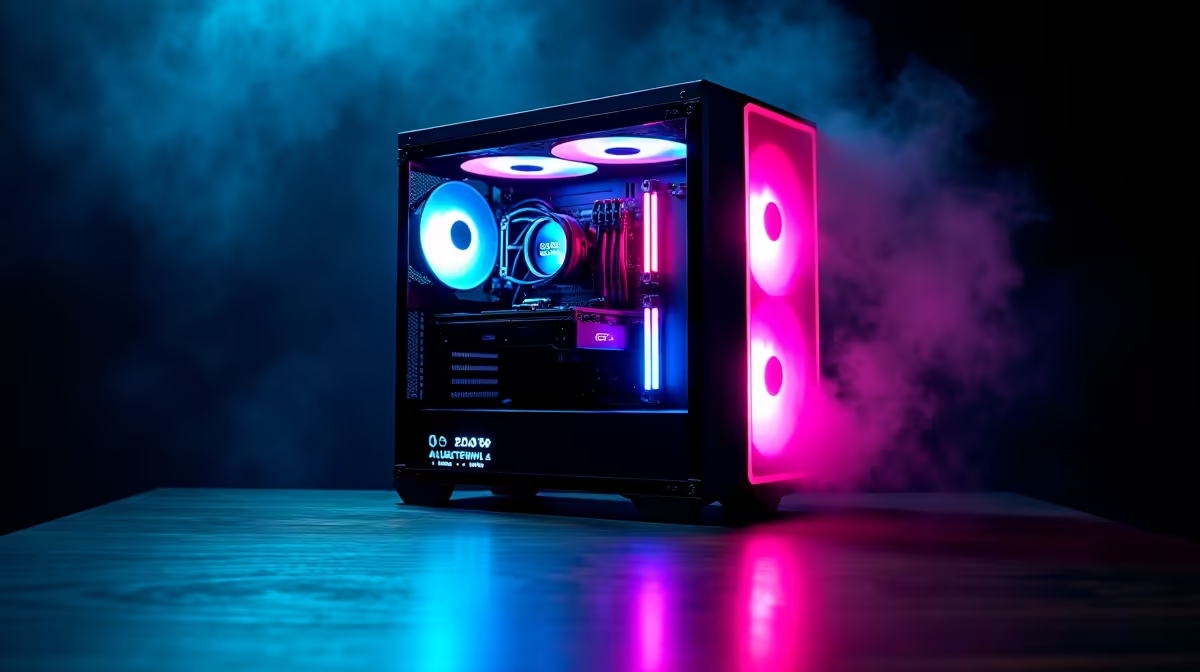
So, you’ve unboxed your shiny new HP gaming rig. The RGB is glowing, the fans are whispering, and you’re ready to dominate in Apex or explore the vastness of Starfield. But hold on… are you really getting every single frame your hardware is capable of? Often, default settings leave serious performance on the table. These essential HP gaming tips will help you unlock your PC's true potential and ensure you're getting the smooth, high-fidelity experience you paid for. 🚀
Master Your Machine with the Latest Updates
Before diving into complex settings, let's cover the basics. Think of this as laying the foundation for peak performance. Outdated software is the number one enemy of a stable gaming experience. This isn't just about bug fixes; new driver releases often include specific optimisations for the latest games, delivering a tangible FPS boost.
Your Pre-Flight Checklist:
- Graphics Drivers: Whether you're Team Green (NVIDIA) or Team Red (AMD), always grab the latest Game Ready or Adrenalin drivers directly from their official websites. The GeForce Experience or AMD Software applications make this a simple, one-click process.
- Windows Update: Don't skip these. Windows Update frequently includes crucial system stability fixes and updates to DirectX, which is vital for modern gaming.
- HP Support Assistant: This pre-installed tool is your best friend for BIOS and firmware updates. A BIOS update can improve system stability, memory compatibility, and even thermal performance, which is a cornerstone of any good set of HP performance tips. Keeping it current is a non-negotiable step for any serious owner of one of the latest HP gaming laptops.
HP Gaming Tips for Peak Performance
This is where the magic happens. HP equips its gaming machines, especially the powerful OMEN and Victus lines, with a fantastic piece of software: the OMEN Gaming Hub. If you've been ignoring it, you're missing out on some of the easiest performance gains available.
Open the OMEN Gaming Hub and navigate to your device. Here you’ll find Performance Control. This feature allows you to switch between thermal profiles. While ‘Balanced’ is great for everyday use, switching to ‘Performance’ mode before a gaming session is a must. This ramps up fan speeds and increases the power limits for your CPU and GPU, giving you maximum horsepower when you need it most. For those who own a top-tier machine like those found in our HP OMEN gaming laptop deals, this single tweak can make a world of difference.
Another critical feature is the Network Booster. It automatically prioritises your game's network traffic over background processes like Windows updates or your flatmate’s streaming habit, helping to lower your ping and reduce frustrating lag spikes.
Check Your Refresh Rate! ⚡
Unboxed a beautiful 144Hz display? Make sure Windows is actually using it! Right-click your desktop, go to Display settings > Advanced display, and select the highest available refresh rate from the dropdown menu. It's a simple step that many gamers forget, and it makes your gameplay feel incredibly smooth.
Optimise Windows for a Smoother Gaming Experience
Beyond HP's own software, a few tweaks within Windows can free up valuable resources, giving your games more room to breathe. These tips are especially effective for making an already great machine, like an HP Victus gaming laptop, feel even snappier.
Quick Windows Wins:
- Enable Game Mode: Search for "Game Mode settings" in the Start Menu and make sure it's switched on. This feature helps Windows prioritise your game, preventing background tasks from stealing precious CPU cycles during intense moments.
- Adjust Power Plan: Go to Control Panel > Power Options and select the "High performance" or "Ultimate Performance" plan. This ensures your CPU isn't throttling itself to save power while you're trying to land a headshot.
- Disable Startup Apps: Open the Task Manager (
Ctrl+Shift+Esc), go to the "Startup" tab, and disable any non-essential applications from launching when you boot your PC. Less background clutter means more power for your games. ✨
By combining these software updates, OMEN Gaming Hub tweaks, and Windows optimisations, you're not just playing games… you're commanding a finely-tuned machine built for victory. Each of these HP gaming PC tips builds on the last, creating a noticeably faster and more responsive system.
Ready to Unleash True HP Power?
These tips will squeeze every drop of performance from your machine. But the best foundation is always powerful hardware. Explore our massive range of laptop specials and find the perfect HP rig to conquer your world.