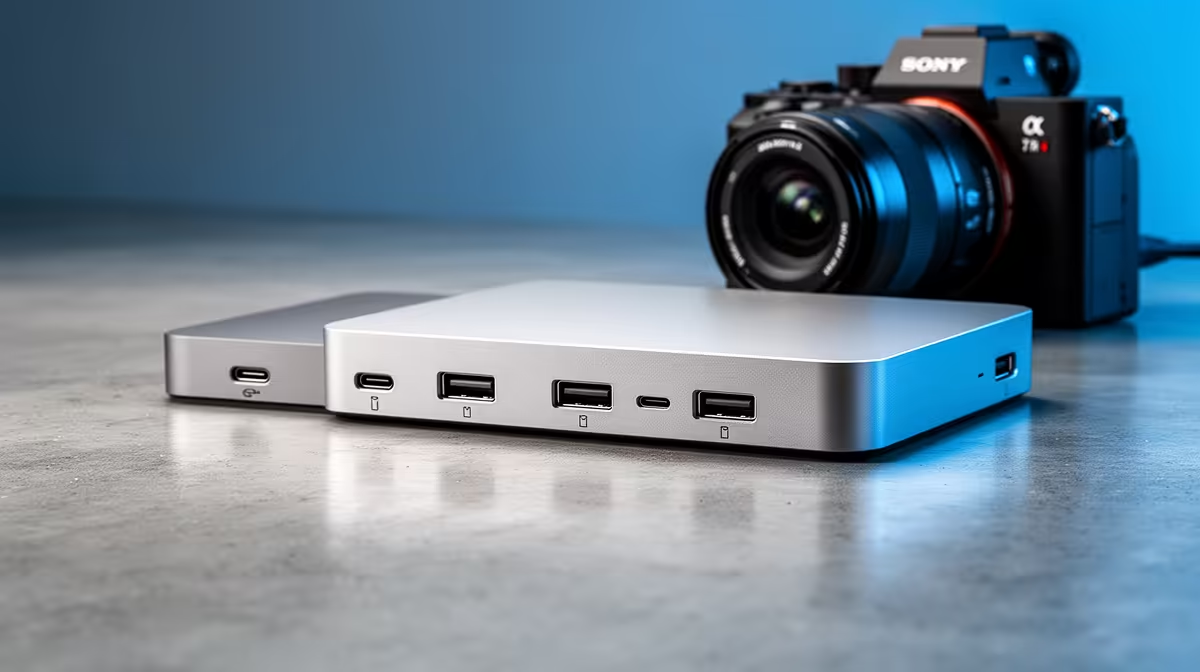
If recording lectures is your main goal, a docking station helps mostly by giving a laptop stable power, audio and external storage in one cable, but it is rarely the first upgrade. Storage and audio capture usually matter more than the dock itself.
Quick Answer
A docking station is a worthwhile but secondary upgrade for lecture recording: a USB-C dock with 100W power delivery, HDMI and extra USB ports runs R1,200 to R3,500 at Evetech and keeps one cable to your laptop. Spend first on a USB mic (R1,200 to R2,500) and a fast SSD for the footage, then add a dock to tidy the desk.
What a dock does and does not solve for recording
A USB-C or Thunderbolt dock gives you one cable for power (up to 100W), display, Ethernet and several USB ports, so plugging a mic, drive and capture device is instant. But the dock does not improve audio or video quality; a clear USB cardioid mic and a 500GB+ SSD do. Get those first, then a R1,200 to R3,500 dock turns a cluttered desk into a single-cable docking point for recording sessions.
SA student priorities for capturing lectures
Lecture recordings are storage-hungry: an hour of 1080p screen capture can be 2 to 4GB, so a 500GB or 1TB external SSD is the real first buy. Reliable wired Ethernet through the dock helps if you upload recordings to a campus drive over a busy res Wi-Fi network. If your laptop charges over USB-C, choose a dock rated to at least 65W (90W+ for larger laptops) so it powers the machine while you record.
FAQ
Should a docking station be my first upgrade for recording lectures?
No. A USB mic (R1,200 to R2,500) and a fast SSD for footage matter more. Add a USB-C dock (R1,200 to R3,500) afterwards to consolidate power, display and storage into one cable.
What power delivery does a dock need for a laptop?
Match it to your laptop: 65W suits most ultrabooks, while larger machines want 90W or 100W. Buying a dock below your laptop's charging need means it powers slowly or not at all.
How much storage do lecture recordings need?
Plan for 2 to 4GB per hour of 1080p capture. A 500GB to 1TB external SSD handles a semester of recordings comfortably and reads fast enough for editing.
USB mic and a 1TB SSD before a dock. Once recordings sound clean and have room to live, a 100W USB-C dock at R1,200 to R3,500 reduces your laptop to a single cable.