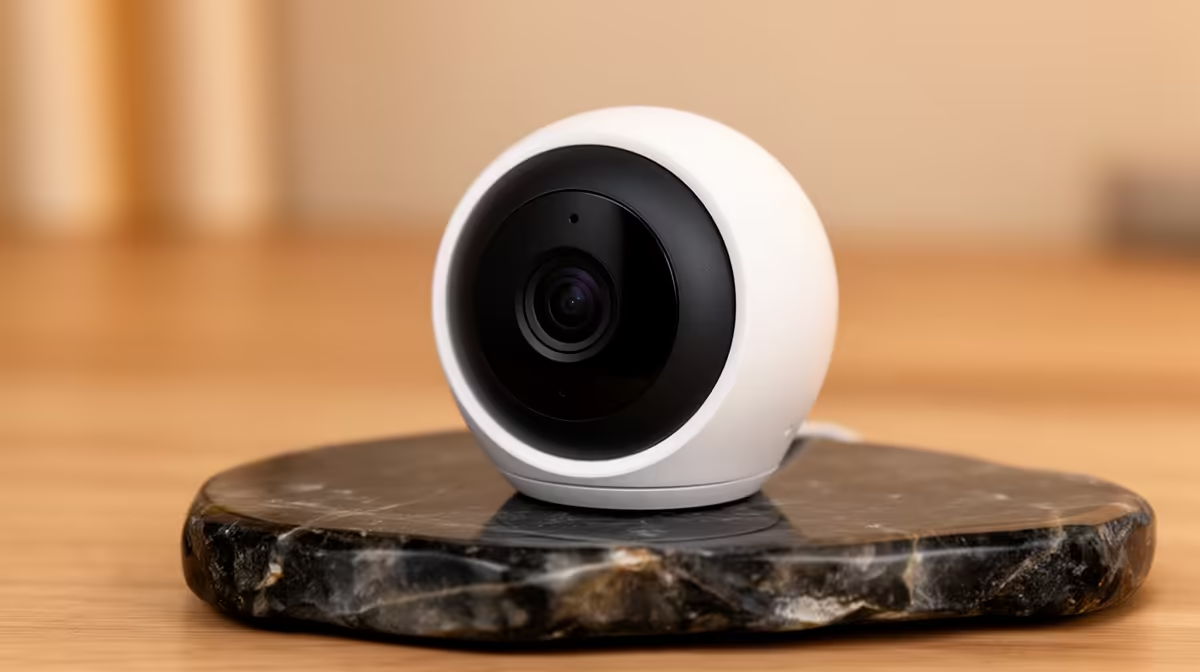
The best indoor pet camera without fibre is one that provides useful local viewing or storage without overwhelming the available mobile or fixed-wireless connection. Resolution alone can increase data use. Notification quality, privacy, placement and account security matter more than continuous remote streaming.
Test the real connection and room
Place the camera temporarily at pet height, check daylight and night views and measure alert frequency. Review upload usage during live viewing and recorded events. Decide whether local storage can reduce remote traffic, and confirm that the router covers the room reliably.
The TP-Link Tapo C212 indoor Wi-Fi camera at R451 is a verified product reference. Its listing does not prove pet suitability, low data use or performance on a particular wireless service. The Cudy WR3600E router at R766 is a separate network reference. Confirm current resolution, storage options, alert controls, app security, update policy, power and warranty.
Use a unique password, stronger sign-in protection where available and minimum shared access. Aim the camera away from private or neighbouring areas, set a retention period and protect cables from chewing or pulling.
Buy after a data-usage trial shows that alerts and viewing fit the connection. A lower event-driven profile may be more practical than continuous high-resolution cloud upload. Test one remote check from the normal mobile connection before relying on alerts.
Monitoring pets without fibre? > Compare Evetech indoor cameras and routers after testing data use.