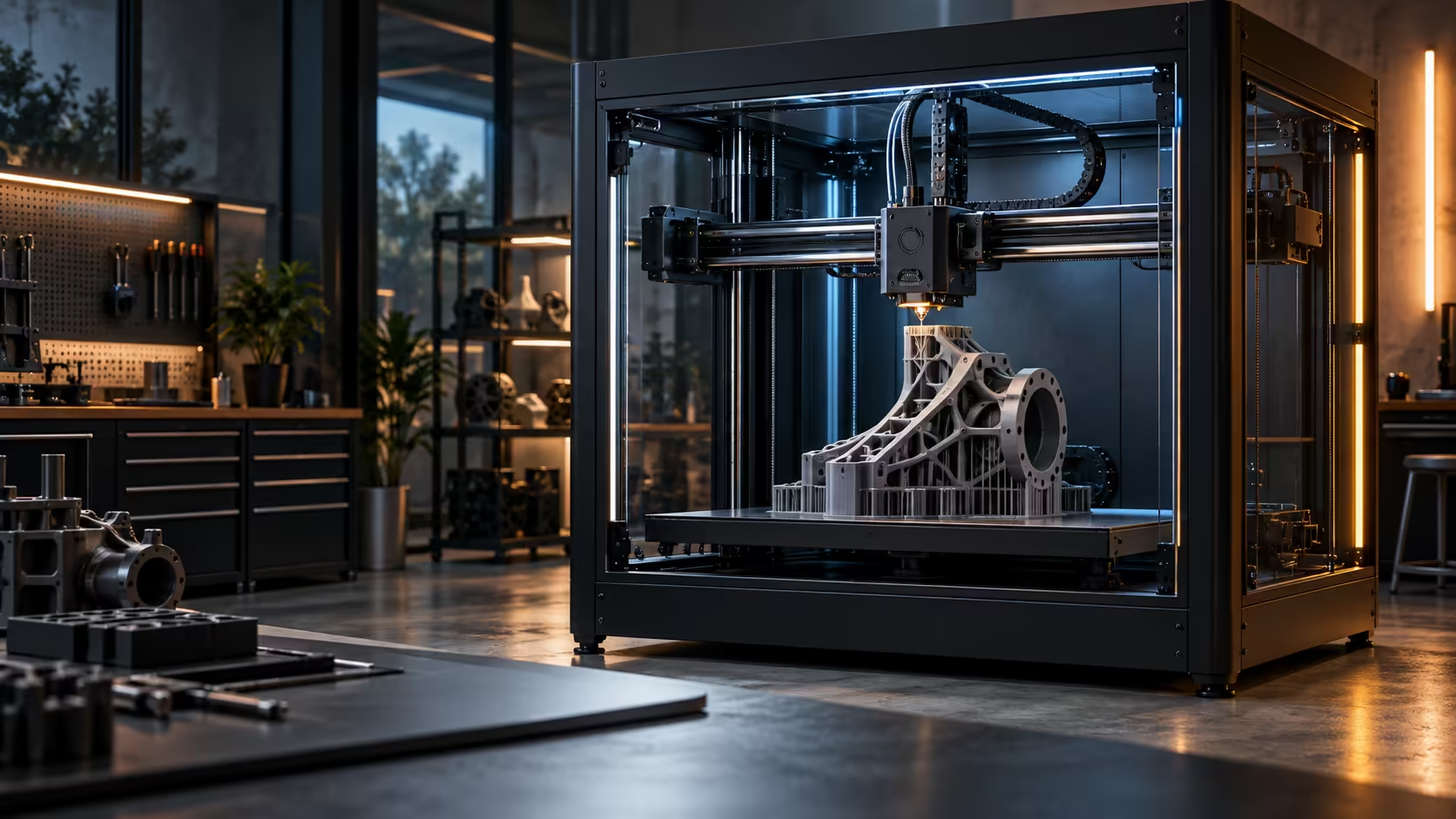
Scaling a printer up used to mean scaling its problems up right along with it, since a bigger frame historically meant more mass to fling around and more flex to fight against. Large-format CoreXY 3D printers solve part of that scaling problem by clever design, not by brute strength alone.
Quick Answer
In a CoreXY layout, two motors bolted to the frame corners share every move through a pair of crossed belts, so the toolhead itself stays light regardless of how large the surrounding frame gets. Build volume sets what fits on the plate, acceleration sets how quickly the machine gets through a print, and accuracy survives both because the moving mass never scales up with the frame size the way it does on other designs. The Creality K1 Max applies this at 300 x 300 x 300mm for R13,999.
🔗 Two belts, one shared job
The two motors in a CoreXY system each drive a 2mm-pitch GT2 belt, and the toolhead's actual direction depends on how those two motors turn relative to each other, together for one axis, opposed for the other. Neither motor ever leaves the frame, which means the mass that has to accelerate and decelerate on every move is limited to the toolhead itself and the belts connecting it.
Scaling the frame up to fit a bigger plate does not require scaling up what moves, since the motors stay fixed regardless of how far apart the corners of the frame sit.
📦 What build volume actually decides
Build volume is purely a ceiling on part size, nothing more. A 300mm cube either fits your project or it does not, and beyond checking that fit, the number tells you little else about how the machine will perform. Frame rigidity, not raw plate size, is what determines whether a large-format machine holds its accuracy at the edges of that bigger plate.
🏗️ Why frame stiffness matters more as the plate grows
A larger frame has more distance between its corners, which gives it more opportunity to flex under the same forces a smaller frame would resist easily. This is the part of scaling up that CoreXY motion does not solve on its own, since a light toolhead moving fast still pushes back into whatever frame surrounds it.
Reinforced corners, thicker extrusions and a genuinely rigid stand underneath the machine all matter more on a large-format printer than a small one for exactly this reason. Browse resin printers as a comparison point for the opposite design priority, where small, rigid frames trade build volume for fine detail, and see Elegoo's range for that end of the market.
🔩 Reading frame construction from a spec list, without seeing the machine in person
Most buyers cannot put a hand on a machine before ordering it, which makes frame quality one of the harder things to judge from a listing alone. Look for specifics rather than adjectives: a 2020 or 2040 aluminium extrusion size quoted in millimetres, a stated frame material, or reinforcement named at specific points like the corners or the gantry, all tell you more than a generic claim of being "rigid" or "industrial-grade" ever will.
A listed weight for the machine itself is a useful, easily overlooked clue too. A large-format printer that is unusually light for its footprint compared to similarly sized competitors is often using thinner extrusions or less bracing to hit a lower price, and that trade-off tends to show up later as ringing on tall or fast prints rather than as anything visible on the spec sheet up front.
📦 Frame rigidity affects more than just the printer itself
A frame stiff enough to resist its own motion also resists being knocked or bumped during ordinary use, which matters for a large machine that several people might brush past in a shared workshop or garage. A wobbly frame is not just a print-quality problem, it becomes a durability and safety concern too as belts, wiring and the gantry itself take repeated small knocks over months of use in a busy space.
Check the 3D printer range for stated frame dimensions and construction details before comparing purely on plate size and price, since those two figures alone will not tell you which large-format machine actually holds up over a year of regular, real-world use.
🛠️ Siting a large-format machine properly from day one
A large-format CoreXY printer genuinely benefits from a permanent, dedicated spot rather than being moved back and forth between a garage and a spare room every few weeks, since re-levelling and re-checking bench rigidity after every single move eats into the time the machine is meant to be saving in the first place. Pick a location with at least 100mm of clearance on every side for airflow and cable routing before the very first print, not after the cables start getting pinched awkwardly against a wall.
A concrete floor or a genuinely solid workbench, rather than a flimsy shelf unit rated only for books and ornaments, matters considerably more here than on a compact desktop printer, since the combination of a bigger frame and higher acceleration pushes noticeably more force into the surface sitting below it. Two people are often needed just to lift and position a machine this size safely, weighing well over 10kg once packaged, which is worth planning for rather than discovering awkwardly on delivery day.
Frequently Asked Questions
Does a bigger CoreXY frame always mean less accuracy?
Not automatically, but it does require more attention to frame rigidity, since a larger frame has more surface area to flex under the same forces.
What is the main advantage of CoreXY over other motion systems at large sizes?
Keeping the motors fixed to the frame means the moving mass stays low regardless of how large the overall frame becomes.
Is build volume the best way to judge a large-format printer?
No, it only tells you what fits; frame rigidity and how well the machine holds accuracy at the plate's edges matter more for overall quality.
Do larger CoreXY printers need a sturdier bench than smaller ones?
Yes, the larger frame transfers more reaction force during fast direction changes, so bench rigidity matters even more than it does on a compact machine.
Considering a large-format printer for the first time?
Check frame rigidity alongside build volume before assuming bigger automatically means better.