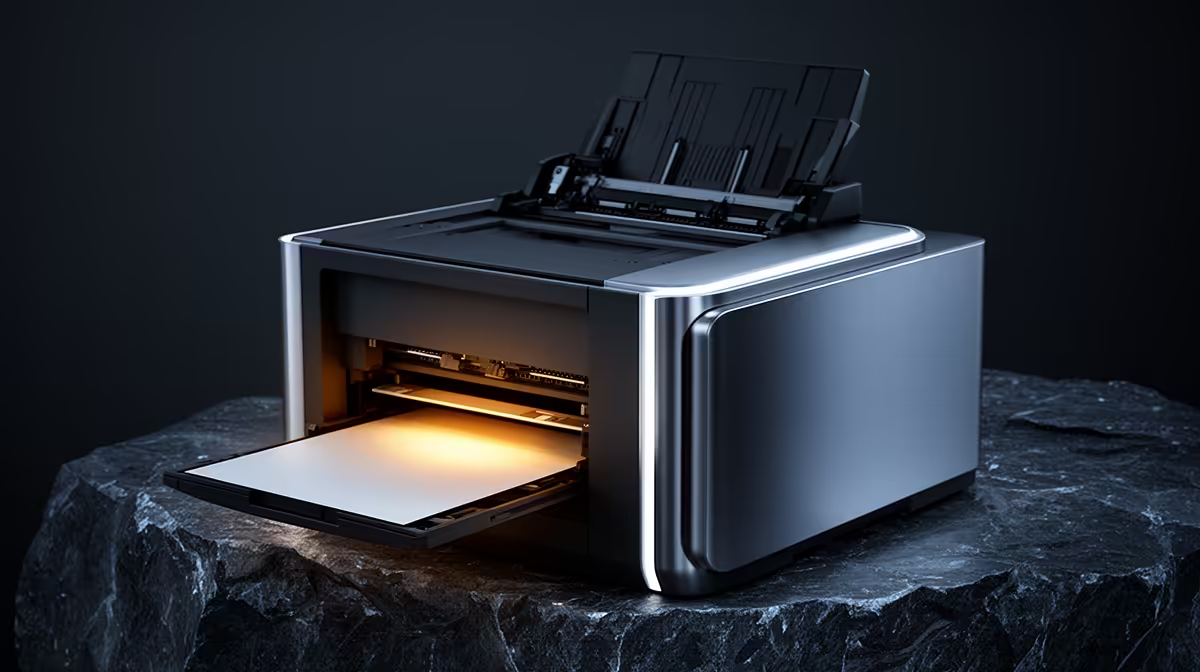
A laser printer can be worthwhile for Pastel and Excel when a business prints invoices, statements or stock sheets each week. It will not improve calculation speed or accounting data. Choose it from monthly page volume, document type and toner cost, then keep digital copies under proper access controls.
Count a month of business pages
The verified facts contain no laser-printer model or price. Check current Evetech stock for mono or colour output, automatic duplex printing, toner yield, replacement cartridge cost, network support and warranty. Compare cost per page from the replacement supply, since a low printer price can hide expensive routine use.
Print a sample invoice, a spreadsheet with small figures and a multi-page statement. Check number clarity, margins and page order. Confirm that approved staff can print without sharing one administrator password. A network printer needs secure settings and firmware updates, while a USB model may suit one controlled desk.
Keep toner and paper in a dry location, and place the printer where staff can clear jams without blocking a walkway. Buy a mono laser model when black-and-white business pages dominate and the monthly cost beats outside printing. Choose colour only when charts or branded material justify its supplies. Back up Pastel and spreadsheet files separately because printed pages cannot restore live data.
Printing accounting documents? > Ask Evetech to compare current laser printers and office-network options.