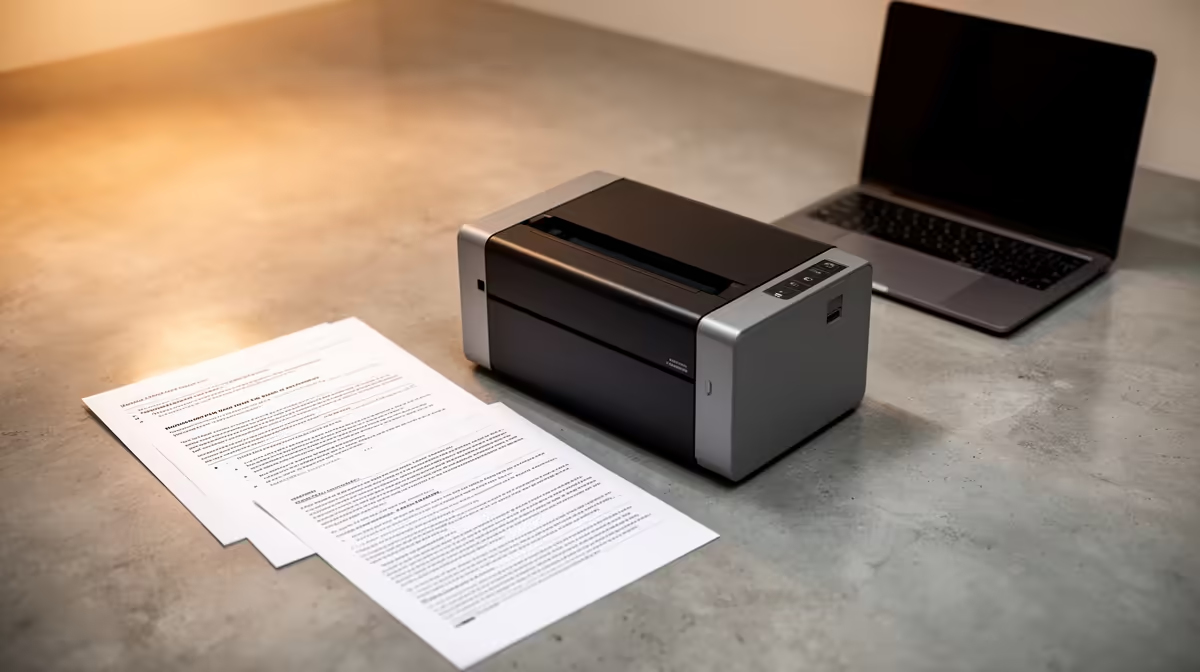
A law student should choose a home printer by monthly page volume, duplex needs, text clarity and the ongoing availability of consumables. Large judgments and reading packs can create substantial costs, so a low device price does not guarantee an economical study workflow.
Count paper before comparing machines
Track documents printed for several weeks and separate monochrome text, colour exhibits and scanning. Check whether lecturers accept digital annotation, whether submissions require paper and how close a reliable campus or commercial service is. Calculate cartridges and paper across the academic year.
The product evidence supplies no confirmed home-printer or consumable price. The ASUS ExpertBook P1503 at R9,858 is a confirmed laptop reference, not printing hardware. The Dell S2725QC 4K USB-C monitor at R6,128 is a separate display reference that may support on-screen reading. Verify current page yield, duplex support, drivers, scanning, connection methods, cartridge availability and warranty for any printer.
Export final work to PDF and inspect fonts, footnotes, page numbers and margins before a large run. Keep editable documents in versioned backups rather than using paper as the archive. Secure wireless printing on shared networks and collect private material promptly.
Buy when measured volume and deadline convenience justify consumables and desk space. Otherwise, a dependable external print service plus a comfortable digital-reading setup may be the better student arrangement.
Preparing for law studies? > Compare Evetech laptops and monitors while validating printing costs separately.