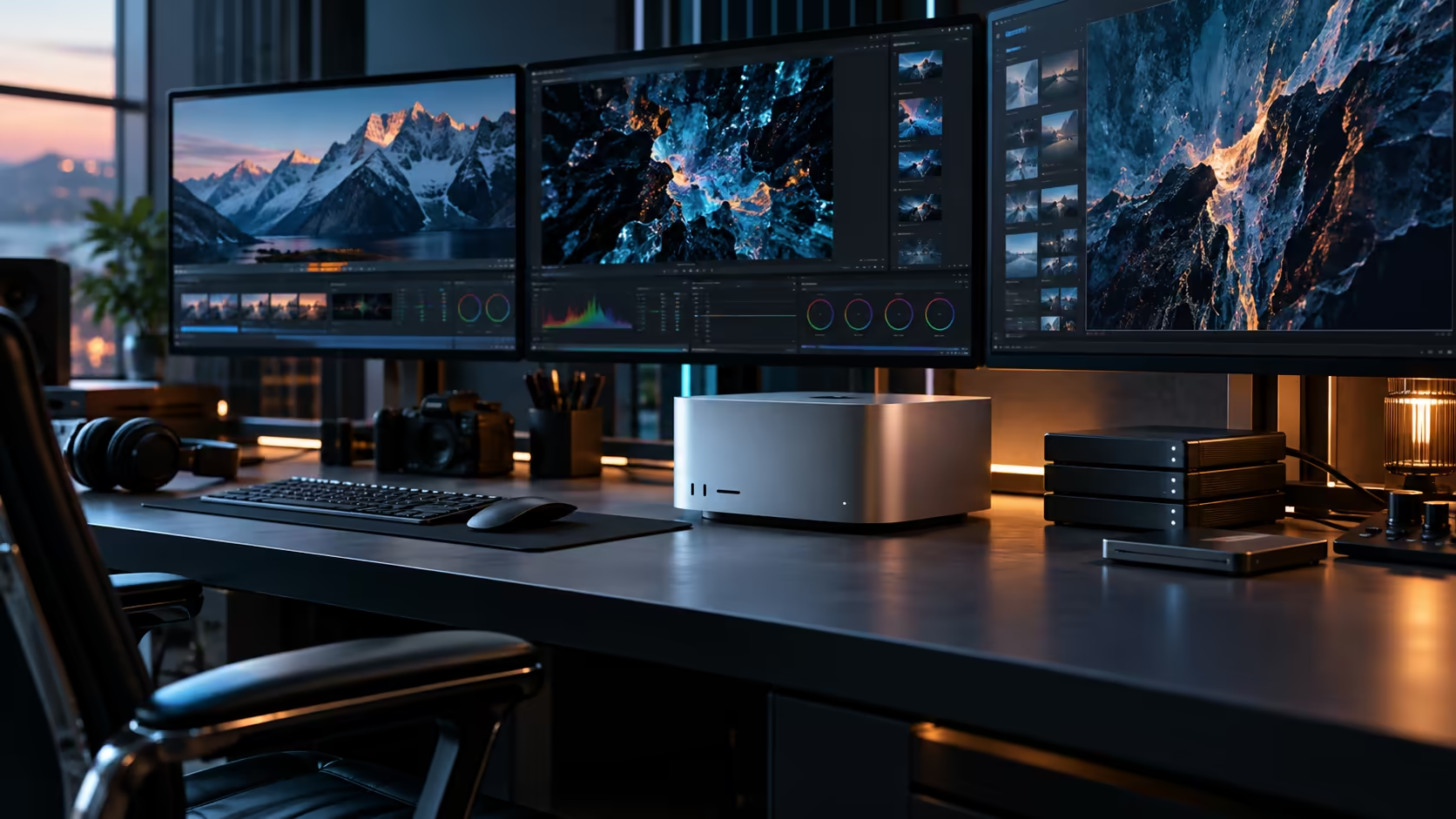
On-device AI work means the model runs on the desk in front of you rather than in a data centre somewhere else, and that single shift changes what a working day looks like when the internet connection drops.
Quick Answer
On-device AI means a model runs entirely on your own hardware rather than a remote server, which keeps a project moving through a fibre outage and keeps your data on your own machine. A thirty-two-core Neural Engine, a sixty-four-core GPU and 96GB of shared memory carry that workload on the Mac Studio M5 Ultra, which sells for R108,999.
🔌 Why on-device matters beyond just speed
Running locally solves problems that have nothing to do with raw performance.
A fibre outage or a slow connection stops a cloud-dependent AI tool cold, while a model running entirely on your own machine, backed by the 1TB internal SSD it's installed on, keeps working regardless of what your internet connection is doing at that moment. Data privacy is the other genuine advantage: sensitive project files, client material or proprietary work never leave your machine when the processing happens locally, which matters for certain professional and legal contexts more than raw processing speed ever would.
🧠 The Neural Engine's role in on-device workflows
Set aside purely for machine learning, the 32-core Neural Engine handles a specific category of task without touching the rest of the chip's resources.
Features built into macOS and creative applications, Apple Intelligence tasks, object masking, audio cleanup, run on this dedicated silicon, separate entirely from any local language model you might choose to run yourself. This separation is precisely why built-in AI features keep working smoothly alongside other demanding tasks, since they're not competing with the GPU or CPU for the same cycles.
🎮 The GPU's role in running your own models
For a language model or image generation model you deliberately install and run, the graphics cores carry the bulk of the processing.
A sixty-four-core GPU handles this work directly, drawing on the same 96GB pool as everything else on the chip so a loaded model has nowhere separate it needs to be shuttled to or from. Think of it as the closest equivalent to a workstation graphics card running AI inference in a Windows tower, with one caveat: it's sharing that 96GB with your model AND whatever else the chip happens to be doing at the same moment, rather than owning a dedicated slice of VRAM outright.
⚖️ Sizing a realistic on-device workflow
The comfortable capacity a model shows running alone shrinks considerably once real work happens alongside it.
Run a substantial local model beside heavy creative software, an 8K timeline or a complex 3D scene, and all of it reaches into that same 96GB space rather than a separate reserve of its own. Test your actual combined session rather than the model in isolation, particularly if your plan involves AI processing running continuously throughout a working day rather than as an occasional task.
🏢 Where on-device AI genuinely changes a business workflow
Beyond the technical details, this shift has practical implications for how a team actually works day to day.
A studio or firm handling sensitive client material can process it locally on this R108,999 machine without that data ever touching a third-party server, which matters for legal, medical, financial and other regulated or simply cautious industries. Combined with resilience against connectivity issues, on-device processing turns AI from a convenience that depends on external infrastructure into a genuine part of the local toolkit, always available regardless of what's happening outside the building.
🖥️ On-device AI as part of a wider workstation strategy
For a business running several machines, on-device AI on one halo workstation often works alongside, rather than instead of, other hardware.
A firm that already runs a workstation build for CAD, simulation or heavy rendering can add the Mac Studio M5 Ultra specifically for local AI processing that benefits from unified memory, while keeping GPU-intensive, discrete-card-specific software on the machines already tuned for it. Treating this as a deliberate allocation of work across your existing equipment, rather than a wholesale replacement, is often the more cost-effective way to bring on-device AI into a team that already has hardware it relies on.
🔐 What "local" actually protects against
It's worth being precise about what on-device processing does and doesn't guarantee.
Running a model locally keeps the data you feed it, and the results it produces, on your own machine rather than transmitted to a third party during processing. It doesn't automatically make the machine itself more secure against other threats, so standard practice like backups every 24 hours, access control and keeping the system updated remains just as necessary as it would with any other business-critical hardware.
Frequently Asked Questions
What does "on-device" AI actually mean?
The model runs entirely on your own machine's hardware rather than on a remote server, so it keeps working without an internet connection and keeps your data local.
Does the Neural Engine run the same models as the GPU?
No. Built-in machine-learning tasks inside apps and macOS itself run on the Neural Engine specifically, while a language model you install and run yourself typically leans on the graphics cores and that same shared 96GB pool.
Can I run AI processing during a fibre outage?
Yes, provided the model and its supporting software are already installed locally. On-device processing doesn't depend on an internet connection to function.
Why does data privacy matter for on-device AI specifically?
Because processing happens entirely on your own hardware, sensitive files never need to be uploaded to a third-party server, which matters for regulated industries and cautious businesses alike.
Should on-device AI replace my existing workstation hardware?
Not necessarily. Many businesses add a Mac Studio M5 Ultra specifically for AI work that benefits from unified memory, while keeping existing discrete-GPU workstations for the software already tuned around them.
Does running AI locally make my machine more secure overall?
Not by itself. It keeps data from leaving the machine during processing, but standard security practices like backups, access control and system updates remain just as necessary as on any other business hardware.
Does on-device AI work without any internet connection at all?
For processing itself, yes, once the model and software are installed. Some initial setup, downloading a model or updating software, still needs a connection; it's ongoing use during an outage that benefits most.
Ready to build an on-device AI workflow that keeps working through a connectivity issue?
Compare the Mac Studio M5 Ultra's Neural Engine and GPU against your specific local AI needs.