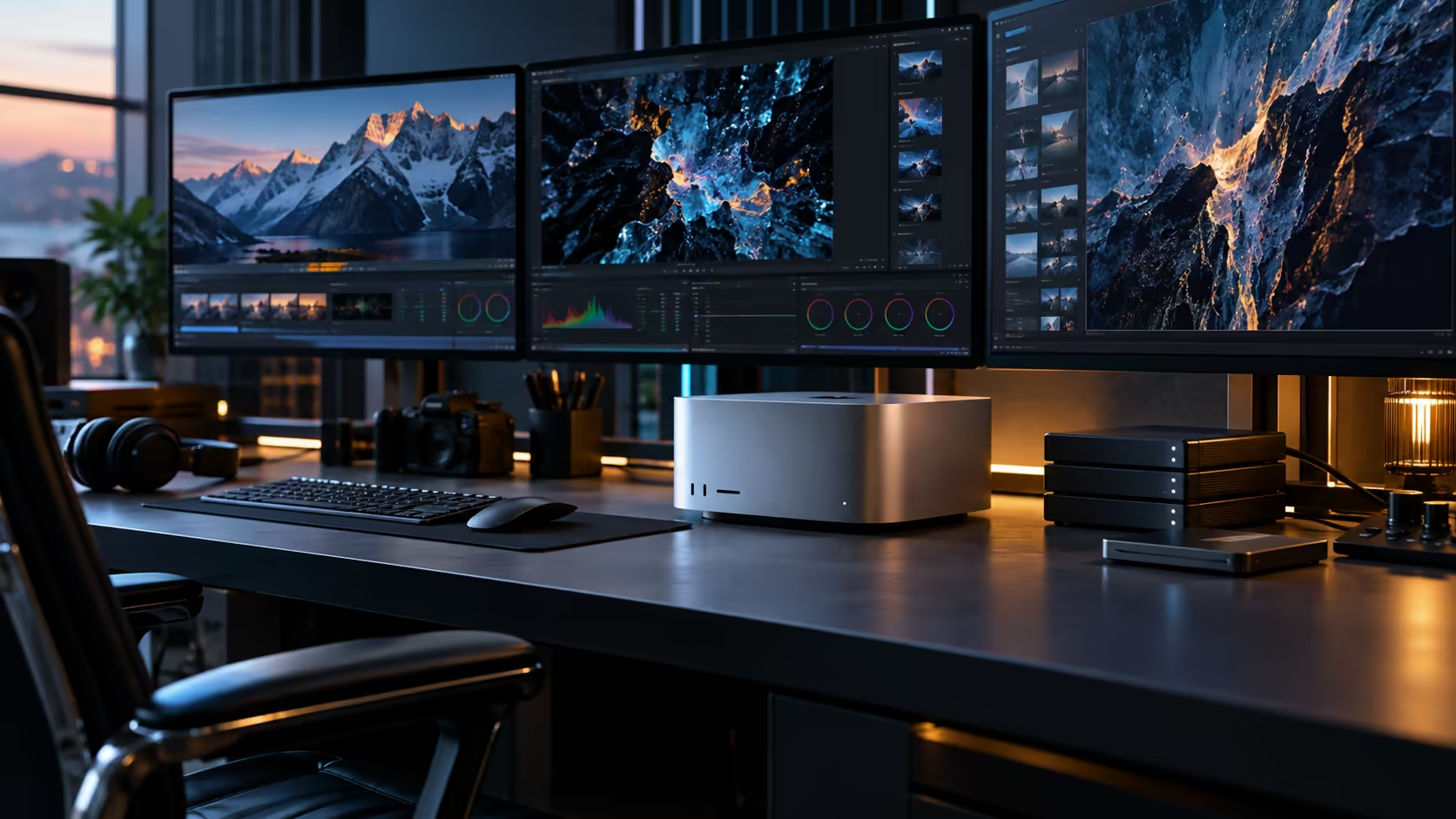
Training a model and simply running one are two different jobs that happen to share the word "AI," and a Mac Studio M5 Ultra's Neural Accelerators handle the second far more comfortably than the first, a distinction worth understanding before assuming this machine trains large models the way a data centre does.
Quick Answer
"Training" on a desktop, including this one, almost always means fine-tuning an existing model on your own data rather than training a large model from a blank slate, which remains a data-centre-scale undertaking. Fine-tuning draws on the sixty-four-core GPU and the shared 96GB memory pool, and the size of dataset and model you can fine-tune is bounded by that pool the same way running one is. The Mac Studio M5 Ultra is R108,999.
🎓 Why "training" on a desktop almost always means fine-tuning
Get this distinction right before evaluating anything else about this machine's AI capability.
Training a large model from scratch requires processing enormous datasets over extended periods, on clustered hardware built with far more than the 96GB any single desktop offers, connected by purpose-built interconnects between machines. What actually happens on a machine like this is fine-tuning: taking an existing pretrained model and adjusting it further on your own, typically much smaller, dataset. This is a legitimate and genuinely useful workflow in its own right, just a fundamentally different scale of task from training a model completely from nothing.
🧮 What fine-tuning actually costs in memory
Fine-tuning has its own memory overhead beyond simply running the base model, and that's worth planning for specifically.
The base model, the training data batch being processed, and the internal training state that tracks how the model is adjusting all need to fit in the 96GB pool simultaneously during fine-tuning, which typically demands noticeably more headroom than running that same model for inference alone. Smaller batch sizes reduce this overhead at the cost of longer fine-tuning time, a trade-off worth understanding before assuming a model that runs comfortably will also fine-tune comfortably at the same settings.
⚙️ The GPU's role versus the Neural Engine's role in this specific task
Not every part of the chip contributes equally to fine-tuning work, and knowing which one matters avoids misreading what's actually happening.
The 64-core GPU carries the bulk of fine-tuning computation, since this workload maps closely to the kind of parallel processing GPUs are built for. The Neural Engine, by contrast, is tuned for efficient inference on already-trained models rather than the training process itself, so it plays a smaller role here than it does when you're simply running a finished model for everyday use.
📊 Sizing a realistic fine-tuning project
Work backwards from your specific fine-tuning job's requirements rather than assuming the machine's overall memory figure tells you everything.
Check your target framework's documented memory guidance for fine-tuning at your intended model size and batch size, since this figure is typically higher than the same model's inference-only requirement. Compare that combined figure against 96GB, and if it's close, plan for a smaller batch size or a lighter model rather than assuming the fine-tuning job will simply work at whatever settings you happen to try first, since a job that overruns available memory tends to fail outright rather than merely running slower.
🖥️ When a discrete-GPU workstation suits fine-tuning better
Not every fine-tuning framework is built with unified memory in mind, and it's worth checking before assuming this architecture is automatically the right fit.
Some fine-tuning frameworks and toolchains are tuned specifically around a discrete graphics card's dedicated VRAM and CUDA-specific libraries, in which case a workstation build with a workstation graphics card may run that specific pipeline more smoothly than a unified-memory Mac. Check your intended framework's own supported hardware list before assuming either architecture is automatically the right answer for your specific fine-tuning workflow and toolchain.
🔁 Iterating on a fine-tuning project realistically
Fine-tuning is rarely a single run, and planning for the iterative reality matters as much as sizing the first attempt.
Budget time for multiple fine-tuning passes as you adjust data, batch size or training duration based on results, rather than expecting the first configuration to be the final one. Each pass draws on the same shared 96GB pool, so running a fine-tuning job alongside other demanding work, a large exported dataset preparation step, for instance, is worth testing directly rather than assuming both fit comfortably together on the same machine at the same time.
Keep a written record of what each pass changed and what result it produced, since a fine-tuning project spread across several sessions is easy to lose track of otherwise, and repeating a configuration you've already ruled out wastes time that a simple log would have saved you.
Frequently Asked Questions
Can I train a large language model from scratch on a Mac Studio M5 Ultra?
Not in the sense of training from a blank slate, which remains firmly a data-centre-scale task. What's realistic here is fine-tuning an existing pretrained model on your own data.
Does fine-tuning need more memory than just running a model?
Generally yes. Fine-tuning holds the base model, the current data batch and internal training state in memory simultaneously, which typically demands more than inference alone.
Does the Neural Engine handle fine-tuning work?
Not primarily. The GPU carries most fine-tuning computation, while the Neural Engine is tuned for efficient inference on already-trained models.
How do I know if my fine-tuning project fits in 96GB?
Check your framework's documented memory guidance for your specific model size and batch size, then compare that combined figure against 96GB before starting.
Is unified memory always the right choice for fine-tuning work?
Not always. Some frameworks are built specifically around a discrete GPU's dedicated VRAM, in which case a traditional workstation may suit that particular pipeline better than a unified-memory Mac.
Should I expect to fine-tune a model successfully on the first attempt?
Rarely. Most fine-tuning work involves several passes as you adjust data, batch size or duration based on results, so budget time and memory headroom for iteration rather than a single run.
Ready to check whether your fine-tuning project fits this machine's memory?
Compare your framework's documented requirements against the Mac Studio M5 Ultra's 96GB pool.