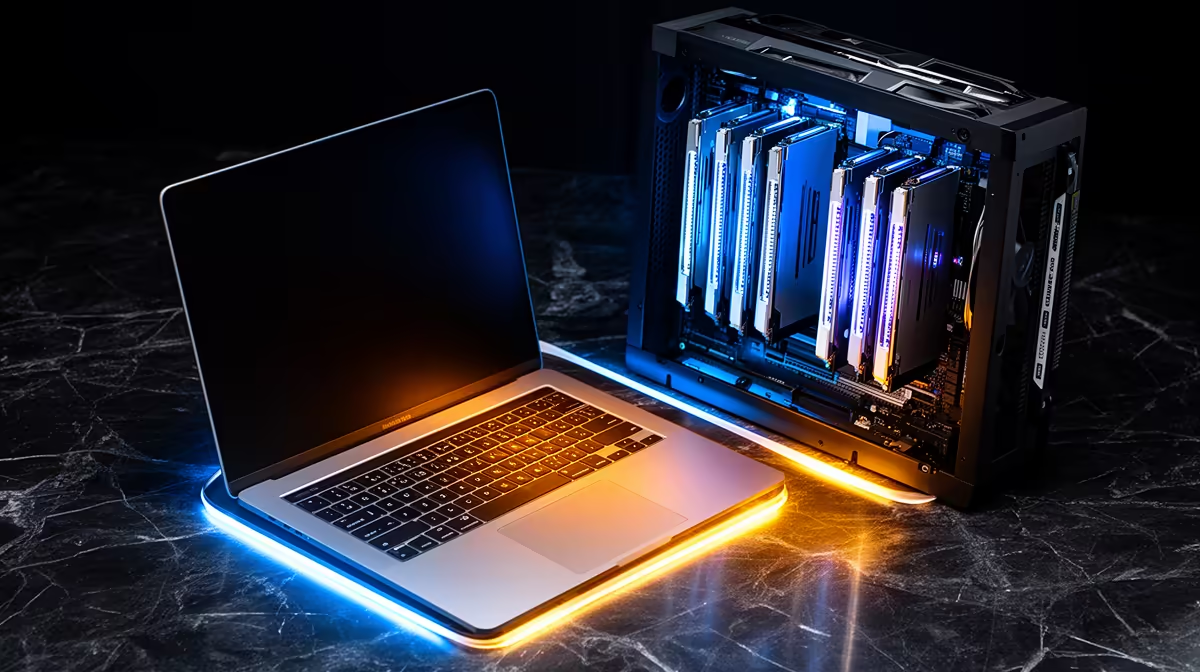
Pick the wrong machine for local AI coding and you will either watch a 70 billion parameter model refuse to load, or wait twice as long for answers a smaller model could have given instantly. The split between Mac and PC for AI coding is not about brand loyalty. It comes down to two numbers that pull in opposite directions: how much memory the chip can address, and how fast it can move that memory.
Quick Answer
An M5 Max with 128GB of unified memory can hold a 70B model that a 32GB RTX 5090 simply cannot fit. But for the 7B to 32B models most coding assistants actually run, the 5090 is roughly 1.5 to 2 times faster thanks to 1,792 GB/s of bandwidth against the Mac's 614 GB/s. Choose by the model size you live in, not the spec sheet headline.
The two numbers that decide everything
Local large language models are bottlenecked by memory in two distinct ways. First is capacity: a model must fit entirely in fast memory or performance collapses. Second is bandwidth: once it fits, generation speed scales with how quickly the chip can stream the model's weights on every token.
The RTX 5090 carries 32GB of GDDR7 at about 1,792 GB/s. The M5 Max tops out at 128GB of unified memory at roughly 614 GB/s. So the PC card has nearly three times the bandwidth but a quarter of the memory. That single trade off explains almost every real world result you will see.
What unified memory actually buys you
On the Mac, the CPU and GPU draw from one shared memory pool, so a coding model can use most of the 128GB without copying data between separate stores. That lets an M5 Max load a 70B model at a usable quantisation and generate around 22 tokens per second, steady and uninterrupted. For a developer running large local models for code review, refactoring across a big codebase, or working offline, that capacity is the whole game.
The VRAM cliff on the PC side
The RTX 5090's bandwidth is spectacular until a model overflows its 32GB. The moment that happens, the surplus weights spill into system RAM over PCIe at roughly 32 GB/s, a near thirty fold drop from the card's native speed. Generation grinds to a crawl. This is the VRAM cliff, and it is brutal: a model that just fits flies, while one that just overflows feels broken. The dedicated AI machines in the AI PC range at Evetech are spec'd around this reality, pairing high VRAM GPUs with generous system memory.
Where the PC wins outright
For the models most coding workflows actually use day to day, 7B, 14B, and the popular 30B class assistants, the 5090 is the faster machine by a clear margin. Benchmarks put it near 45 tokens per second on a model where the M5 Max manages around 25. If your assistant of choice fits comfortably in 32GB, the PC answers noticeably quicker, and that responsiveness matters when you are firing dozens of completions an hour.
The PC also brings the wider CUDA software ecosystem. Most local inference tooling, fine tuning frameworks, and quantisation utilities target NVIDIA first, so you spend less time fighting compatibility and more time shipping. To see what high performance desktops are selling for locally, the PC best sellers list tracks current configurations and gives an honest read on pricing across the range.
Where the Mac wins outright
If your work depends on the largest models you can run, capacity beats raw speed. A 70B model that the Mac runs at 22 tokens per second is infinitely faster than the same model crawling through the PCIe spillover on a 32GB card, because the comparison is between working and not working. The M5 Max also sips power and runs near silent, which suits a developer who wants a single quiet machine on the desk rather than a tower with the fans spinning up.
There is a cost angle too. Reaching 128GB of GPU class memory on the PC side means stepping up to far more expensive professional cards, so for sheer addressable memory per Rand, the unified architecture is hard to match.
Who should buy which
Buy the PC if you mostly run small to mid size coding models, value the fastest possible response on those, want the deepest software support, or also game and render. Buy the Mac if you need to run 70B class models locally, work offline often, want a quiet low power machine, or value addressable memory over peak token speed. Many developers honestly land on the PC, because most coding assistants fit inside 32GB and speed wins, but anyone whose work hinges on the biggest local models will feel the Mac's memory headroom every single day.
Frequently Asked Questions
Can the RTX 5090 run a 70B model at all?
It can technically load one with heavy quantisation or by offloading layers to system RAM, but performance falls off a cliff once weights spill over the 32GB onto the PCIe bus at around 32 GB/s. In practice the experience is poor enough that the M5 Max's 128GB is the sensible route for 70B class work.
Why is bandwidth more important than core count for local LLMs?
Token generation rereads the model's weights from memory on every single token, so the speed at which memory can be streamed sets the ceiling. That is why the 5090's 1,792 GB/s makes it faster than the Mac on any model that fits, and why bandwidth, not core count, is the headline number for inference.
Is unified memory the same as VRAM?
Not quite. Unified memory is a single pool the CPU and GPU share, so the GPU can address the full 128GB on an M5 Max. VRAM on a discrete card is separate and fixed at 32GB on the 5090, which is why the Mac can hold far larger models even though its bandwidth is lower.
Do I need either of these for everyday coding?
No. If you mainly use cloud based assistants or run small models, a mid range GPU with 16GB to 24GB is plenty. These machines matter specifically when you want to run large models locally, for privacy, offline use, or to avoid subscription costs.
Which is better value in Rand?
For raw token speed on models under 32GB, the PC route gives more performance per Rand. For sheer addressable memory, the unified Mac is hard to beat, since matching 128GB of GPU memory on the PC side means stepping into far pricier professional cards.
Know which side of the memory trade off your work sits on? Explore current configurations in the AI PC range at Evetech and match the machine to the model size you actually run.