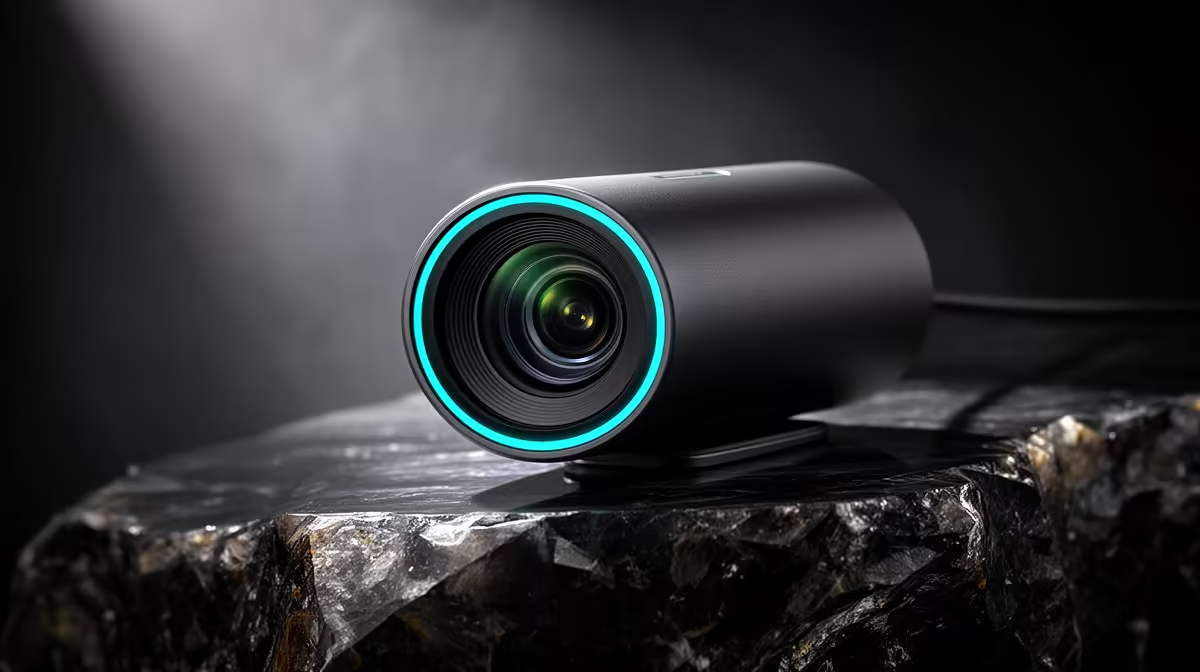
Yes, the Logitech Brio 100 FHD at R458 is worth buying for a reception desk that needs a clear, simple webcam for bookings, visitor calls, and quick supplier check-ins. It gives a front counter a cleaner video presence than a built-in laptop camera, without turning a basic admin setup into an expensive boardroom project.
Practical picks for front-desk video
The Logitech Brio 100 FHD R458 is the sensible middle choice for most small businesses. Its FHD spec is useful when the person at reception needs to show a face clearly, read a booking reference on screen, or speak to a client on a quick video call. For a neat counter setup, it keeps the focus on reliability rather than overbuying.
The Logitech C270 HD R252 makes sense where video is occasional, such as a back-office booking station or a spare desk used for admin calls. Its HD spec is enough for basic check-ins, training calls, and internal meetings, especially if the room has decent lighting and the user sits close to the camera.
Reception desk reality for SA bookings
A reception area often has mixed lighting, people walking past, and short calls rather than long presentations. The NearStream V08AF 4K R678 is the stronger pick when the counter also handles client introductions, room bookings, or higher-value appointments where sharper 4K video can make the business look more organised.
For a tight budget, start with the Logitech C270 HD R252; for a better daily front-desk image, the Logitech Brio 100 FHD R458 is the cleaner default; and for the most polished meeting-room or booking counter feed, the NearStream V08AF 4K R678 earns the upgrade.
Ready to choose the right webcam?
Use Logitech Brio 100 FHD at R458 as the webcam shortlist benchmark, then check whether its listed spec matches the space, workload, and upgrade path.