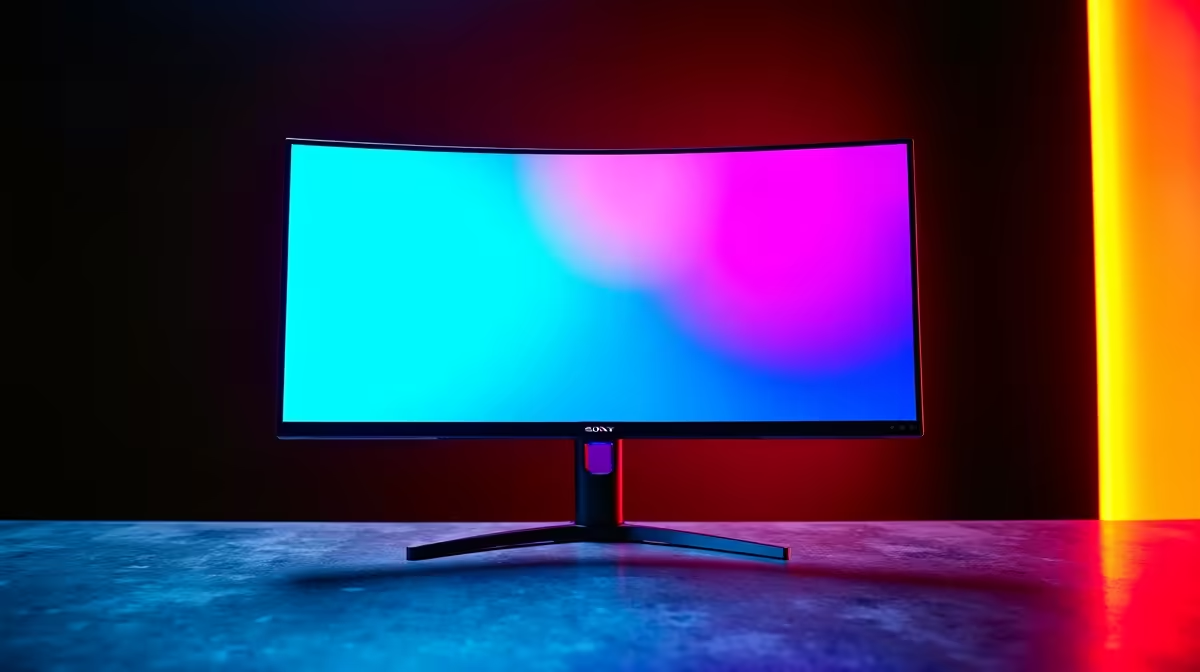
You’ve seen it plastered across new monitor boxes: “Mega Contrast!” It sounds impressive, right? But for South African gamers grinding in Apex or exploring the vistas of Elden Ring, the big question is… does it actually matter? Is a mega contrast gaming monitor just clever marketing fluff, or is it a must-have feature for your next setup? Let's cut through the jargon and find out if this tech is a myth or your next upgrade.
Demystifying Contrast: The Secret to a Stunning Image
Before we tackle "mega," let's talk about regular contrast. The contrast ratio is one of the most important specs for image quality. Simply put, it’s the difference between the brightest white and the darkest black a screen can show. A low contrast ratio makes blacks look like a washed-out grey, crushing detail in shadows. A high contrast ratio delivers deep, inky blacks and punchy, vibrant highlights. ✨
Think of it this way: you’re sneaking through a dark corridor in Alan Wake 2. A high-contrast display lets you see the monster lurking in the pitch-black corner. A low-contrast one... well, you’re probably dead. This single spec has a massive impact on everything from immersion to competitive advantage across all types of PC monitors.
Is a Mega Contrast Gaming Monitor Worth the Hype?
Here’s the honest truth: “Mega Contrast” is usually referring to Dynamic Contrast Ratio (DCR). This feature works by adjusting the entire screen's backlight based on the image being displayed. If the scene is dark, it dims the backlight; if it's bright, it cranks it up. This creates an artificially high number that looks great on a spec sheet but doesn't reflect real-world performance.
The number you really need to care about is the Static Contrast Ratio. This measures the screen's native ability to produce light and dark simultaneously, which is what you experience moment-to-moment in a game. While the idea behind a mega contrast gaming monitor isn't wrong—more contrast is better—focusing on DCR is a marketing trap.
How High Contrast Actually Improves Your Gaming
So, why should you chase a high static contrast ratio? The benefits are tangible, especially for gamers.
Deeper Immersion
A high-contrast panel makes game worlds feel more real and atmospheric. The deep shadows in a horror game are genuinely terrifying, and the bright neon of a cyberpunk city pops with incredible energy. This is especially true on immersive curved monitors that wrap the action around you.
Competitive Edge 🎯
In competitive shooters like Valorant or Warzone, spotting an opponent hiding in a poorly lit area first can be the difference between winning and losing a round. A monitor with excellent contrast renders those dark spots with clarity, ensuring you don’t get caught by surprise. Combining this with the detail from high-resolution 4K and 5K monitors gives you a crystal-clear view of the battlefield.
Stunning Visuals
Great contrast makes colours appear richer and more saturated. It’s the foundation of a truly vibrant image. Whether you’re editing photos or just admiring the scenery in Forza Horizon, a high-contrast display makes everything look better. When you browse through all our gaming monitors, look for the static contrast ratio in the specs.
Quick Calibration Tip 🔧
Your monitor's 'Game Mode' isn't always the best. For true colour accuracy and contrast, start with the 'Standard' or 'sRGB' profile and adjust brightness to your room's lighting. Use the Windows Display Calibration tool (just search for 'Calibrate display color') for a free and easy way to fine-tune your settings.
Choosing Your Next Monitor: Look Beyond the Buzzwords
So, the verdict? "Mega Contrast" is mostly a marketing myth, but the technology it points to—excellent contrast performance—is absolutely a must-have.
When shopping, ignore the "dynamic" or "mega" numbers. Instead, look for these clues to a great picture:
- Panel Type: OLED panels offer the best possible contrast (literally infinite), while VA panels offer the best contrast among LCDs. IPS panels typically have lower contrast but better viewing angles and colour accuracy.
- Static Contrast Ratio: For a VA panel, look for a ratio of 3000:1 or higher. For an IPS, 1000:1 is standard, but newer tech is pushing this higher.
- Local Dimming: Higher-end LED monitors use full-array local dimming (FALD) to control backlight zones independently, dramatically improving contrast.
Whether you're building a new rig or upgrading an old one, don't forget that a great setup isn't just about the primary screen. Many streamers and professionals use secondary portable monitors for Discord or OBS, and the right monitor accessories can perfect your ergonomic setup.
Ready to See the Difference?
A mega contrast gaming monitor might be marketing-speak, but the quest for perfect blacks and brilliant whites is real. Stop gaming on a washed-out display. Explore our best PC monitor deals and find the perfect screen to bring your virtual worlds to life.