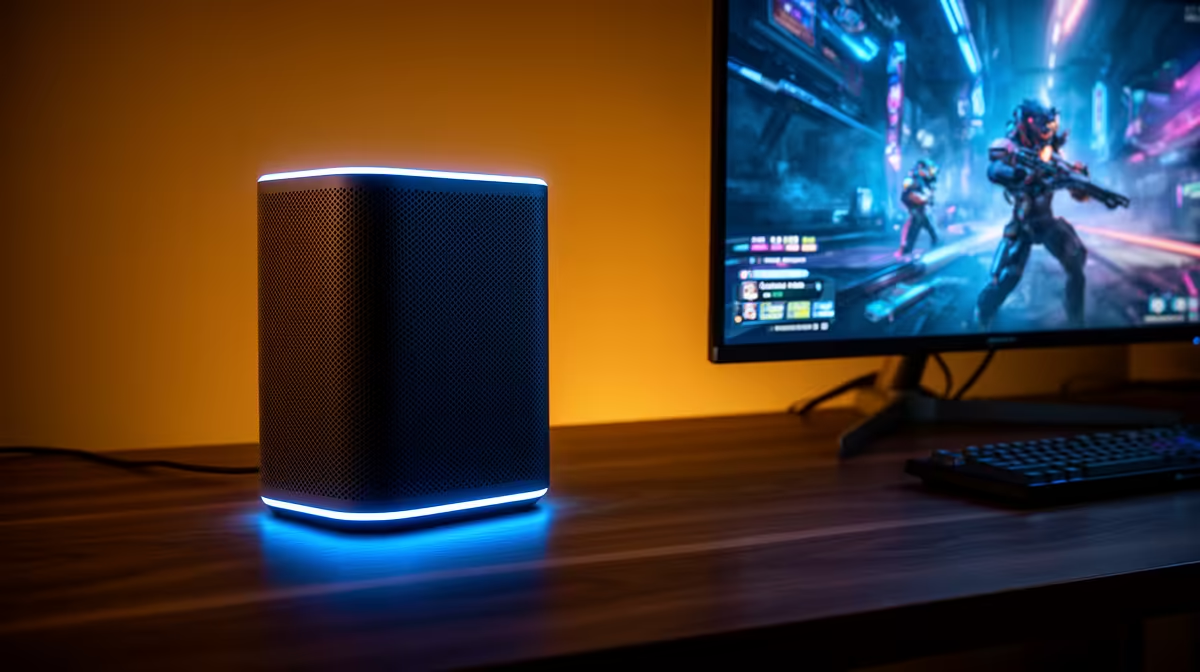
A mesh Wi-Fi kit for family gaming rooms fixes coverage gaps that a single router cannot reach, but the marketed square-metre figure assumes open space. SA homes with brick walls, double storeys and outbuildings need more nodes and a smarter backhaul than the box suggests.
Quick Answer
For family gaming rooms, a two- or three-node Wi-Fi 6 mesh kit covering 200 to 350 square metres, priced around R2,500 to R6,000, removes dead spots. Prioritise a dedicated backhaul band and at least one Gigabit Ethernet port per node over inflated coverage claims.
Coverage Claims Versus Brick Walls
Manufacturers quote coverage in open-plan conditions. Double-brick SA walls and concrete slabs cut range sharply, so a kit rated for 300 square metres may realistically cover 180 to 220 in a solid home. Plan a node roughly every 8 to 12 metres with line of sight, and add a third node for a double-storey rather than hoping two reach upstairs.
Backhaul Is The Real Performance Spec for family gaming rooms
How nodes talk to each other decides your speed more than the headline rate. A tri-band kit reserves one 5GHz band purely for node-to-node traffic, keeping your devices fast for family gaming rooms. Better still, run a network cable between nodes for wired backhaul; it removes wireless contention entirely and gives the most stable result.
Ports, Standards And Future Headroom
Each node should have at least one Gigabit Ethernet port for wired devices and backhaul. Wi-Fi 6 is the value pick today; Wi-Fi 6E or 7 adds the 6GHz band that helps only if your devices support it. Match the kit to your fibre line speed so the mesh is not the bottleneck.
FAQ
How many mesh nodes do I need?
Two nodes suit a single-storey home up to about 180 square metres; add a third for double-storey or thick-walled houses. Coverage drops fast through brick, so err toward one extra node.
Is wired backhaul worth it?
Yes. Running Ethernet between nodes removes wireless contention and gives the most consistent speeds. If you cannot cable, choose a tri-band kit with a dedicated backhaul band.
Will mesh fix my slow internet?
Mesh fixes coverage and dead spots, not your line speed. Match the kit to your fibre package; a R5,000 mesh cannot make a 20Mbps line faster, only spread it evenly.
home and note where signal drops on your phone. Place a node just before each dead zone, and cable the backhaul if you can for the most stable mesh.