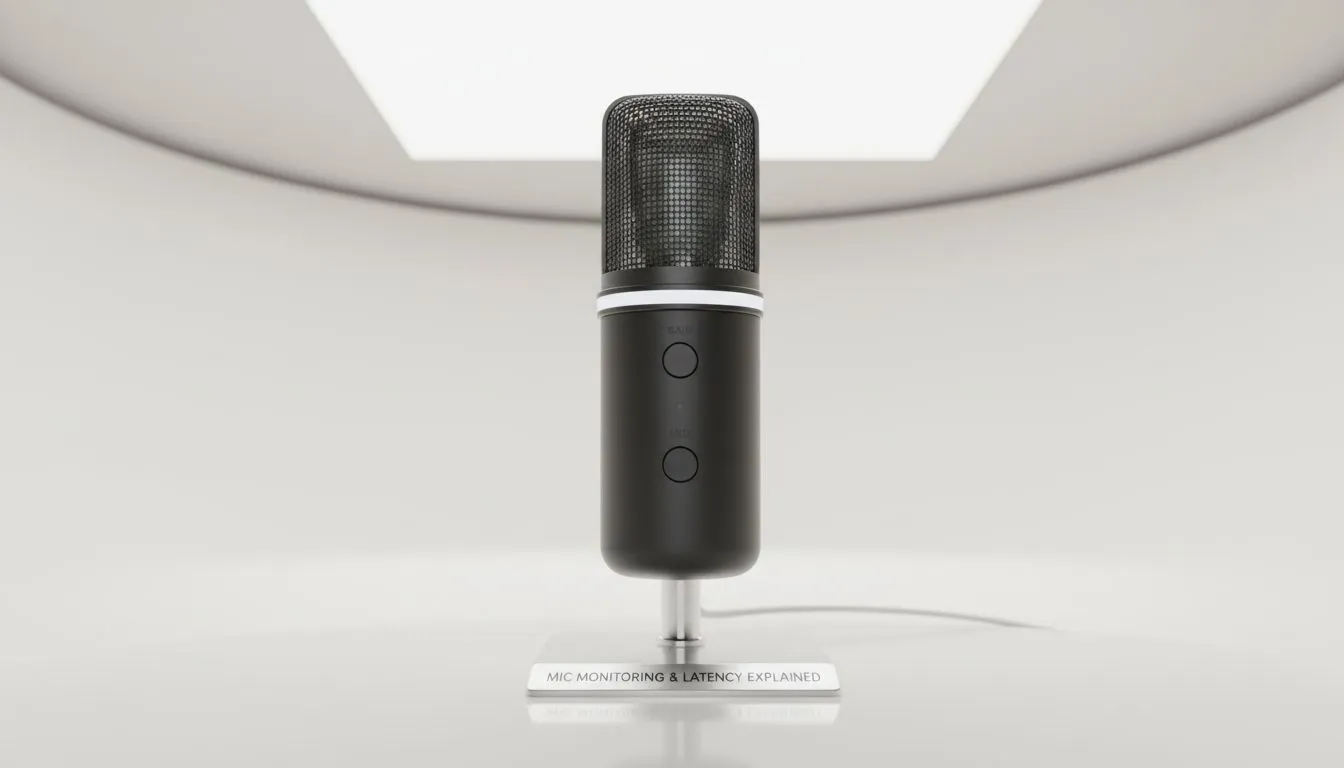
Ever started talking on stream and felt like your brain was tripping over your own words? That is mic monitoring latency. In the fast-paced South African gaming scene, hearing yourself without that annoying echo is the difference between a professional broadcast and a confusing mess. We are diving into how to fix delay issues so your commentary stays as sharp as your aim. 🚀
Understanding Mic Monitoring Latency Explained
Mic monitoring... often called sidetone... is a feature that feeds your voice back into your headset in real-time. It helps you regulate your volume and ensures you are not shouting at your teammates while wearing noise-cancelling cups. However, when that audio loop takes too long to reach your ears, it creates a disorienting lag. This happens because the signal travels from your mic, through your PC’s software, and back to your ears. To avoid this, investing in high-quality streaming essentials is the first step toward a professional-grade setup.
Why Hardware Monitoring Beats Software
Software-based monitoring is notorious for lag. By the time Windows or your streaming app processes the audio, the delay is noticeable. Hardware-level monitoring solves this by splitting the signal before it even reaches your computer. Leading brands like CORSAIR offer headsets and interfaces with zero-latency sidetone built-in. This means you hear yourself instantly, regardless of how much load your CPU is under. Whether you are spending R1,500 or R5,000 on gear, hardware monitoring is the gold standard for clarity. ⚡
Audio Sync Pro Tip ⚡
To eliminate software-induced lag, always look for 'Direct Monitoring' on your hardware interface. This routes the signal straight to your ears before it hits your PC... saving you from that disorienting half-second delay during intense matches.
Optimising Your Environment for Better Performance
While audio is king, your overall environment impacts your focus. Even the best audio setup can feel off if your visual space is cluttered or poorly lit. Adding modular lighting from Cololight can help set the right mood and reduce eye strain during long sessions. Furthermore, ensure your visual presence matches your audio quality. High-end webcams ensure that your facial expressions are perfectly synced with your lag-free voice. ✨
How to Hear Yourself Without Delay
To truly optimise your setup, check your Windows sound settings. Ensure that "Listen to this device" is unchecked in the Control Panel, as this is a common source of software delay. Instead, use the dedicated software provided by your hardware manufacturer to enable sidetone. This small change ensures you can hear yourself without delay, keeping your speech natural and your focus on the game. 🔧
Ready to Perfect Your Stream?
Eliminating latency is just the beginning of your journey to professional content creation. For the best gear and expert advice in South Africa, Evetech has you covered. Explore our massive range of streaming gear and find the perfect tools to elevate your broadcast today.