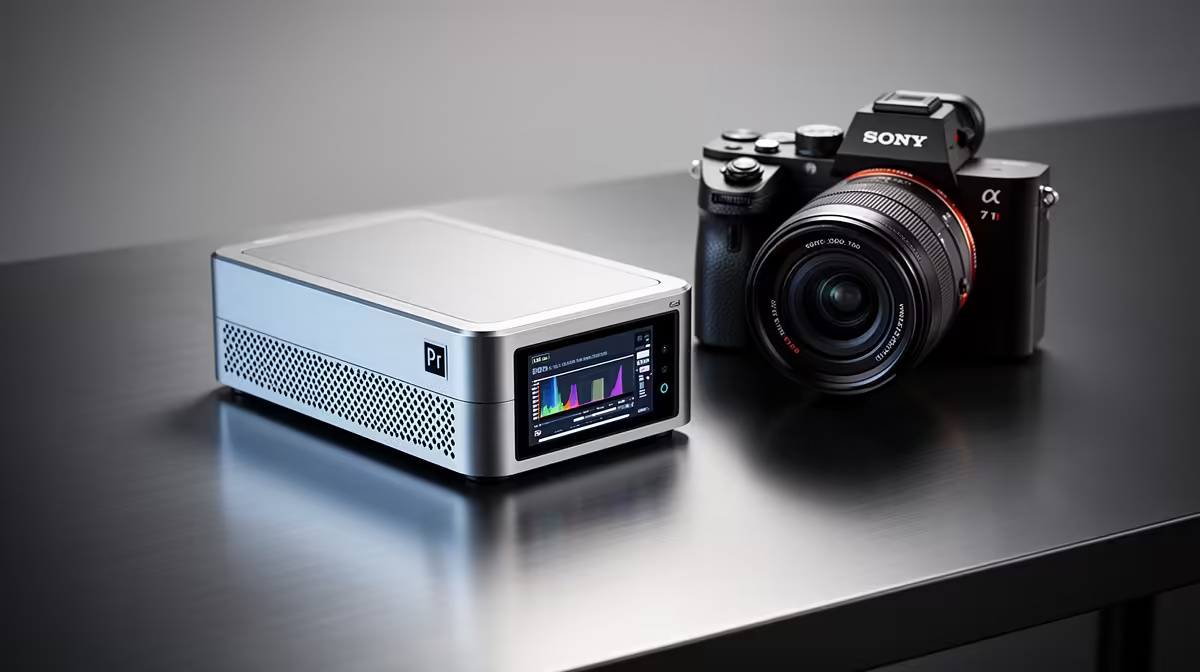
A mini PC for Adobe Premiere Pro editing has to balance small size against the real demands of video work, so the sensible approach is an upgrade path from a starter mini PC to a more capable one as projects grow. A starter handles light 1080p edits; serious 4K work needs more. Knowing the path keeps spending matched to your editing.
Quick Answer
For Premiere Pro, a starter mini PC needs at least 16GB RAM and a fast SSD to handle 1080p editing; under that, expect lag. The upgrade path leads to a more powerful mini PC or a desktop with 32GB RAM and a stronger GPU when you move to 4K timelines and heavy effects, where a starter struggles.
The Starter Stage
A starter mini PC with a capable CPU, 16GB of RAM, and a fast SSD can handle 1080p Premiere Pro projects, simple effects, and moderate exports, which suits learning the software and light video work. The small footprint is a real plus on a tight desk. Keep expectations realistic: previews on lighter hardware may need lower playback resolution, and exports take longer than on a powerful machine. For light editing, though, the starter mini PC does the job affordably.
The Upgrade Path For Serious Editing
As you move to 4K footage, multi-track timelines, heavy effects, or faster turnaround, the starter mini PC's limits show as laggy previews and long renders. The upgrade path leads to a more powerful mini PC or, better, a desktop with 32GB of RAM, a strong CPU, and a capable GPU that accelerates Premiere Pro effects and exports. Fast storage matters at every stage. Buying the starter now and upgrading when 4K and heavy effects become regular keeps your spend aligned with the editing you actually do.
FAQ
Can a starter mini PC run Premiere Pro?
Yes, for 1080p editing with at least 16GB RAM and a fast SSD. Expect to use lower preview resolution and longer exports than a powerful machine, but light editing works well.
When should I upgrade from a starter mini PC?
When you move to 4K footage, multi-track timelines, or heavy effects, where the starter lags. The upgrade path leads to 32GB RAM and a stronger GPU for smooth editing.
Does Premiere Pro use the GPU?
Yes, Premiere Pro uses the GPU to accelerate many effects and exports. A stronger GPU on an upgraded machine noticeably speeds up rendering and playback on demanding timelines.
Start with a 16GB mini PC and SSD for 1080p Premiere Pro work, then step up to 32GB RAM and a stronger GPU at Evetech when 4K editing becomes regular.