



FSR 4 vs FSR 3.1 for Strategy and sim games in SA
FSR 4 vs FSR 3.1 for strategy and sim games depends on game support, image quality preferences, latency goals, and GPU fit. SA buyers should check the game and hardware path first.
Read moreUpgrade your workspace with modular docks that adapt and grow. 🌟 Boost productivity and streamline connectivity with Evetech's flexible docking stations. 🛠️
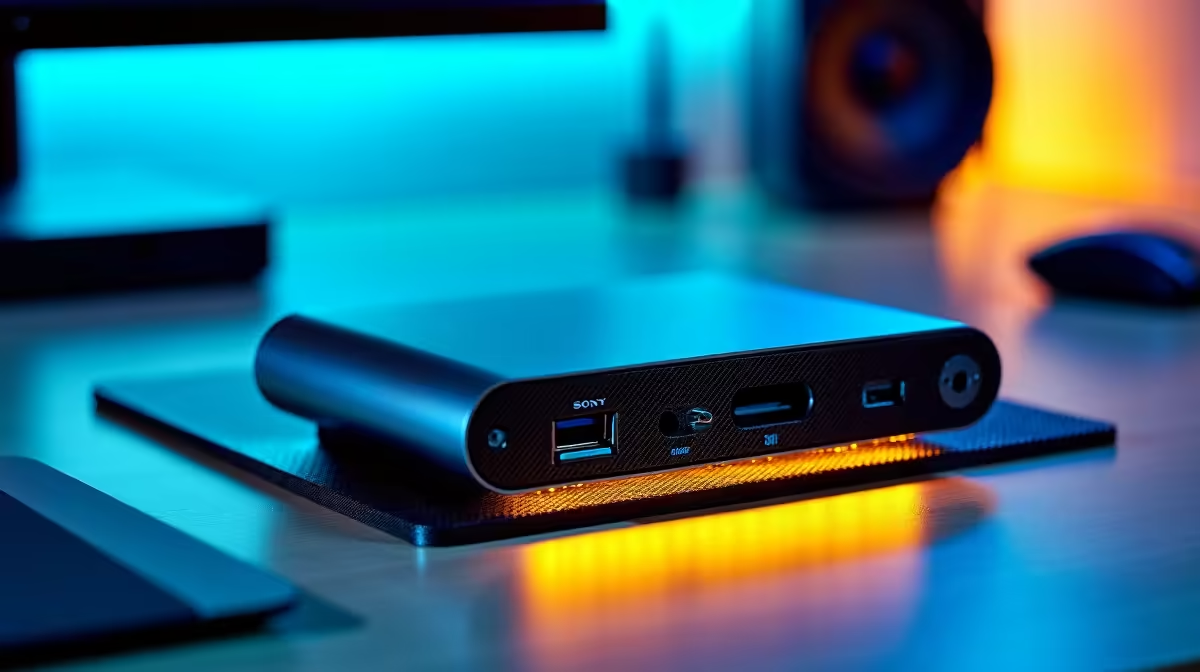
Tired of your desk looking like a nest of cables? Juggling dongles for your monitor, mouse, and keyboard every time you connect your laptop is a real pain. What if you could connect everything with a single, clean cable? Modular docks offer exactly that… a streamlined, powerful hub for your entire setup, providing true workspace flexibility whether you're gaming, streaming, or grinding through work. It's time to reclaim your desk space. ✨
At its core, a modular dock is a central hub that consolidates all your connections. Instead of plugging five different cables into your laptop, you plug one… the dock handles the rest. This approach is one of the most effective scalable solutions for any modern setup because it grows with you.
Maybe today you only need an extra HDMI port and a few USB-A slots. But what about next year when you get a 4K monitor or need a stable Ethernet connection for those clutch competitive matches? A good modular docking station adapts to your needs without forcing you to buy a whole new device. It’s a smart, future-proof investment in your productivity and gaming experience. For many users, there are even great options available for under R1000 that can instantly improve your setup.
Imagine this: you've just finished a long day of work on your laptop. Now, it's time to game. Instead of a 10-minute rewiring session, you simply unplug one USB-C cable from your work laptop and plug it into your gaming laptop. Instantly, your dual monitors, mechanical keyboard, gaming mouse, and headset come to life. This is the power of a flexible workspace.
This level of convenience is no longer a luxury. For creators, professionals, and gamers across South Africa, it's becoming essential. High-quality docks from trusted brands like Promate provide the ports you need—from multiple display outputs to SD card readers—all powered through a single, robust connection.
Before you buy, check if your laptop's USB-C port supports DisplayPort Alternate Mode (for video output) and Power Delivery (for charging). Thunderbolt 3 or 4 ports are the gold standard and typically support everything, but it's always best to confirm your device's specs!
You don't need to spend a fortune to achieve workspace flexibility. The key is to match the dock to your specific requirements.
Start by listing your essential peripherals:
Once you have your list, you can find the perfect fit. You'll find that even powerful docks under R2000 can handle demanding multi-monitor setups with ease, offering a fantastic balance of price and performance.
Ready to Declutter and Dominate? Stop wrestling with cables and unlock seamless productivity and gaming. Explore our full range of docking stations and find the perfect hub for your setup today.
Modular docks offer customizable expansions and adapt to evolving workspace needs, unlike fixed traditional docks.
Yes! Most modular docks provide ports for laptops, monitors, peripherals, and future upgrades. 💡
Absolutely! Modular docks scale with your business, making them ideal for startups and growing teams. 📈
Modular docks easily connect via USB-C or Thunderbolt, blending with current tech without hassle. 🔌
Yes, by reducing clutter, powering multiple devices, and adapting to changing workflows seamlessly.
Evetech modular docks start at R1,499 for basic models, with customizable options available. 💼
FSR 4 vs FSR 3.1 for strategy and sim games depends on game support, image quality preferences, latency goals, and GPU fit. SA buyers should check the game and hardware path first.
Read more
RTX 5060 too expensive? Cheaper SA alternatives should solve the exact workload without overbuying. Compare nearby options by GPU tier, VRAM, cooling, and PSU headroom, local warranty path, and total build balance before moving to a product page.
Read more
Best mechanical keyboard in Cape Town should be shortlisted around the job it must do. South African buyers should compare switch feel, latency, layout, and software, warranty path, and upgrade room before treating any pick as best.
Read more
Skip the RTX 4080 for content creation when a balanced SA workstation gives enough acceleration, VRAM, and cooling. Weigh creator GPUs by software support, export workloads, monitor resolution, and whole-PC gains.
Read more
Ryzen 9 7900X3D value for SA buyers depends on gaming needs, AM5 cost, and how often you run heavy productivity tasks. Compare honest pros and cons before choosing it over simpler Ryzen 7 or Ryzen 9 options.
Read more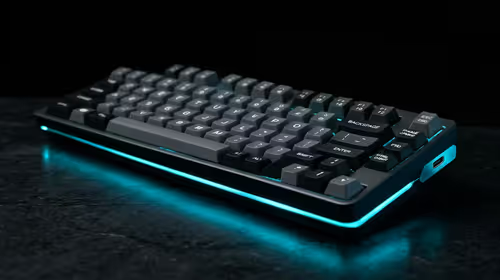
Should SA gamers buy the Hall Effect keyboards? should be shortlisted around the job it must do. South African buyers should compare switch feel, latency, layout, and software, warranty path, and upgrade room before treating any pick as best.
Read more
Windows taskbar notification badges can be shown or hidden in Taskbar behaviours. This changes the small app indicators, not the underlying messages. Choose a calmer desktop while keeping a deliberate routine for checking important conversations and app updates.
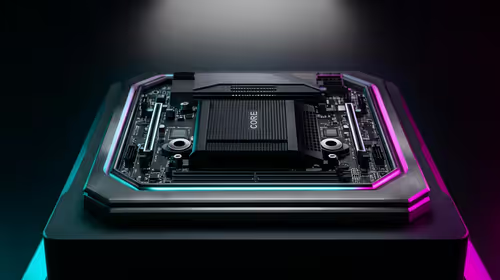
B850 vs B650 for Streaming on Twitch and YouTube comes down to CPU path, motherboard features, memory support, I/O needs, and upgrade timing. SA buyers should match the choice to their setup instead of assuming one option always wins.

Ryzen 7 9700X pros, cons, and what SA gamers need start with balanced CPU speed and AM5 value. It can suit gaming and everyday creation, but the right choice depends on GPU pairing, DDR5 costs, and upgrade budget.
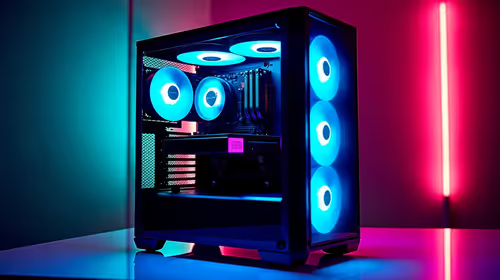
Content Warning PC build under R80,000 should balance GPU, CPU, RAM, SSD, and cooling around the game's needs. For SA buyers, treat the budget as a planning tier, not a live quote, and compare parts before ordering.
Windows taskbar notification badges can be shown or hidden in Taskbar behaviours. This changes the small app indicators, not the underlying messages. Choose a calmer desktop while keeping a deliberate routine for checking important conversations and app updates.

Windows USB device in use can mean a program still has the drive open. Finish transfers and close files before retrying ejection. Better performance caching requires safe removal; a replacement drive is not the first fix for an open-file warning.

Windows Nearby Sharing not working starts with feature, Bluetooth and visibility checks on both PCs. My devices only depends on matching Microsoft accounts. Test a small harmless file before buying networking hardware or changing your home router.

Windows hardware reserved RAM is different from memory used by applications. Compare installed memory with firmware detection and the usable amount before buying modules. Reservations and reporting limits vary by system; no universal setting restores every byte.

Steam content servers unreachable needs a download-path check, not an immediate reinstall of every game. Restart the client, inspect download settings and compare another connection when practical. Clearing the download cache is separate from deleting installed games.

VS Code download for Windows 11 should begin at the official Visual Studio Code site. Match x64 or Arm64 to the PC, then choose User Setup for one account or System Setup for managed all-user installation. Check local device policy before running setup.

7-Zip download for Windows 11 is available from 7-zip.org. Choose x64 or Arm64 for the actual PC and use the official installer links. The archiver is free; installing it does not make every downloaded archive safe to open.

Windows ClickLock lets you drag without continuously holding the mouse button. Inspect it when selection seems latched after a press, then test a disposable file or text selection. Keep the feature if it makes pointing easier for you.