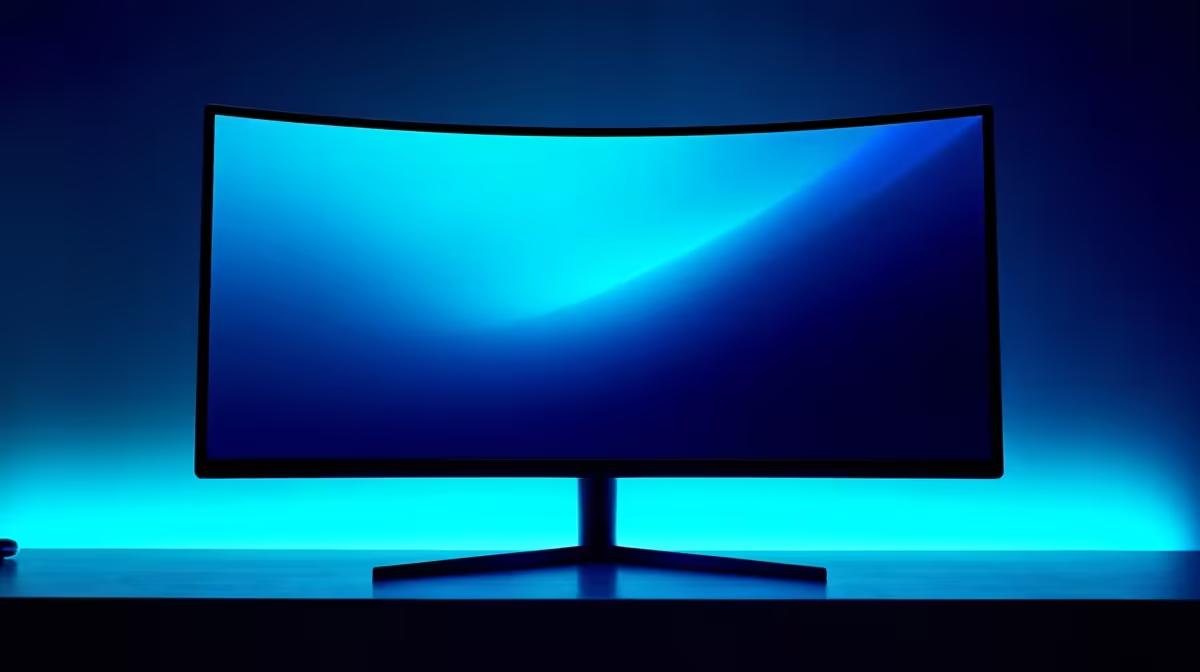
Picture this: it's 2 AM in Jozi, the only light is your screen as you clutch a 1v3 in Valorant. Your eyes are burning. What if a soft glow behind your monitor could fix that? Monitor ambient lighting promises deeper immersion and less eye strain. But does this tech actually deliver on the hype, or is it just another flashy distraction for your setup? Let's dive in and find out.
What Exactly is Monitor Ambient Lighting?
At its core, monitor ambient lighting—often called bias lighting—is a light source placed behind your screen. Its purpose is to create a soft, neutral glow on the wall behind your monitor. This simple addition reduces the harsh contrast between your bright screen and the dark room, which can significantly decrease eye strain during those marathon gaming sessions. ✨
More advanced systems use RGB LEDs that can sync with the colours on your screen, extending the visual experience beyond the bezels. This technology can make the blacks on your screen appear deeper and richer by giving your eyes a truer reference point for contrast. Whether you're a content creator or a casual gamer, understanding the basics is key to choosing from the wide world of PC monitors.
The Case for Immersion: How Ambient Lighting Enhances Gameplay
This is where things get exciting. For single-player, story-driven games, reactive ambient lighting can be a revelation. Imagine cruising through the neon-drenched streets of Night City in Cyberpunk 2077, and the vibrant purples and electric blues of the city actually spill out onto your wall. The effect pulls you deeper into the game world, making the experience more cinematic and engrossing.
This enhanced immersion isn't just for gaming. Watching a movie on a high-resolution display, like one of the latest 5K or 4K monitors, feels more like a home cinema experience with ambient lighting. It softens the monitor's edges and makes the entire setup feel more integrated with your room.
Calibrate for True Colour 💡
For the best results, set your bias light to a neutral white (6500K) if you're doing colour-sensitive work like photo or video editing. This ensures the backlight doesn't skew your perception of the colours on screen. For gaming, let the dynamic colours fly!
The Distraction Factor: When Good Glow Goes Bad
So, is there a downside? Absolutely. Poorly implemented monitor ambient lighting can be more of a distraction than an enhancement. If the colours are too saturated, change too rapidly, or can't keep up with the on-screen action, it can pull you right out of the experience.
In the world of competitive esports, focus is everything. A CS:GO or Apex Legends pro doesn't need flashing lights when they're trying to lock onto a target. For these scenarios, a static, neutral white light is best for reducing eye strain without creating unnecessary visual noise. The goal is to complement the action, not compete with it. This is true whether you're using one of the best all-around gaming monitors or a specialised display. The effect can be particularly intense on curved monitors, where the wrap-around effect is already heightened.
Setting Up Your Own Ambient Lighting System 🔧
Ready to give it a try? You have a few options:
- DIY Kits: These are typically USB-powered RGB strips that you stick to the back of your monitor. They're affordable and can be controlled with a remote or software. You can find a variety of options within our range of monitor accessories.
- Built-in Lighting: Some high-end monitors come with ambient lighting systems built right in, offering seamless integration and software control.
- Screen-Syncing Systems: More advanced kits use a camera or software to read the screen's colours in real-time for the most accurate effect.
Even a simple setup can make a big difference. You could even enhance a portable monitor setup with a small, USB-powered light strip for better viewing comfort when you're on the move.
The Verdict: Worth the Hype and the Rand?
So, should you invest in monitor ambient lighting? The answer depends entirely on you.
If you love sinking into immersive, atmospheric games and want a more cinematic feel for movies, it's a fantastic upgrade that adds a premium touch to your setup. 🚀 For the hardcore competitive player, it might be an unnecessary distraction.
Ultimately, ambient lighting is an accessory. The most important part of your visual experience is the screen itself. Before you add the glow, make sure you've got a killer display by checking out the best PC monitor deals in South Africa. A great panel will always be the best investment you can make.
Ready to Upgrade Your View?
Whether you choose to add ambient lighting or not, the perfect monitor is the true heart of your setup. Explore our massive range of gaming monitors and find the perfect display to dominate your game.