Quick Answer
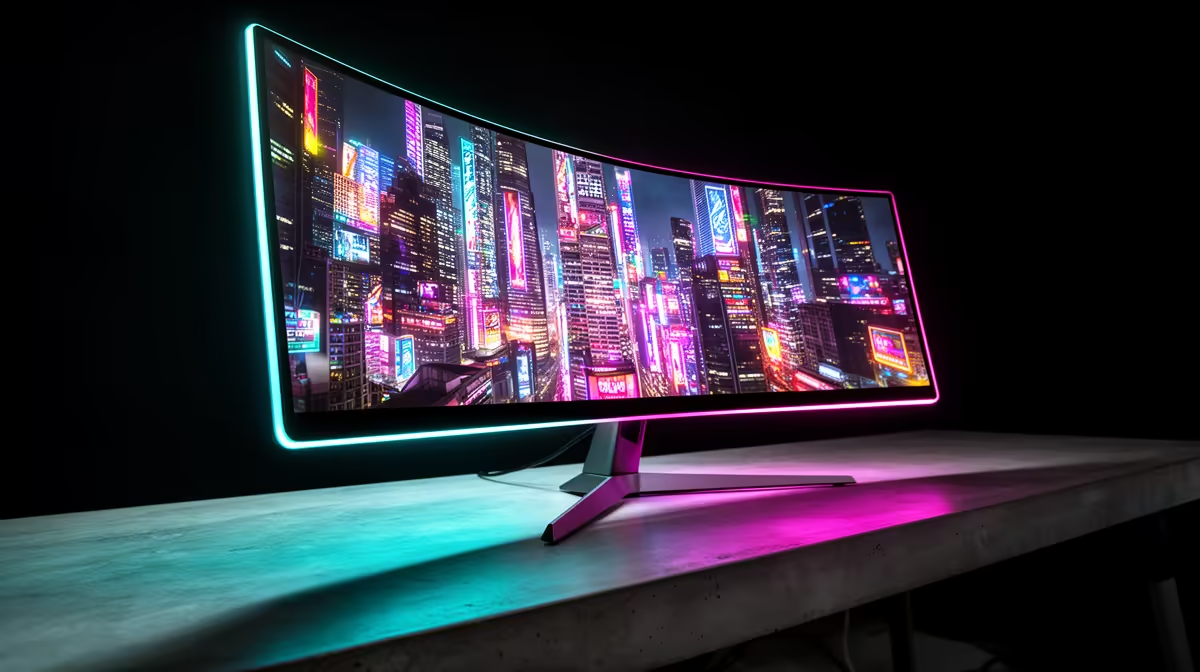
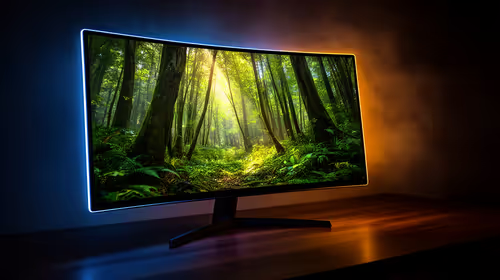
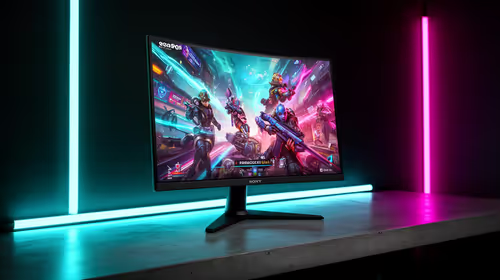
For Cyberpunk 2077, the best monitor target for most SA players is 1440p at 60-165 Hz, matched to a GPU that can hold the frame rate instead of only hitting it in quiet scenes. Budget about R2,500-R4,500 for a good 24-inch 1080p high-refresh screen and R5,000-R8,000 for many 27-inch 1440p options; AOC 24G2SP, LG 27GP850, and Samsung Odyssey G5 are useful comparison models. Prioritise refresh rate, response clarity, and adaptive sync before cosmetic extras.
Resolution And Refresh Target
Cyberpunk 2077 benefits from dense city scenes, HDR-style contrast, and 60 fps visual targets, so the screen should match the way you actually play. Competitive players should favour 144 Hz or higher, while cinematic single-player players can accept 60-100 fps if image quality is stronger. A 27-inch 1440p screen is sharp for a desk, but 24-inch 1080p remains easier to drive on mid-range GPUs.
Panel And GPU Matching
IPS panels usually give better colour and viewing angles, while VA panels can offer deeper contrast with more motion smearing on some models. Pair an RTX 4060 or RX 7600 with 1080p high refresh, and look at RTX 4070-class or stronger hardware for heavier 1440p settings. Use DisplayPort where possible so refresh, adaptive sync, and colour settings are easier to manage.
SA Desk And Buying Checks
Measure viewing distance before choosing size: many bedrooms and flats are more comfortable with 24 or 27 inches than an oversized panel. Check stand height, VESA support, warranty handling, and whether the box can be kept safely for returns. A monitor is a long-term purchase, so avoid paying for refresh rates your PC cannot use.
FAQ
Is 144 Hz enough for Cyberpunk 2077?
Yes, 144 Hz is the practical sweet spot for most players. Step up to 240 Hz only if your PC can hold very high fps and you mainly play competitive modes.
Should I choose 1080p or 1440p?
Choose 1080p for easier high fps and lower GPU cost. Choose 1440p if you want sharper detail and already have a graphics card strong enough for the settings you use.
What monitor price range makes sense locally?
Many good gaming screens sit around R2,500-R8,000 depending on size and resolution. The right buy is the one that matches your GPU, desk space, and refresh target.
Practical Tip
Before buying, check that your GPU has the right DisplayPort or HDMI output for the Cyberpunk 2077 refresh target you want, then set Windows to the monitor maximum refresh rate after setup.