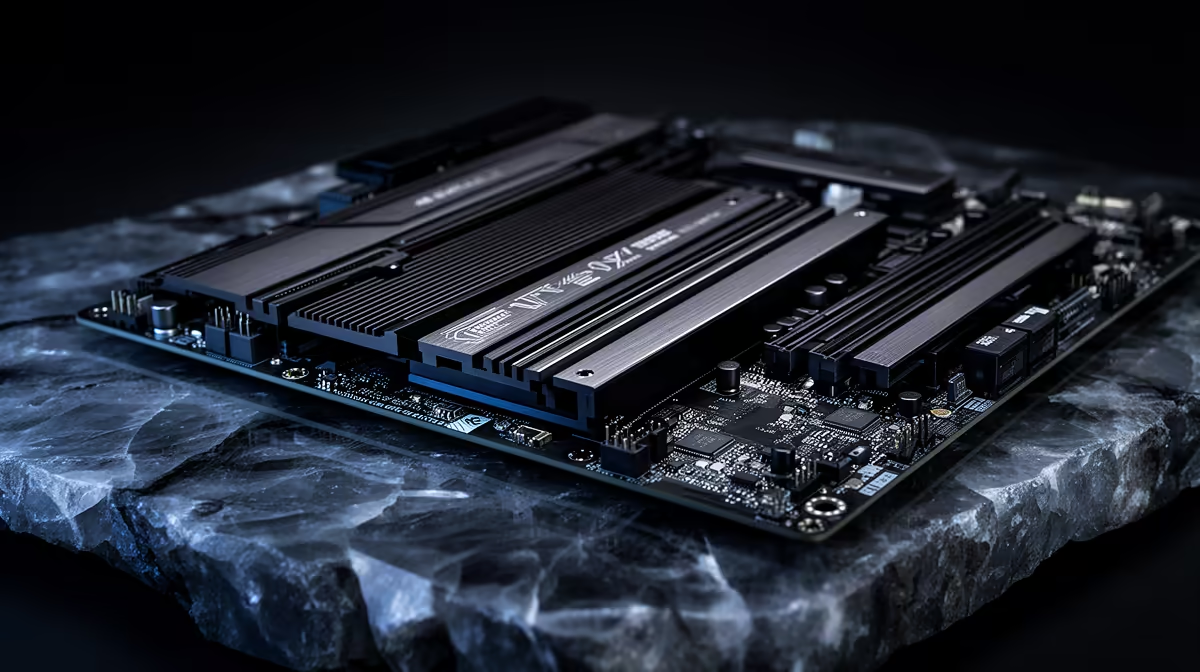
Premium motherboards tempt with feature lists, but it helps to know exactly where the extra money lands. The board does not raise frame rates with a given CPU and GPU; it changes power delivery, expansion, and longevity.
Quick Answer
For premium buyers, spending extra on a motherboard changes the experience through VRM quality, connectivity, and headroom, not gaming FPS. A R6,000 to R9,000 premium board adds robust power delivery for a Ryzen 9 or Core i9, more M.2 and USB, and Wi-Fi 7, but a R3,000 mid board gives the same frame rates with a capable CPU.
VRM and power delivery for high-end CPUs
A premium board's stronger VRM matters when you run a flagship like a Ryzen 9 7950X or Core i9-14900K that draws 200W-plus under all-core load, since robust power stages keep the CPU stable and cool during sustained work. A R6,000 to R9,000 board such as a high-end X870E or Z890 model handles this comfortably, while a budget board can throttle or run its VRM hot under a flagship. For mid CPUs, this headroom is unused.
Connectivity and expansion you will actually use
Premium boards add more M.2 slots for multiple NVMe drives, more USB including high-speed ports, better networking like 2.5GbE or Wi-Fi 7, and stronger audio. If you run several SSDs, capture devices, or want future-proof connectivity, those features justify the spend. If you use one SSD and onboard audio, a R3,000 mid board covers you and the premium ports sit idle.
Where premium stops paying off
Spending R9,000 on a board for a mid-range Ryzen 5 and a single SSD wastes money, since gaming FPS is identical to a R2,500 board with the same CPU and GPU. Premium boards pay off with flagship CPUs, heavy expansion needs, or a desire for top-tier connectivity. Match the board tier to the CPU and your real port and slot requirements, not to the feature list alone.
FAQ
Does a more expensive motherboard increase gaming FPS?
No. With the same CPU and GPU, a premium board delivers identical frame rates to a mid-range board. The extra cost buys VRM headroom, connectivity, and expansion, not gaming performance.
When is a premium motherboard worth it?
When you run a flagship CPU drawing 200W-plus, need multiple M.2 slots or high-speed USB, or want Wi-Fi 7 and 2.5GbE networking. For a mid CPU and a single SSD, a R3,000 board covers everything you will use.
What does a stronger VRM actually do?
It delivers stable, cool power to the CPU under heavy load. This matters for flagship chips pushing 200W-plus in all-core work, where a weak VRM can throttle or overheat. Mid CPUs rarely stress even a mid-board VRM.
Match the board to your CPU and real expansion needs; a premium board pays off with a flagship CPU and multiple SSDs, but a mid board gives identical FPS with a mainstream chip.