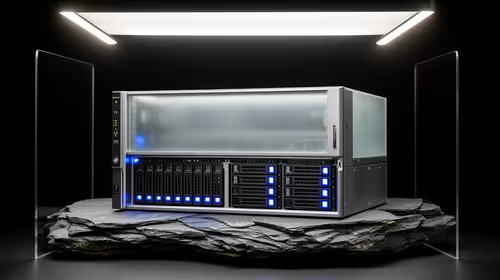
A music-production PC for 3D rendering should be chosen from the busiest DAW session and final render scene, not the available ceiling. Audio work prioritises quiet operation and stable low-latency drivers, while rendering adds graphics memory, sustained processor load, storage demand and heat.
Benchmark both complete projects before allocating the component budget
For music, open the intended instruments, effects, automation and sample libraries at normal buffers. For 3D, load the actual geometry, textures, lighting, renderer and output settings. Record processor peaks, system memory, graphics-memory use, storage activity, fan noise and completion time.
The Palit RTX 5070 Ti 16GB at R12,700 and PNY RTX PRO 4000 24GB at R16,700 are verified graphics-card references, not complete systems or performance promises. The TEAMGROUP VULCAN 32GB DDR5-6000 at R1,460 is a memory reference, not proof of compatibility. Confirm live driver, motherboard, power and cooling support.
Test the exact audio interface and plug-ins, position noisy hardware away from microphones and preserve a stable driver environment. Keep sessions, samples, models, textures and exports in tested independent backups. Budget for suitable storage, display and licensed software.
Buy for the heavier repeated project, then verify the other. Do not treat the ceiling as a reason to add professional features that neither workflow uses.
Keep audio and rendering project archives on independent storage.
Combining music and 3D work? > Compare Evetech PCs using both complete projects.