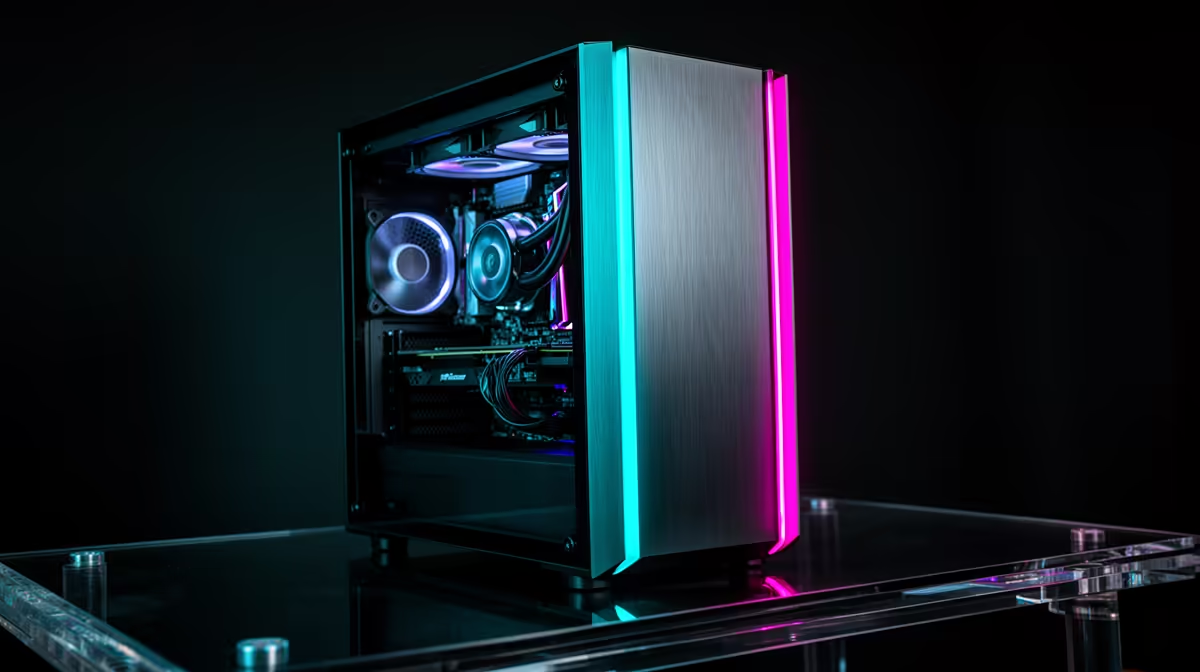
You run the PC Health Check, it flashes the dreaded "This PC can't run Windows 11" message, and the instinct is to assume the whole machine is obsolete. Often it is not. The most common cause is a security feature switched off in the BIOS that takes thirty seconds to enable for free. When the block is genuinely the processor, though, the sums change, and the smart move in South Africa is usually to buy new rather than rebuild piece by piece.
Quick Answer
Most "can't run Windows 11" errors come from a disabled TPM 2.0, fixed by switching on AMD fTPM or Intel PTT in the BIOS at no cost. If the processor itself is on Microsoft's unsupported list, replacing it usually forces a full platform change, dragging the motherboard and RAM along with it, and once you are buying three core parts a new PC is the better value in Rand.
First, Check Whether It Is Just a BIOS Setting
Windows 11 requires TPM 2.0, a small security module that stores encryption keys. On the vast majority of machines from the last several years that module exists but ships switched off, which is exactly why the health check fails on hardware that is otherwise perfectly capable.
The fix lives in your BIOS or UEFI, usually under a menu named Advanced, Security or Trusted Computing. On an AMD system look for "AMD fTPM" or "AMD PSP fTPM" and set it to enabled; on Intel look for "Intel PTT" or "Intel Platform Trust Technology". Save, reboot, and re-run the check. The same screens often hold a Secure Boot toggle, the other requirement people miss, so enable that too while you are there.
If the setting is not there
Older boards sometimes hide the TPM option until the firmware is updated. A BIOS update from your motherboard maker's support page can reveal it. Update firmware carefully, following the maker's exact instructions, since a failed flash can brick a board. If after updating there is still no TPM option, your platform genuinely lacks the hardware and you move to the next decision.
When the CPU Is the Problem, Do the Maths
If the BIOS toggle does not exist or your processor sits on Microsoft's unsupported list, you are looking at a real upgrade rather than a setting. Here is the trap: a newer compatible CPU almost always requires a different socket, which means swapping the motherboard too, and a new board typically demands new RAM because the memory standard has moved on. Replacing the CPU rarely stays a single purchase.
Once you are buying a processor, a motherboard and a kit of RAM, you have rebought the heart of the machine and are reusing only the case, storage and power supply. At that point the price gap to a complete, warrantied, pre-built system is small, and the new machine comes assembled, tested and covered as one unit. Weigh what those three parts cost against a finished build before committing; a glance at current complete-system pricing in the PC best sellers shows you quickly whether building piecemeal still saves money.
What you can keep
Not everything is wasted. A modern NVMe SSD, a decent power supply and a working case all carry forward into a new build, and a capable graphics card is worth moving too. If your storage is an older SATA drive or a small SSD, treat a fresh NVMe as part of the upgrade rather than a saved cost, since it is one of the biggest day-to-day speed improvements you can make.
The Compact Route Many People Overlook
If the old tower was only ever used for browsing, office work and media, a full new desktop can be more machine than you need. A mini PC delivers Windows 11 in a footprint that hides behind a monitor, runs quiet, and sips power, which suits a South African home or small office where desk space and the electricity bill both matter. They ship with Windows 11 ready to go, sidestepping the TPM question entirely. Check what compact units are available in the mini PC range at Evetech to see whether a small machine covers your actual workload before you commit to a larger build.
Do not feel rushed into a panic buy
Windows 10 reached its end of mainstream support in October 2025, and Microsoft's consumer Extended Security Updates programme provides security-only patches for one more year, through October 2026. That gives you a buffer to plan an upgrade properly rather than buying in a hurry. Use the time to check the BIOS fix first, then price a proper replacement if you need one.
A Sensible Decision Order
Work through it in steps rather than jumping to a purchase. First, open the BIOS and look for the TPM toggle; enabling AMD fTPM or Intel PTT plus Secure Boot clears the block on most machines for nothing. Second, if the option is missing, check for a BIOS update from your board maker that might reveal it, following their instructions exactly. Third, only if both fail do you confirm the CPU is genuinely unsupported on Microsoft's list.
At that third stage, price the real upgrade honestly: a compatible processor, almost always a new motherboard to match its socket, and usually new RAM for the current memory standard. Set that total against a complete pre-built system. In most cases the gap is small enough that the finished machine, assembled and warrantied as one unit, is the better buy, with the bonus that it ships running Windows 11 already.
Watch the hidden costs of a piecemeal rebuild
A part-by-part upgrade hides extra time and risk that rarely show up in the headline price. You are reusing a case and power supply that may be years old, troubleshooting compatibility yourself, and carrying mismatched warranty dates across components. A new system removes all of that: one warranty, one tested configuration, and no afternoon lost to a board that will not post. Factor your time and the reused parts' remaining life into the comparison, not just the sticker price of the components.
Frequently Asked Questions
Why does my PC fail the Windows 11 check if it works fine?
Almost always because TPM 2.0 is switched off in the BIOS, not because the machine is incapable. Enabling AMD fTPM or Intel PTT and turning on Secure Boot resolves it for most systems at no cost.
Is it cheaper to upgrade parts or buy a new PC?
If only a BIOS setting is needed, upgrading is free. If the CPU is unsupported, replacing it usually forces a new motherboard and RAM too, and once you are buying all three a complete pre-built system is often the better value and comes warrantied as a unit.
What parts can I reuse in a new build?
A modern NVMe SSD, a good power supply, the case and a capable graphics card can all carry over. Older SATA storage and ageing RAM are usually worth replacing rather than saving.
How long can I safely keep running Windows 10?
Windows 10 mainstream support ended in October 2025, with consumer Extended Security Updates available for one more year through October 2026. That is a planning window, not a deadline to panic over, so verify the BIOS fix before spending.
Is a mini PC enough to replace my old desktop?
For browsing, office work and media, very likely yes. Modern mini PCs run Windows 11 out of the box, take little space, and use minimal power, making them a practical replacement when you do not need a full tower.
Before you write off a working PC, check the BIOS, then compare your options. Browse the mini PC and desktop range at Evetech to find a Windows 11-ready machine that fits your space and budget.