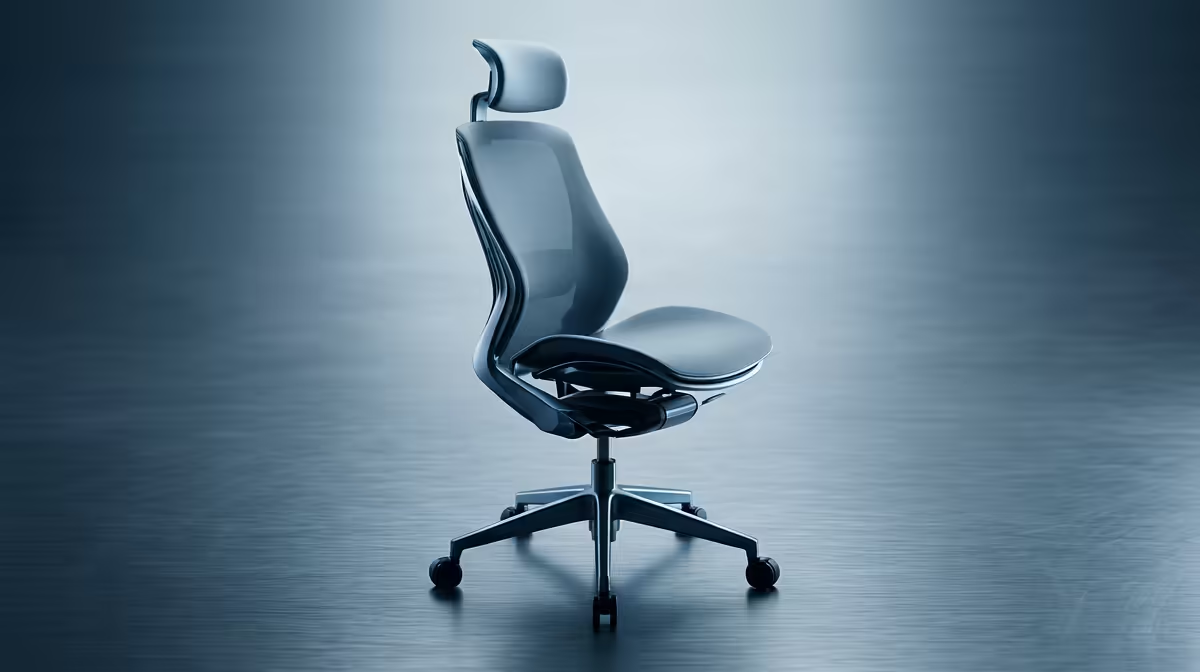
You’ve spent thousands on your rig. The GPU is a beast, the CPU never throttles, and your monitor has a refresh rate that’s faster than a hadeda’s takeoff. But after a two-hour ranked session, your lower back is screaming louder than your teammates on Discord. What if the problem isn’t your skill, but your seat? It’s time we talked about a feature you’ve probably overlooked: the negative tilt ergonomic chair.
What is a Negative Tilt Ergonomic Chair, Anyway?
Forget everything you think you know about leaning back. A negative tilt ergonomic chair does the opposite. It allows the front edge of your seat to slope downwards, opening up the angle between your torso and thighs. While most standard office and gaming chairs keep your hips at a 90-degree angle or less, a negative tilt pushes you into a more open, "perched" posture. 🪑
This isn't just some fancy gimmick; it's ergonomics grounded in science. The primary goal of this ergo seat slope is to reduce pressure on your lumbar spine and promote a more natural S-curve, even when you lean forward during intense moments.
The Real-World Benefits of Forward Seat Slope
So, why does this subtle adjustment matter for your marathon gaming nights or long work-from-home days? The benefits are tangible and can seriously impact your comfort and focus.
1. Unlocks a Healthier Posture
When your seat tilts forward, it encourages your pelvis to rotate slightly, which helps align your entire spine. Think of it as your chair actively helping you sit up straight without you even trying. This can be a massive relief for anyone who finds themselves hunching over their keyboard, reducing strain on neck and shoulder muscles. Proper posture isn't just for show; it's a core part of the setup for any serious PC user, just like picking from the best gaming chairs in South Africa is.
2. Reduces Spinal Compression
Sitting for hours in a static, 90-degree position compresses the discs in your lower back. A negative tilt ergonomic chair distributes your weight more effectively, taking a significant load off your lumbar region. The result? You can grind for longer, feel less fatigue, and avoid that all-too-familiar end-of-day backache. ✨
Pro Tip: Start Slow
If you're new to negative tilt, ease into it. Start with a gentle 2-3 degree forward slope for 30 minutes at a time. As your body adapts to the healthier posture, you can increase the duration and angle.
3. Boosts Blood Flow and Focus
Ever get that pins-and-needles feeling in your legs after a while? A flat seat edge can press against the underside of your thighs, restricting circulation. The downward slope of a negative tilt seat pan relieves this pressure point, improving blood flow and keeping you more alert and comfortable. Even if you're looking for great ergonomic features on a budget, you can find excellent gaming chairs under R4000 that prioritise supportive design.
Is This Feature Your Next Upgrade?
While a negative tilt ergonomic chair is a powerful tool, it's often found on more advanced models. These are typically built with premium materials and a suite of customisation options like 4D armrests and sophisticated recline mechanisms. If you're ready to invest in your health and gaming endurance, exploring the world of high-end gaming chairs above R4000 is where you'll find this and other top-tier ergonomic features. 🚀
Ultimately, the right chair is a crucial part of your setup. It's an investment not just in your comfort, but in your long-term health and performance.
Ready to Find Your Perfect Fit?
Your spine deserves an upgrade that matches the power of your PC. Check out the best gaming chair deals at Evetech and sit in comfort for years to come.