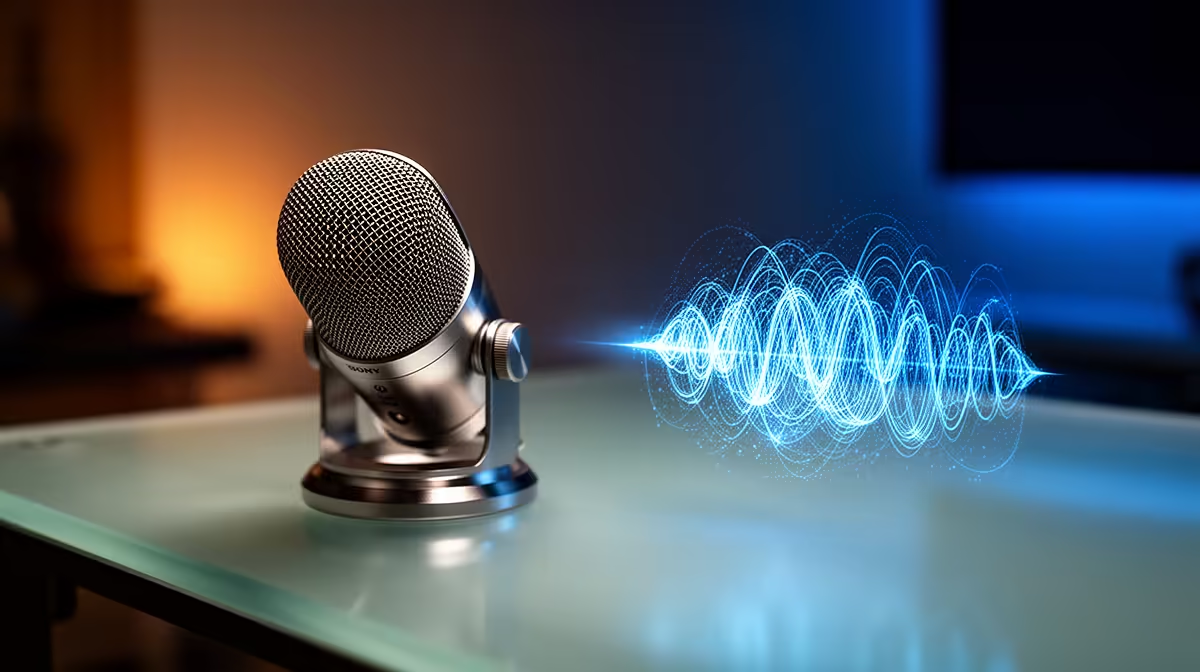
Clear voice chat begins with what the microphone captures and can continue through software that removes what remains. Noise-cancelling mics vs AI suppression is a question of signal stages, with restraint preserving speech better than stacked aggressive filters.
Quick Answer
Headset mic noise control can happen before or after your voice becomes a digital signal. A close, directional or dual-capsule microphone reduces unwanted sound at capture. Software suppression analyses the captured signal and removes patterns it judges to be noise. The two methods can work together, provided each stage is set with restraint. Strong hardware pickup gives the software a cleaner source; heavy filtering at both stages can make speech thin or clipped.
Compare microphone layouts among the popular peripheral choices, then use the gaming accessories section to check the rest of the audio path. Product wording varies, so look for the stated mic pattern, boom position, connection modes and software features rather than treating every "noise cancelling" badge as the same design.
Capture noise and playback noise are different
Microphone noise control changes what teammates, recordings and streams hear from your mic. Active noise cancellation in earcups changes what you hear from the room. A headset can have one, both or neither. Keep those features separate when you compare specifications.
A boom mic gains an advantage from distance. Your mouth sits close to the capsule while the keyboard and fan are farther away. Directional pickup can reject sound arriving from the rear or side. Some headsets use a second microphone to sample the environment and subtract part of that signal before transmission.
This hardware stage has limits. Key presses can travel through the desk and headset cable, a fan may sit inside the pickup pattern, and another voice can resemble the sound you want to keep. Mic position, input gain and room layout still decide the quality of the raw capture.
Software suppression works on the captured signal
Traditional noise gates mute or reduce the mic when the level falls below a threshold. They can hide room hum between sentences but do little while you speak. Spectral filters target steady frequencies such as fan noise. AI-labelled tools use trained models or other signal analysis to separate speech from keyboard, room and appliance sounds.
The result depends on the input. Moderate suppression can make a shared room easier to understand. Aggressive settings may remove quiet consonants, pump the background level or give the voice a watery edge. Fast transient sounds such as a key strike can slip through because they overlap speech frequencies.
Processing also needs compute time. Some tools use the CPU, some can use supported GPU hardware, and some run in the headset or its USB receiver. The impact varies by product, sample rate and quality mode. Measure game performance and voice delay on your PC rather than assigning one cost to every tool.
Platform support matters. A desktop app may clean the mic for PC chat while the same headset sends an unprocessed signal through an analog controller connection. Hardware stored in the headset has a better chance of travelling between platforms, though the manual must confirm each mode.
Build the chain from the microphone outward
Place a boom beside your mouth, away from breath. Use the capsule orientation shown in the manual; some have a marked voice side. Set gain so ordinary speech is strong and loud call-outs retain headroom. A clean level beats boosting a distant mic and every room sound around it.
Make a raw recording with all suppression disabled. Include speech, silence, typing and fan noise while the game is running. This baseline tells you whether placement or room layout can solve the main problem before processing.
Move a noisy PC tower away from the mic side if cables and airflow allow. Put the keyboard on a stable surface, reduce loose desk vibration and close an open speaker feed that can echo into the mic. These changes preserve your voice because they reduce noise at source.
Enable one cleanup stage at a low or balanced setting. Record the same sample and compare word endings, breaths and background sound. Add a second stage only when a named noise remains. Two filters chasing the same fan can damage speech while producing little extra quiet.
Combine hardware and software with clear roles
A directional boom can handle the capture geometry, a light high-pass filter can reduce low rumble, and a suppression tool can tackle changing keyboard or room sounds. That division gives each stage a narrow job.
Avoid stacking headset software, operating-system enhancements, chat-app suppression and streaming filters without checking the route. Several may be active by default. Disable them one by one while recording to learn which stage helps and which one colours the voice.
Set the chat app's automatic gain with care. It may raise the mic during quiet speech and pull room noise back up after another filter has reduced it. A stable manual level often makes troubleshooting easier, but use the controls supported by your platform and accessibility needs.
For streaming, monitor the final broadcast path as well as your team-chat path. The two apps may use different devices and filters. Record a local test with game audio, then listen on headphones that are separate from the mic monitor. Sidetone tells you how speaking feels; it does not prove what the audience receives.
Choose for the kind of noise
Steady PC fan noise responds well to placement, directional pickup and light spectral cleanup. Repeated keyboard noise may need closer mic position plus software that recognises transients. Another person speaking nearby is harder because their voice shares the same qualities as yours. A close boom, lower gain and physical distance can help more than stronger software.
In a quiet room, extra suppression may bring no gain. It can remove natural voice detail and add complexity. Keep a clean profile for quiet sessions and a controlled profile for busy periods if your software supports saved settings.
Wireless bandwidth can shape the mic before suppression starts. Some headsets allocate less voice bandwidth when high-quality playback and mic transmission run together. Test the headset in its gaming connection mode and through the exact app you use.
Judge the result by intelligibility
Listen for complete words during both calm speech and call-outs. Check whether the first syllable disappears after a pause, whether keyboard hits open a gate, and whether the voice changes when a fan ramps up. Ask a teammate to judge during real game audio because a small amount of harmless background may be less distracting than filtered speech.
Save the working profile and note where processing occurs. After a firmware, driver or chat-app update, repeat the short sample. Defaults can change, and a newly enabled filter can leave you processing the signal twice.
FAQ
Can hardware noise control and software suppression run together?
Yes. Start with close, clean capture and add light software cleanup for a remaining noise. Compare recordings so the stages do not strip speech.
Does AI noise suppression distort voices?
It can at strong settings or with a weak source signal. Listen for clipped syllables, pumping and a watery tone while typing and speaking.
Which approach suits a shared room?
A close directional boom and careful gain create the best starting point. Software can reduce keyboards and steady room sound, while nearby speech remains a difficult case.
Record a raw baseline, improve mic position and gain, then add one measured cleanup stage at a time until speech stays clear through your real chat or stream path.