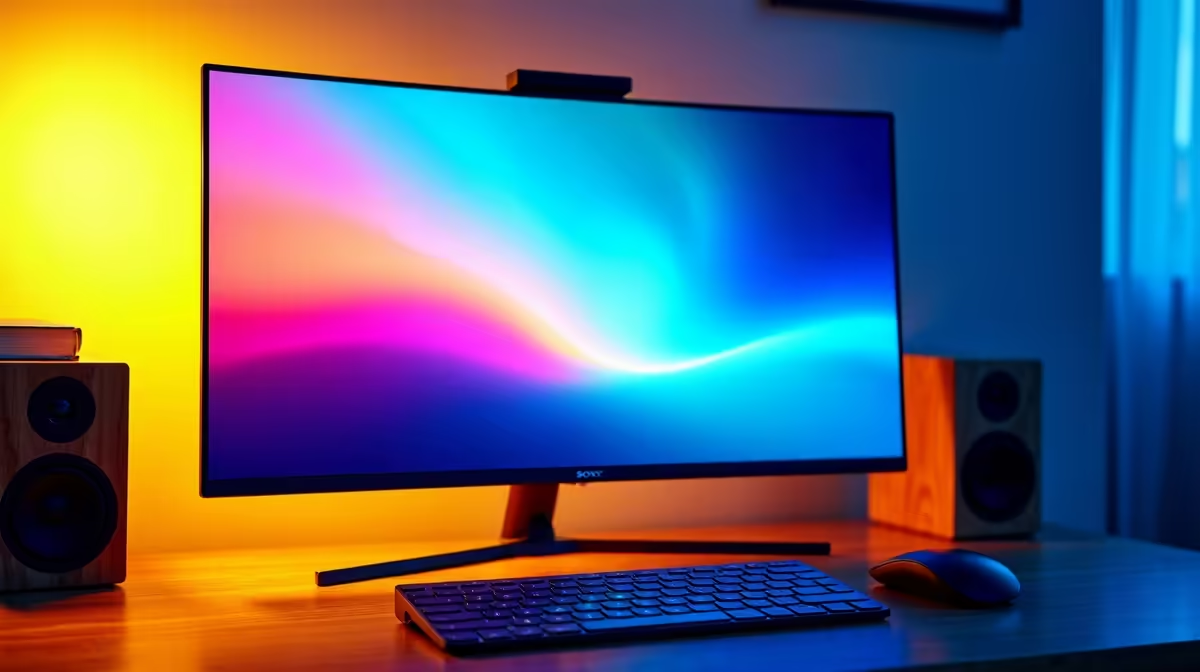
Alienware 27 240Hz QD-OLED Gaming Monitor- AW2726DM at R6731 suits a homeschooling family that wants one sharp OLED gaming monitor for lessons, creative work, and after-hours gaming without jumping to a premium 4K price. Its 27-inch class size is practical on a shared study desk, while the 240Hz QD-OLED spec gives fast motion for games and smooth scrolling for daily school tasks.
Best OLED monitor pick for a shared study desk
The Asus ROG Strix OLED XG27AQDMG gaming monitor at R8721 is the stronger step-up if the family wants a 27-inch option with a 26.5-inch viewable panel and more stock availability. That size works well for split-screen research, online classes, and a browser beside notes, while still feeling like a proper gaming display when the desk switches roles later in the day.
For a higher-end schoolroom and gaming room crossover, the LG UltraGear 27" QHD OLED Gaming 480Hz 0,03ms Monitor at R14000 is built around speed. The 480Hz and 0,03ms specs are overkill for basic homework, but useful where one child plays fast shooters or esports titles and another uses the same screen for media, reading, and project work.
Homeschooling room setup in South Africa
The ASUS ROG Swift OLED PG27UCDM 26.5-inch 3840 x 2160p 4K UHD 16:9 240Hz 0.03 at R19300 makes sense for a permanent creator-style desk where detail matters. Its 4K UHD resolution helps with dense webpages, diagrams, documents, and video work, while 240Hz keeps the same display suitable for gaming after lessons.
Ready to choose the right oled monitor?
For the gaming room decision, Alienware 27 240Hz QD-OLED Gaming Monitor- AW2726DM at R6,731 gives you (3 in stock) to measure against the brief.