Quick Answer
Openserve 100 Mbps is fast enough for online gaming in Pretoria; the real win comes from low jitter, Ethernet, and a router that does not buffer under household traffic. A healthy target is 8-25 ms to Johannesburg game servers and roughly 160-190 ms to many EU servers, while a 50 GB game update takes about 70 minutes at line speed before Wi-Fi and server overheads. Budget roughly R900-R3,000 for a solid Wi-Fi 6 router such as TP-Link Archer AX55 or ASUS RT-AX53U if the bundled router struggles.
What 100 Mbps Changes For Gaming
Actual matches use very little bandwidth compared with downloads, voice chat, and patches. The 100 Mbps line helps when updates, Discord, streaming, and other devices run at the same time. For gaming feel, 5-20 ms jitter spikes are more noticeable than raw download speed, so test during the evening when the household is busy.
Router And Cabling Setup
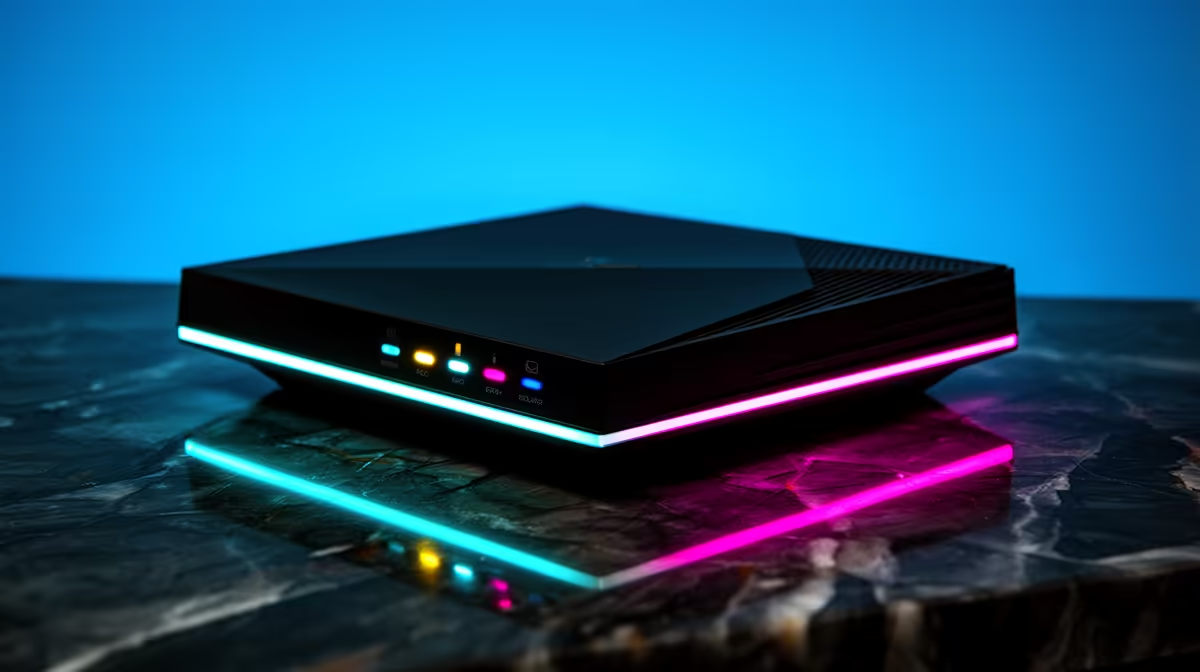
Use Ethernet from the PC or console whenever the router is in the same room. If Wi-Fi is unavoidable, use 5 GHz or Wi-Fi 6, keep the router high and open, and avoid hiding it behind a TV cabinet. A 1 Gbps Ethernet port, proper QoS controls, and stable firmware matter more than oversized antenna claims.
Local SA Checks For Pretoria
Test to Johannesburg servers, then compare EU latency only for games without local or regional servers. Pretoria players should run speed, ping, and packet-loss checks from the same device used for gaming. If one PC downloads at full speed while another plays, set update limits in the launcher to keep latency stable.
FAQ
Is Openserve 100 Mbps enough for competitive gaming?
Yes, it is enough for the match itself. Stability, ping, and packet loss decide the experience more than the headline Mbps number.
Should I upgrade from 100 Mbps to 100 Mbps for lower ping?
Not for ping alone. Upgrade for faster downloads and more household headroom, then fix Ethernet, router placement, and Wi-Fi congestion first.
What router spec should SA gamers check?
Look for Wi-Fi 6, gigabit Ethernet, QoS controls, and reliable 5 GHz coverage. A router in the R900-R3,000 band is often a bigger practical upgrade than chasing more line speed.
Practical Tip
For Pretoria, run one ping test on Ethernet and one on Wi-Fi before buying anything; if Ethernet is clean and Wi-Fi spikes, fix the wireless path first.