




IPS vs VA for Strategy and Sim Games in SA
IPS vs VA for strategy and sim games should be judged by fit, not a single winner. Compare compatibility, latency, capacity, upgrade path, cost planning, and South African setup needs.
Read moreStruggling to pair a kids smartwatch in South Africa? 🤔 This easy guide walks you through setup, from SIM cards to parental control apps. We'll help you connect any kids' watch to an Android or iPhone, ensuring your child stays safe and connected. Get started now! ⌚
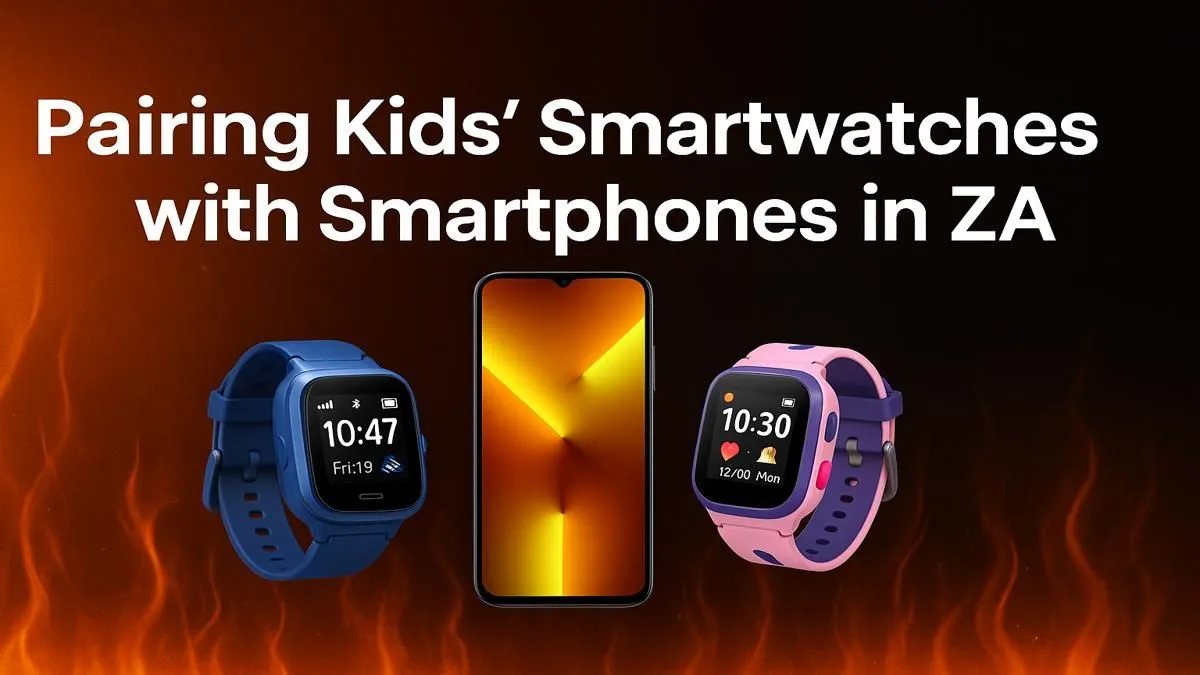
So, you’ve unboxed that shiny new kids smartwatch! The excitement is real, but now comes the slightly tricky part: getting it connected. Don't worry, this isn't rocket science. Learning how to pair a kids smartwatch in South Africa is a straightforward process that unlocks a world of safety and fun features for your child. This simple guide will walk you through every step, turning that initial setup puzzle into a quick win. 🔧
A little prep work goes a long way. Before you even try to connect the device, make sure you have these things ready. It’ll save you a ton of hassle and make the smartwatch setup much smoother.
Before you begin, enable location services on your smartphone. Many smartwatch apps require this permission to find and communicate with the watch correctly. It’s a small step that solves the most common connection issue right from the start!
Ready to connect? While the exact steps can vary slightly between brands, this universal guide covers the core process for how to pair a kids smartwatch successfully.
Once confirmed, the watch and phone will sync. That’s it! The process is designed to be simple for most modern smart watches available today.
Stuck on a step? It happens. If your attempt to pair a kids smartwatch in South Africa hits a snag, try these quick fixes.
Congratulations, the setup is complete! Now you can explore the features that make these gadgets so valuable. Dive into the app to set up Safe Zones (geofencing), add approved contacts for calling, track activity levels, and configure the SOS button.
Giving your child this piece of tech is about more than just telling the time; it’s about peace of mind for you and a little bit of independence for them. And getting started doesn't have to break the bank, with plenty of great affordable options under R1000 available.
Ready to Find the Perfect Smartwatch? Now that you know how easy it is to pair a kids smartwatch, you can choose one with confidence. From GPS tracking to two-way calling, the right watch offers peace of mind and fun. Explore our huge range of smart watches and find the perfect fit for your family's needs.
You'll need the charged smartwatch, a compatible smartphone (Android or iPhone), and an active SIM card with data if the watch has cellular capabilities.
Most kids' smartwatches require a specific companion app like SeTracker or Find My Kids. Always check the watch's manual for the recommended app to download.
Some basic models can pair via Bluetooth for limited functions. However, for GPS tracking and calls, an active SIM card is essential for the full setup process.
Connection issues often stem from incorrect APN settings, a disabled SIM card, or poor network coverage. Ensure Bluetooth is on and the app has all permissions.
Most modern kids' smartwatches are compatible with both Android and iPhone devices via a dedicated app. Always check the product specifications for compatibility.
Parental controls are managed through the companion app on your phone. After pairing, you can set up features like safe zones, contact lists, and SOS alerts.
IPS vs VA for strategy and sim games should be judged by fit, not a single winner. Compare compatibility, latency, capacity, upgrade path, cost planning, and South African setup needs.
Read more
Gen 5 NVMe SSD guide for Bloemfontein gamers should be shortlisted around the job it must do. South African buyers should compare capacity, speed, thermals, and motherboard support, warranty path, and upgrade room before treating any pick as best.
Read more
Skip the RTX 5070 if your first-time builder budget needs better balance. Better SA picks can free room for the right CPU, PSU, case, monitor, storage, and cooling while still giving a strong first gaming PC experience this year in South Africa.
Read more
RTX 5080: weighing the pros and cons for SA should be shortlisted around the job it must do. South African buyers should compare GPU tier, VRAM, cooling, and PSU headroom, warranty path, and upgrade room before treating any pick as best.
Read more
Core i5-13400F gives South African PC builders a capable mid-range CPU choice with clear limits. Check its gaming fit, discrete GPU requirement, LGA1700 platform costs, and upgrade path before locking in your parts list.
Read more
Pros and cons of the Wi-Fi 7 routers for SA should be shortlisted around the job it must do. South African buyers should compare WiFi standard, coverage, latency, and device support, warranty path, and upgrade room before treating any pick as best.
Read more
Steam content servers unreachable needs a download-path check, not an immediate reinstall of every game. Restart the client, inspect download settings and compare another connection when practical. Clearing the download cache is separate from deleting installed games.

Keychron G6 HE has built-in and swappable battery versions with different weights. The product brief lists 42g and 46g respectively, each with a 3g tolerance. Choose by grip and battery preference before treating one headline weight as universal.

Corsair HS80 v2 MAX supports 2.4GHz wireless and Bluetooth. Its maximum battery figures use RGB-off conditions and differ by connection. Check microphone routing, comfort and the exact device support before assuming every wireless mode behaves alike.

Windows taskbar notification badges can be shown or hidden in Taskbar behaviours. This changes the small app indicators, not the underlying messages. Choose a calmer desktop while keeping a deliberate routine for checking important conversations and app updates.

Windows title bar window shake can minimise other open windows when you shake the active window by its title bar. Inspect the Multitasking setting and switch it off if that gesture interrupts your work. The preference costs R0 and does not require new hardware.

Windows Print Screen opens Snipping Tool when its keyboard preference is enabled. Change the option under Accessibility, Keyboard to choose another workflow. Test whether you need a clipboard image or a saved file.

Windows desktop icons missing may be a visibility setting. Right-click the desktop, choose View and inspect Show desktop icons. If only system icons are absent, use Desktop icon settings. Check the Desktop folder before assuming files were deleted.

Windows set time zone automatically greyed out calls for a location and device-policy check. Automatic time-zone selection relies on location services. A manual time-zone choice is separate from synchronising the clock; check both before replacing hardware.
Windows title bar window shake can minimise other open windows when you shake the active window by its title bar. Inspect the Multitasking setting and switch it off if that gesture interrupts your work. The preference costs R0 and does not require new hardware.
Windows Print Screen opens Snipping Tool when its keyboard preference is enabled. Change the option under Accessibility, Keyboard to choose another workflow. Test whether you need a clipboard image or a saved file.
Windows desktop icons missing may be a visibility setting. Right-click the desktop, choose View and inspect Show desktop icons. If only system icons are absent, use Desktop icon settings. Check the Desktop folder before assuming files were deleted.
Windows set time zone automatically greyed out calls for a location and device-policy check. Automatic time-zone selection relies on location services. A manual time-zone choice is separate from synchronising the clock; check both before replacing hardware.