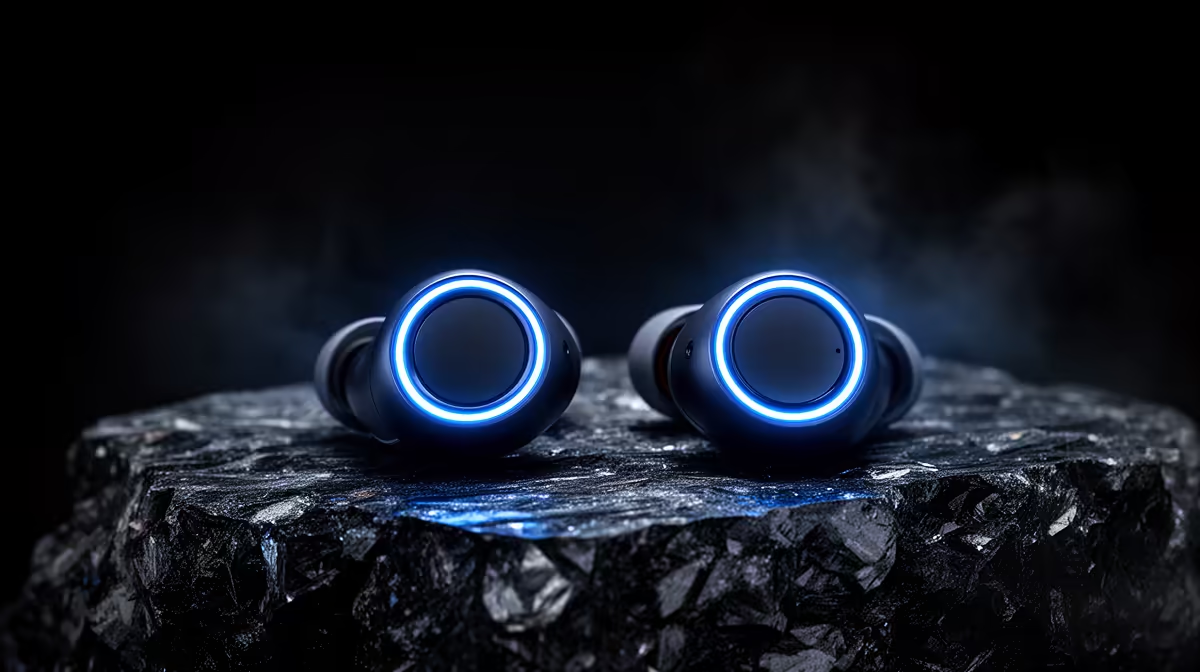
A pair of true-wireless earbuds is not overkill for casual gaming on a phone or handheld, but Bluetooth latency and microphone quality can limit competitive PC use. Comfort, connection stability and battery behaviour should be tested with the actual game.
Compare game and chat performance
Play a rhythm-sensitive scene, join voice chat and switch between devices. Check delay, dropouts, microphone clarity and whether game audio changes quality when the microphone activates. Wear the buds for a normal session and inspect pressure or heat. Keep a wired fallback for tournaments.
Battery ageing matters because the tiny cells are difficult to replace. Confirm charging-case behaviour, codec support and whether the PC needs a separate Bluetooth adapter. Safe volume is more important than maximum loudness.
Wireless earbuds can introduce inconsistent delay as power-saving or codec modes change. Repeat testing after reconnecting and after the case has recharged them. If the microphone forces low-quality audio, a separate desk mic or wired headset may be more dependable than chasing a different Bluetooth profile.
True-wireless controls can be triggered accidentally while adjusting fit. Test whether touch gestures pause, mute or summon assistants during a game, and disable unwanted actions where supported.
The product facts provide no confirmed price for true-wireless earbuds. Compare latency mode, microphone, codec, battery, fit, warranty and return conditions.
Choosing compact gaming audio? > Browse Evetech headsets after testing latency and comfort.