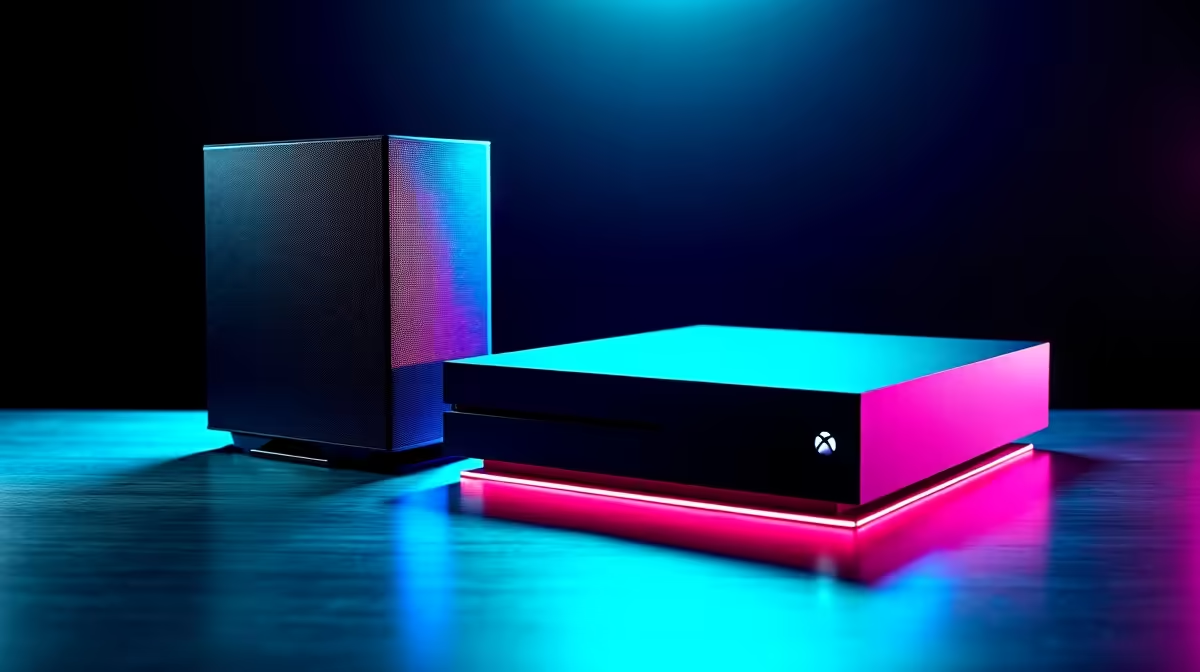
So, the kids are begging for a gaming machine. Your mind immediately jumps to online strangers, scary games, and endless screen time. The big question for South African parents isn't just about budget... it's about safety. You're weighing up the options, and the core debate is clear: when it comes to parental controls, is a gaming PC or a console the better choice for your family? Let's dive in and find the answer. ✨
The Console Comfort Zone: Simple and Streamlined
Consoles like the PlayStation, Xbox, and Nintendo Switch are often seen as the simpler, safer choice. They operate in what's called a "walled garden" ecosystem. This means everything—from the games store to the online services—is tightly controlled by the manufacturer.
For parents, this offers a straightforward path to setting boundaries. Within minutes, you can use built-in apps to:
- Set strict time limits: "Okay, you get one hour of gaming after homework."
- Control spending: Prevent any surprise R1000 bills for in-game currency.
- Filter by age rating: Block access to mature titles entirely.
- Manage communications: Decide who your child can talk to online.
These systems are fantastic for managing popular online games like Fortnite, where controlling voice chat and friend requests is crucial. The simplicity is their biggest strength. However, this simplicity can also be a limitation, offering less flexibility than a dedicated PC.
The Gaming PC Advantage: Ultimate Control and Versatility
A gaming PC might seem like the Wild West in comparison, but that's a common misconception. While it is a more open platform, a modern PC running Windows offers layers of powerful, granular controls that can create an even safer environment than a console. The key difference in the parental controls gaming PC vs console debate is that a PC gives you the power to customise everything.
Think of it as a tool, not just a toy. It's where your child can play the latest games, but also do homework, learn to code, or edit videos for a school project.
Layer 1: The Operating System
Microsoft has invested heavily in its Family Safety features, which are built directly into Windows. This is your command centre. You can create a child account and from your own device, you can:
- Set screen time schedules for specific apps and games.
- Get weekly activity reports emailed to you.
- Block inappropriate websites and applications.
- Approve or deny purchases from the Microsoft Store.
This OS-level control is incredibly robust and applies to more than just gaming, giving you a holistic view of your child's digital life.
Security First Pro Tip 🔧
Always create a 'Standard User' account for your child on a Windows PC, not an 'Administrator' account. This simple step prevents them from installing unauthorised software or changing critical system settings, giving you ultimate control over what goes onto the machine.
Layer 2: Game Launchers and Platforms
Beyond Windows itself, popular game launchers have their own security features. Steam, the world's largest PC gaming platform, has a feature called "Family View." It allows you to create a PIN-protected mode that restricts access to certain parts of your game library.
This means you can have your entire collection of games on one PC, but your child will only see and be able to launch the ones you've approved, like the creative sandbox world of Minecraft, while keeping mature-rated games like GTA V or the gritty world of Cyberpunk 2077 completely hidden until they're old enough.
Beyond the Controls: A Future-Proof Investment
A PC's value extends far beyond the parental controls. It's an investment that grows with your child. The same machine they use for team-based fun in Overwatch 2 can be used to explore the entire planet in incredible detail with Microsoft Flight Simulator, a stunning educational tool.
The PC gaming library is also vast and often cheaper than console games. From massive battle royales like PUBG to competitive shooters like Call of Duty: Warzone, you have the tools to manage access to all of them. Plus, the skills they learn using a PC—from basic file management to troubleshooting—are skills for life. 🚀
The Verdict: Which is Right for Your SA Family?
So, where do we land in the parental controls: gaming PC vs console showdown?
- Consoles are excellent for a plug-and-play experience with simple, effective controls. They are a dedicated gaming appliance.
- Gaming PCs offer unmatched versatility and deeper, more customisable parental controls. They are a multi-purpose family tool that's built for the long haul.
For the South African parent who wants ultimate peace of mind and a device that provides value beyond just entertainment, the gaming PC is the clear winner. It empowers you to create a safe, controlled, and educational environment that adapts as your child grows.
Ready to Build a Safer Gaming Future?
A gaming PC is an investment in your child's entertainment, education, and digital literacy. With powerful, layered controls, you can create the perfect environment for them to play and grow. Browse our wide range of customisable gaming PCs and find the perfect fit for your family today.