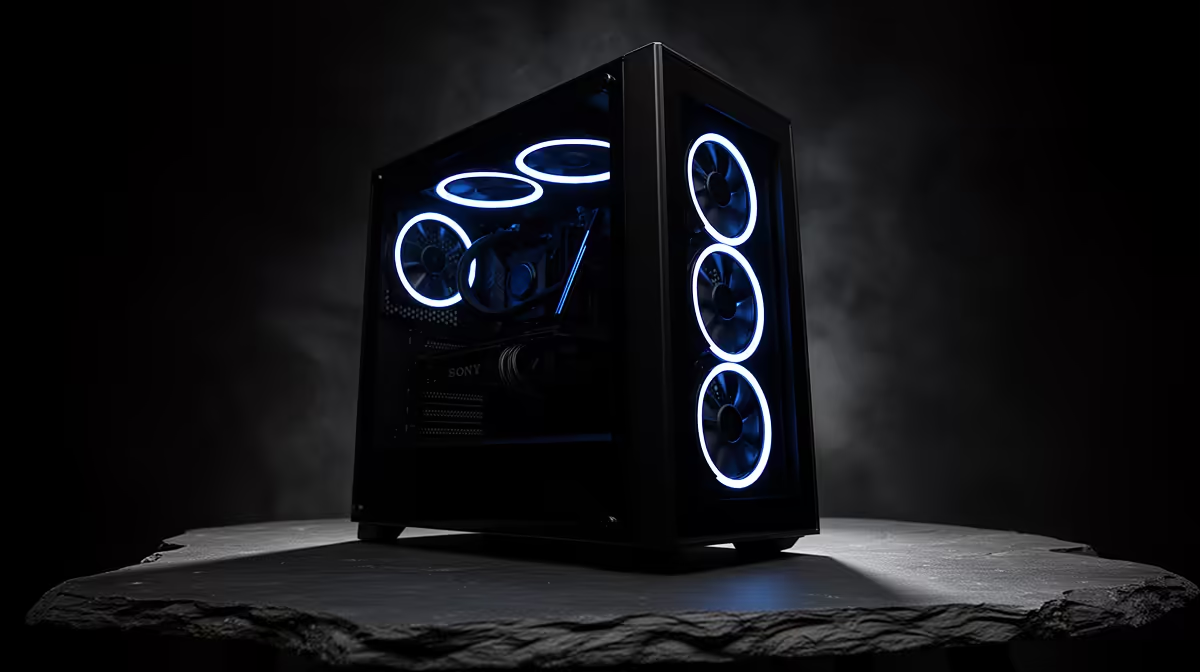
A PC case upgrade that ignores airflow trades one problem for another, you get a nicer-looking box that runs hotter than before. Airflow belongs at the top of any case upgrade checklist, because it shapes temperatures, noise and component life.
Quick Answer
On a PC case upgrade, do not ignore airflow: a mesh front intake and a sensible fan layout keep temperatures down. A case with a mesh front and room for three or more fans, around R1,200 to R2,500, can drop component temperatures several degrees over a restrictive design.
Why Airflow Heads The Checklist
A case with a solid or glass front panel starves the intake, so even good fans cannot pull in enough cool air, and the GPU and CPU run hotter and louder. A mesh front lets air flow freely to the components. Airflow affects everything downstream: temperatures, fan noise and the long-term life of your parts. A pretty case that suffocates the build is a downgrade.
Getting Airflow Right
Look for a mesh or perforated front intake, support for at least two intake and one exhaust fan, and a layout that gives the GPU clear access to fresh air. Aim for slight positive pressure, a little more intake than exhaust, with filters on the intakes to keep dust out. Tidy cable routing behind the tray also helps air move cleanly through the case.
FAQ
Does a glass front panel hurt airflow?
Often yes, a solid glass front restricts intake, raising temperatures. A mesh front, or glass with generous side intake gaps, flows much better.
How many fans does good airflow need?
Two intake and one exhaust is a solid base, scaled up for a hot GPU. The fan layout matters as much as the count.
Will better airflow reduce noise?
Yes, cooler components let fans spin slower and quieter to hold the same temperatures. Good airflow improves both heat and noise.
Prioritise a mesh front intake and a two-in, one-out fan layout when upgrading your case, so the new box runs cooler and quieter, not just better looking.