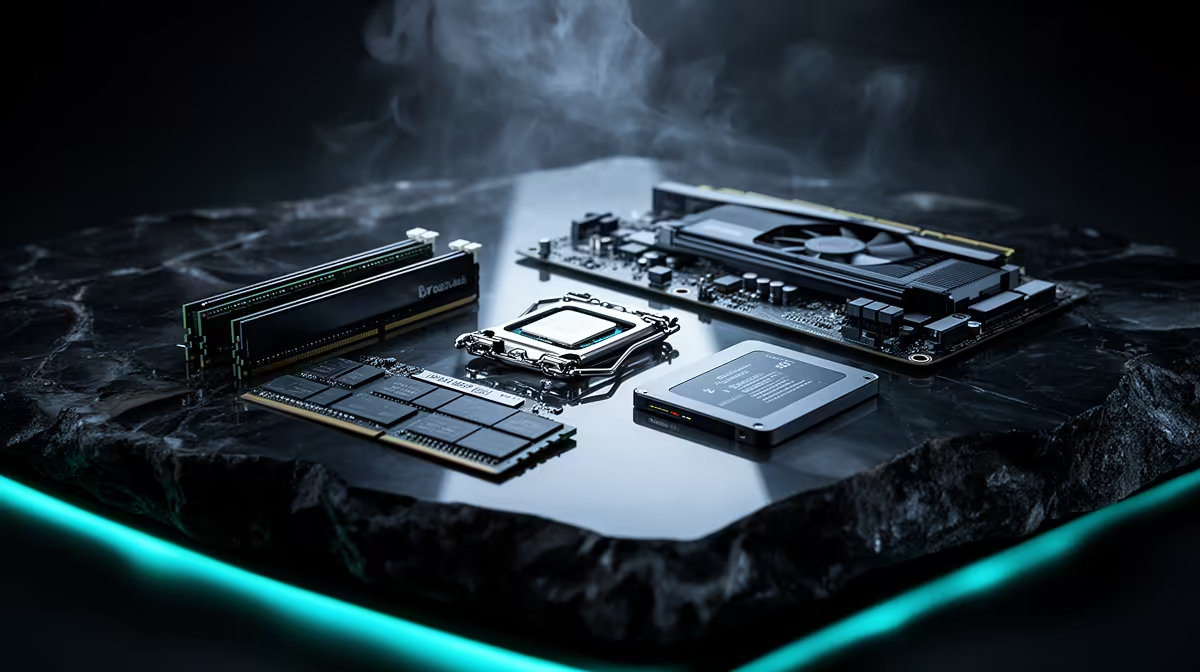
Buying used PC parts is safest when condition can be inspected, the item can be tested under load and a return arrangement exists. Cases, simple air coolers and some memory are easier to assess than power supplies or storage with hidden wear. No category is risk-free, so price should reflect missing history and warranty.
Test before trusting the component
Avoid an unknown or damaged power supply because failure can affect other parts, and never reuse its modular cables on another model. Treat used hard drives and SSDs cautiously; health reports do not guarantee remaining life, and they should never become the only home of important data. Inspect liquid coolers for age, noise and leakage risk.
Processors and memory can be reasonable after compatibility checks and sustained testing. Examine CPU pins or contact pads, memory edges and cooler mounting pressure. A graphics card needs visual inspection plus a long game or benchmark for artefacts, temperature, fan noise and stability. Check serial labels and proof of purchase where available, without relying on screenshots alone.
Meet in a safe setting, test in a known system and record exactly what is included. Walk away from corrosion, burning smells, missing screws, cracked connectors or a seller who refuses basic verification. Buy new for safety-critical or difficult-to-test parts when the saving cannot cover replacement risk. Back up before any upgrade.
Planning a safer PC upgrade? > Ask Evetech to compare new supported components against the exact existing build.