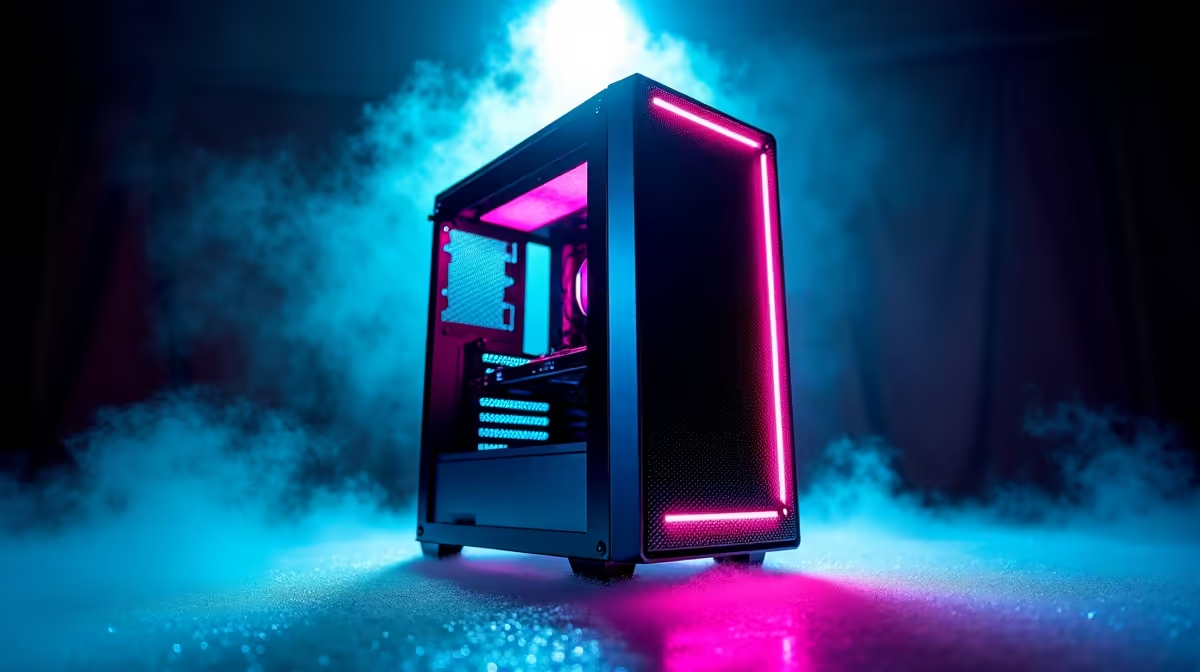
You’ve just unboxed your brand-new DeepSeek PC from Evetech. The RGBs are glowing, the fans are whispering, and you’re ready to dominate. But hold up… before you dive into that 1TB download of Baldur's Gate 3, let's talk about something less thrilling but way more important: PC security in South Africa. Because nothing ruins a gaming session faster than a hacked account or a rig crippled by malware. Let’s make sure your investment is properly protected. 🛡️
Foundational PC Security for South African Gamers
Before you even install your first game, getting the basics right is crucial. Think of it as laying the concrete slab before building your dream house. Solid PC security in South Africa starts with controlling who gets access to your digital life.
Master Your Passwords & 2FA
It sounds simple, but you'd be shocked how many people still use "Password123" for everything. Your new DeepSeek PC deserves better.
- Create Strong, Unique Passwords: Use a mix of upper and lower-case letters, numbers, and symbols. Better yet, use a password manager like Bitwarden or 1Password to generate and store complex passwords for every single account.
- Enable Two-Factor Authentication (2FA): This is non-negotiable for your gaming accounts (Steam, Epic, Battle.net) and email. It adds a second layer of security, usually a code sent to your phone, making it incredibly difficult for someone to access your account even if they steal your password.
Software Savvy: Your PC's First Line of Defence
Your PC's software is the digital frontline against threats. Keeping it updated and configured correctly is one of the most effective security measures you can take, and it costs you nothing but a few minutes of your time.
Keep Everything Updated ⚡
Hackers love exploiting old software. When a company releases an update, it often includes patches for security holes they've discovered.
- Windows Updates: Don't ignore them! Set Windows to update automatically.
- Driver Updates: Keeping your graphics card drivers current isn't just for performance. The latest drivers for powerful systems like NVIDIA GeForce gaming PCs often include crucial security fixes that protect your hardware at a low level.
- Antivirus Software: The good news is that Windows Defender, which comes built into Windows 10 and 11, is excellent. For most users, it's all you need. Just ensure it's enabled and updating its virus definitions regularly.
Check Before You Wreck 🔧
Ever downloaded a mod or a file that felt a bit dodgy? Before you run it, upload it to a site like VirusTotal. It scans the file with dozens of different antivirus engines to see if it contains any known malware. It’s a quick, free check that could save you a massive headache.
Beyond the Box: Smart Online Habits
The best security software in the world can't protect you from a clever scam. Developing smart online habits is key to overall PC security in South Africa, where phishing and social engineering attacks are increasingly common.
Secure Your Network & Be Wary of Scams
Your internet connection is a gateway to your PC. Make sure it's locked down.
- Secure Your Wi-Fi: Log into your router's admin panel and change the default password immediately. Your Wi-Fi password should also be strong and unique.
- Beware of Phishing: Scammers are experts at creating fake emails and websites that look like the real deal. They might promise free skins, V-Bucks, or tell you your account is compromised. Whether you're running a beastly rig with the latest AMD Radeon graphics or a starter build, your gaming accounts are a prime target. Always double-check the URL and never click suspicious links.
Protecting Your Rig from Physical & Data Threats
It's the one boss battle we can't win in South Africa. Sudden power cuts don't just interrupt your game; they can corrupt your data and even damage sensitive components over time.
Backups and Power Protection
- Get a UPS: An Uninterruptible Power Supply (UPS) is a must-have. It's a battery backup that gives you enough time to save your game and shut down your PC safely when the power goes out.
- Back Up Your Data: What would you lose if your main drive failed tomorrow? Set up regular backups for your important files. You can use a cloud service like OneDrive or Google Drive, or an external hard drive. For serious creators and professionals, this level of data security is standard practice on high-end workstation PCs, and it’s a lesson every gamer should learn. 🚀
Securing your new DeepSeek PC isn't about paranoia; it's about peace of mind. By following these tips, you can focus on what really matters: hitting your shots, exploring new worlds, and enjoying your incredible machine to the fullest.
Ready for a Secure Powerhouse?
A powerful PC deserves a powerful defence. By building a secure foundation, you ensure your investment is protected for years of top-tier gaming. Explore our incredible range of gaming PC deals and find the perfect, protected rig to conquer your world.