




IPS vs VA for Strategy and Sim Games in SA
IPS vs VA for strategy and sim games should be judged by fit, not a single winner. Compare compatibility, latency, capacity, upgrade path, cost planning, and South African setup needs.
Read moreGen 5 roughly doubles sequential throughput and roughly doubles the heat, and game load times barely move. Choose Gen 5 for large file work and Gen 4 for a boot drive. Five onboard M.2 sockets on the R54,999 X870E board let you run both without having to pick one.
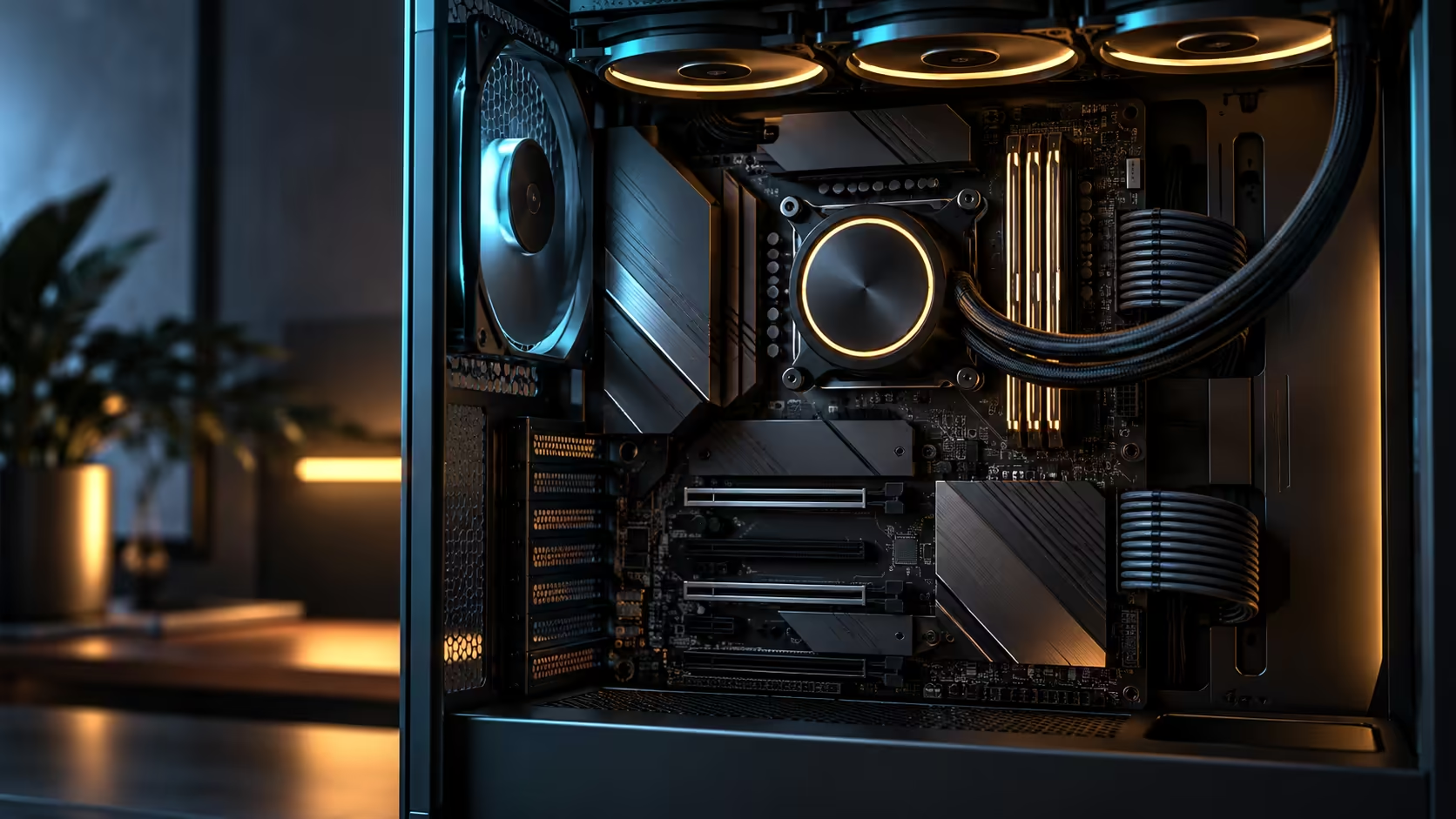
A drive spec sheet lists a bigger number and expects that to end the conversation, but PCIe 5.0 M.2 vs PCIe 4.0 M.2 is really a question about where that number actually matters. Sequential throughput roughly doubles moving from Gen 4 to Gen 5, and so does the heat the controller has to shed, while a game's load screen barely notices the difference either way. The ROG Crosshair X870E Edition 20 carries five onboard M.2 sockets at R54,999, enough to run both generations at once rather than forcing a single choice.
Choose Gen 5 for large file work such as video editing, big asset libraries or fast backups, where sequential throughput genuinely changes how long a task takes. Choose Gen 4 for a boot or game drive, where the difference in load times against a good Gen 4 part is measured in fractions of a second rather than anything you would notice. Five onboard M.2 sockets on the R54,999 X870E board mean you never have to give one generation up to get the other.
Sequential read and write throughput is the number that roughly doubles between generations, and it is exactly the number that matters for one specific kind of task: moving a large, mostly contiguous file. Copying a multi-gigabyte video file, restoring a large backup, or reading a big dataset into memory in one pass all benefit close to proportionally from the higher rated speed.
Random access, the pattern behind most everyday computer use including game loading, boots and application launches, depends far more on latency and queue depth than on peak sequential throughput. That is why a Gen 5 boot drive and a good Gen 4 boot drive feel almost identical day to day, even though one number on the box is roughly double the other.
Put a rough figure on the sequential gap and it reads as roughly 12,000MB/s for a fast Gen 5 drive against roughly 7,000MB/s for a good Gen 4 one. Copying a 100GB video project at those speeds is the difference between finishing in under nine seconds of pure transfer time and closer to fifteen, a gap that matters for a workflow doing that move daily and barely registers for someone who does it once a month.
Higher sustained throughput means the controller is doing more work per second, and that work generates heat proportionally. A Gen 5 drive under sustained load runs meaningfully hotter than a Gen 4 drive doing the same job, and without adequate cooling that heat triggers thermal throttling, where the drive deliberately slows itself to protect its components.
A heatsink, either the board's own M.2 cover or one built into the drive, matters more on Gen 5 than it ever did on Gen 4. Check whether the primary M.2 slot's cover is rated for a Gen 5 drive's higher output before assuming any heatsink is enough, since some early board covers were sized for the lower generation's heat output.
Marketing tiers on drive packaging do not always match the interface generation clearly, and a drive labelled with a familiar brand name can still be a Gen 4 part sold alongside genuinely Gen 5 models in the same range. Confirm the interface generation stated explicitly, not just the brand or series name, before assuming a purchase matches the speed tier you were planning for.
A monitoring tool that reports the negotiated PCIe generation and lane width for each installed drive settles this definitively after the build is finished, and it is worth running once during setup specifically to confirm every drive is seated in the socket you intended and running at the generation you paid for.
A drive's thermal headroom is set against an assumed ambient temperature, usually somewhere near 25 degrees in a lab test. A study or office running closer to 30 degrees on a hot Gauteng afternoon, with no air conditioning running, gives a drive far less margin before it starts to throttle, and a Gen 5 drive with its higher baseline heat output feels that margin loss first.
Positioning the fastest drive in the M.2 slot with the best airflow, usually one away from the graphics card rather than directly under it, buys back some of that margin without spending anything extra. If a Gen 5 drive in your build is consistently reporting temperatures in the 70s under sustained load, that is worth investigating before assuming the drive itself is the problem, since a repositioned drive or an added heatsink often solves it without any change to the drive itself.
With five onboard sockets available, a sensible layout puts one Gen 5 drive in the best-cooled slot for the operating system and active project files, where the throughput gain compounds across every read and write of a large working file. A second Gen 5 drive suits a dedicated scratch or render-cache role if the workload genuinely writes large sequential chunks repeatedly.
The remaining slots are exactly where Gen 4 drives earn their place: a game library, an archive drive, or general storage where the price difference per gigabyte between generations buys meaningfully more capacity for a workload that will not notice the throughput gap anyway. That difference in price per gigabyte can be significant enough to fund an extra drive's worth of capacity on the archive side alone. This is also where the board's AMD motherboard range listing is worth checking, since not every AM5 board offers five onboard sockets to split this way.
Only marginally. Game load times depend more on random access latency than sequential throughput, so the difference against a good Gen 4 drive is small.
It sustains roughly double the throughput under load, and that extra work generates proportionally more heat in the controller, which is why adequate cooling matters more at this tier.
Yes, and it is usually the sensible layout. Use Gen 5 for large sequential workloads and Gen 4 for a boot drive or game library where the speed difference will not be noticed.
There is no single number, since it depends on the drive and its cooling, but a room consistently above 28-30 degrees gives noticeably less thermal headroom than a well-ventilated space.
Usually not for the primary drive. The throughput gain matters most for large file transfers and sustained writes, which a typical gaming workload rarely produces.
Ready to put your fastest storage where it actually counts? Reserve Gen 5 for large sequential work and keep Gen 4 for everyday loading, using the five onboard slots to run both without compromise.
Only marginally. Game load times depend more on random access latency than sequential throughput, so the difference against a good Gen 4 drive is small.
It sustains roughly double the throughput under load, and that extra work generates proportionally more heat in the controller, which is why adequate cooling matters more at this tier.
Yes, and it is usually the sensible layout. Use Gen 5 for large sequential workloads and Gen 4 for a boot drive or game library where the speed difference will not be noticed.
There is no single number, since it depends on the drive and its cooling, but a room consistently above 28-30 degrees gives noticeably less thermal headroom than a well-ventilated space.
Usually not for the primary drive. The throughput gain matters most for large file transfers and sustained writes, which a typical gaming workload rarely produces.
IPS vs VA for strategy and sim games should be judged by fit, not a single winner. Compare compatibility, latency, capacity, upgrade path, cost planning, and South African setup needs.
Read more
Gen 5 NVMe SSD guide for Bloemfontein gamers should be shortlisted around the job it must do. South African buyers should compare capacity, speed, thermals, and motherboard support, warranty path, and upgrade room before treating any pick as best.
Read more
Skip the RTX 5070 if your first-time builder budget needs better balance. Better SA picks can free room for the right CPU, PSU, case, monitor, storage, and cooling while still giving a strong first gaming PC experience this year in South Africa.
Read more
RTX 5080: weighing the pros and cons for SA should be shortlisted around the job it must do. South African buyers should compare GPU tier, VRAM, cooling, and PSU headroom, warranty path, and upgrade room before treating any pick as best.
Read more
Core i5-13400F gives South African PC builders a capable mid-range CPU choice with clear limits. Check its gaming fit, discrete GPU requirement, LGA1700 platform costs, and upgrade path before locking in your parts list.
Read more
Pros and cons of the Wi-Fi 7 routers for SA should be shortlisted around the job it must do. South African buyers should compare WiFi standard, coverage, latency, and device support, warranty path, and upgrade room before treating any pick as best.
Read more
Steam content servers unreachable needs a download-path check, not an immediate reinstall of every game. Restart the client, inspect download settings and compare another connection when practical. Clearing the download cache is separate from deleting installed games.

Keychron G6 HE has built-in and swappable battery versions with different weights. The product brief lists 42g and 46g respectively, each with a 3g tolerance. Choose by grip and battery preference before treating one headline weight as universal.

Corsair HS80 v2 MAX supports 2.4GHz wireless and Bluetooth. Its maximum battery figures use RGB-off conditions and differ by connection. Check microphone routing, comfort and the exact device support before assuming every wireless mode behaves alike.

Windows taskbar notification badges can be shown or hidden in Taskbar behaviours. This changes the small app indicators, not the underlying messages. Choose a calmer desktop while keeping a deliberate routine for checking important conversations and app updates.

Windows title bar window shake can minimise other open windows when you shake the active window by its title bar. Inspect the Multitasking setting and switch it off if that gesture interrupts your work. The preference costs R0 and does not require new hardware.

Windows Print Screen opens Snipping Tool when its keyboard preference is enabled. Change the option under Accessibility, Keyboard to choose another workflow. Test whether you need a clipboard image or a saved file.

Windows desktop icons missing may be a visibility setting. Right-click the desktop, choose View and inspect Show desktop icons. If only system icons are absent, use Desktop icon settings. Check the Desktop folder before assuming files were deleted.

Windows set time zone automatically greyed out calls for a location and device-policy check. Automatic time-zone selection relies on location services. A manual time-zone choice is separate from synchronising the clock; check both before replacing hardware.
Windows title bar window shake can minimise other open windows when you shake the active window by its title bar. Inspect the Multitasking setting and switch it off if that gesture interrupts your work. The preference costs R0 and does not require new hardware.
Windows Print Screen opens Snipping Tool when its keyboard preference is enabled. Change the option under Accessibility, Keyboard to choose another workflow. Test whether you need a clipboard image or a saved file.
Windows desktop icons missing may be a visibility setting. Right-click the desktop, choose View and inspect Show desktop icons. If only system icons are absent, use Desktop icon settings. Check the Desktop folder before assuming files were deleted.
Windows set time zone automatically greyed out calls for a location and device-policy check. Automatic time-zone selection relies on location services. A manual time-zone choice is separate from synchronising the clock; check both before replacing hardware.