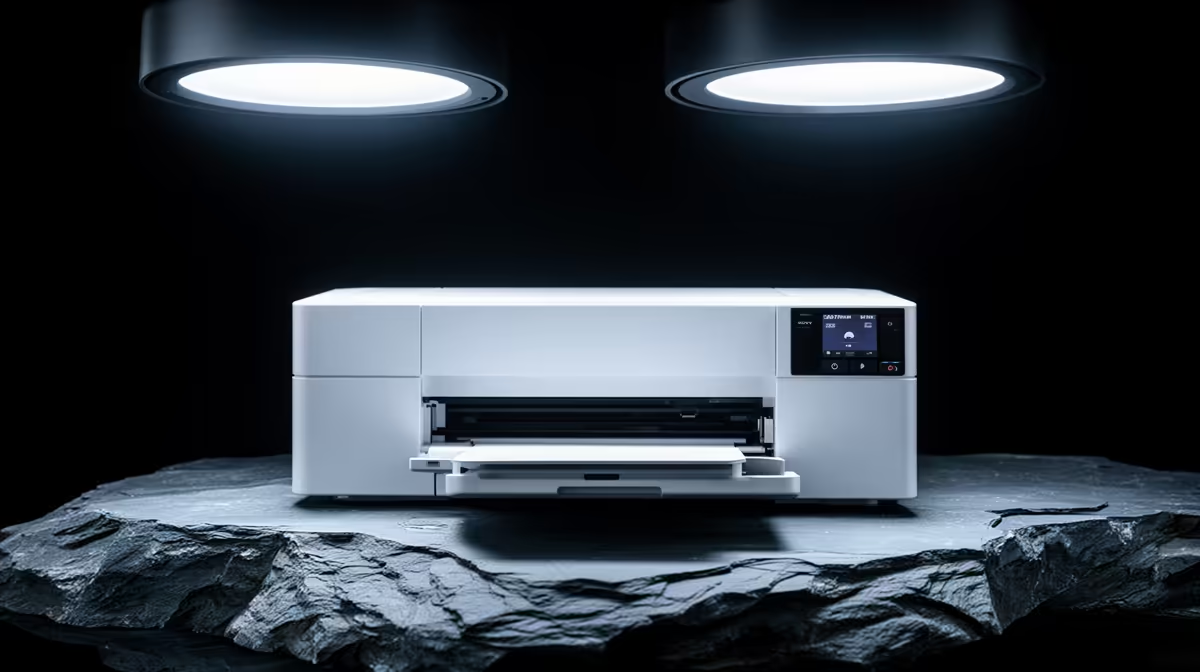
A photo printer is overkill for most first-year students unless a photography, design or art course requires frequent physical proofs. Personal snapshots and occasional portfolio pages are usually cheaper through a calibrated print service. The supplied factpacks do not verify a photo-printer model, ink set, paper or price.
Count assessed prints
Read module briefs and ask which sizes, paper types and colour standards are accepted. Track the likely number of drafts and finals per term. Print the same test image at a reputable service to learn whether home control would improve marks or merely add another maintenance job.
The ASUS ExpertBook P1503 laptop is factpack-verified at R9,858 with an Intel Core i5-13420H processor, 8GB memory and 512GB storage. Confirm current course applications, display, memory, colour and portability requirements. A suitable editing screen and reliable storage may affect every assignment, while a printer may sit unused for weeks.
If ownership is justified, investigate ink longevity, cartridge availability, cleaning cycles, paper profiles, border options, driver support and warranty. Ink can be consumed even when few final pages are produced. Keep originals and edited files in approved backups, and use a colour-managed workflow where the course demands it. Buy only after a term-level cost comparison includes rejected prints and maintenance. For small volumes, outsource output and preserve room space for studying, editing and safe paper storage.
Starting a creative course? > Compare verified laptops with Evetech around software, display and storage needs.