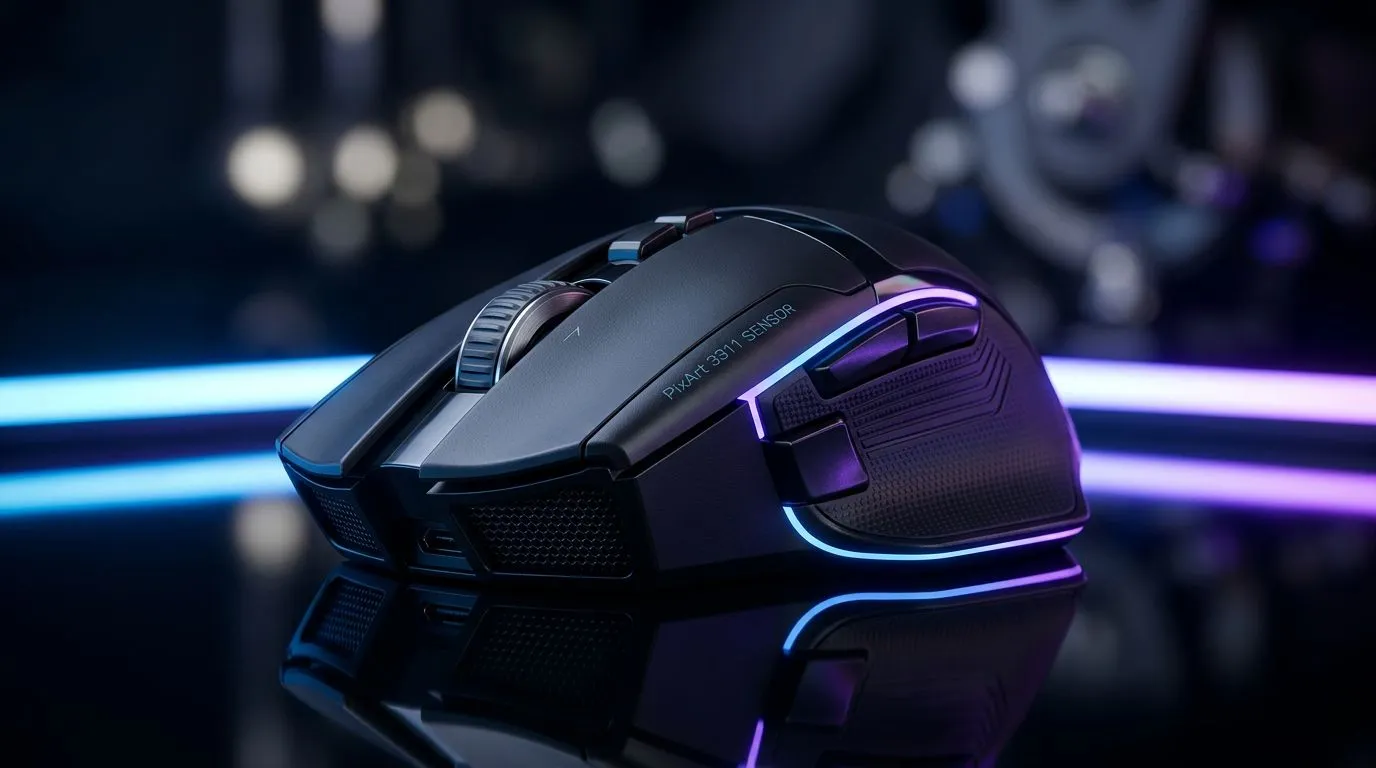
PixArt 3311 sensor basics and why South African gamers should care 🎮
If you're hunting for a budget gaming mouse that actually performs, the PixArt 3311 sensor quietly shows up in a lot of contenders. It’s not the flagship tech pros brag about, but it delivers reliable tracking for most FPS and MOBAs — and it helps keep prices down for South African gamers on a budget. Want to know how it stacks up against pricier sensors and which mice to try? Read on. ⚡
How the PixArt 3311 sensor compares to higher‑end sensors
The PixArt 3311 sensor sits in the entry to mid‑range sensor tier. Compared to premium models (used in enthusiast mice), the 3311 often has lower top DPI and simpler firmware tuning — but that doesn't mean it's unusable for competitive play. For context and to see the kinds of mice that use sensors across the spectrum, check Evetech’s components listings for gaming mice. https://www.evetech.co.za/components/gaming-mouse-117
Real‑world differences: feel, smoothing, and lift‑off
In practise you'll notice differences in smoothing and raw responsiveness when moving from a 3311 to a high‑end sensor. That matters most at very low sensitivities or with ultra‑precise aim. For the majority of players who use mid to high sensitivity, the gap is smaller. To compare price options and spot bargains that use the 3311 sensor, browse Evetech’s best gaming mouse deals for current ZAR pricing and stock. https://www.evetech.co.za/best-gaming-mouse-deals/x/54
Which gamers get the most value from a PixArt 3311 mouse
If you play MOBA, casual FPS, or stream on the side, the 3311 offers a great balance: decent tracking, modest power consumption, and wallet‑friendly prices. Competitive, high‑DPI snipers may prefer sensors with higher max DPI and more advanced motion processing. If you want to compare cheap wired versus wireless options in South Africa, Evetech keeps organised sections for wired and wireless mice to help you decide. Wired models: https://www.evetech.co.za/buy-wired-mouse/x/1596 and wireless choices: https://www.evetech.co.za/buy-wireless-mouse/x/1597
Mouse Setup Tip 🔧
Lower your in‑game DPI and use Windows sensitivity 6 11, then fine‑tune with the mouse software. This reduces interpolation and often yields smoother tracking on budget sensors like the 3311.
Accessories and tweakables that improve a 3311‑powered mouse
Small upgrades can make a big difference. Swap to PTFE skates, adjust debounce or polling rate, and check firmware updates if available. Evetech’s mouse accessories page has pads and skates that can help you refine feel and glide without buying a new sensor. https://www.evetech.co.za/buy-mouse-accessories/x/1595
Short stories from local players
A Cape Town streamer I spoke with switched from a brand flagship to a 3311 mouse when his budget tightened. After changing skates and lowering DPI he reported “better aim, less wrist strain” — not because the sensor magically improved, but because the whole setup was optimised for his style. That’s the point: setup matters as much as the chip inside.
Quick checklist to choose between 3311 and other sensors
- Match sensor to your sensitivity and game genre.
- Inspect polling rate and firmware options on product pages.
- Factor warranty and local RMA ease — Evetech lists warranty info on product pages. https://www.evetech.co.za/components/gaming-mouse-117
- Try before you commit when possible; otherwise buy from sellers with easy returns.
Final verdict: who should buy a PixArt 3311 mouse?
Buy one if you want solid everyday performance without splurging; pair it with good pads and a tuned software profile and you’ll be surprised what it can do. Skip it if you demand ultra‑high DPI ceiling or pro‑level motion processing. For live stock and deals in ZAR, head to Evetech’s mice sections and deals to compare current options and pricing. https://www.evetech.co.za/best-gaming-mouse-deals/x/54
Ready to Find Your Perfect Match?
The Mac vs Windows debate is complex, but for maximum power, choice, and value in South Africa, Windows is hard to beat. Explore our massive range of laptop specials and find the perfect machine to conquer your world.