You bought a portable monitor for the second screen on the road, and now the question is how to keep it upright without it sliding across a coffee-shop table. Two answers dominate: a folio portable monitor case that doubles as a kickstand, or a dedicated fold-flat stand. They solve the same problem from opposite directions, one prioritising protection, the other adjustability, and the right pick depends entirely on how and where you use the screen.
Quick Answer
A folio case wins if you carry the monitor daily and want protection plus a basic propped angle in one zero-extra-weight package. A fold-flat stand wins if the screen mostly lives on a desk and you want height adjustment and a steadier, taller viewing angle. Many users end up owning both, but if you buy one first, choose the case for travel and the stand for desk work.
How the Two Holders Differ
The split comes down to what each is designed to do well.
A folio case is a magnetic or fitted cover that wraps the screen for transport, then folds into a triangular kickstand to prop it up. It adds essentially no extra item to your bag because it stays attached, and it shields the panel from scratches and knocks in transit. The trade-off is a fixed or near-fixed angle and a low sitting height, usually only one or two recline positions.
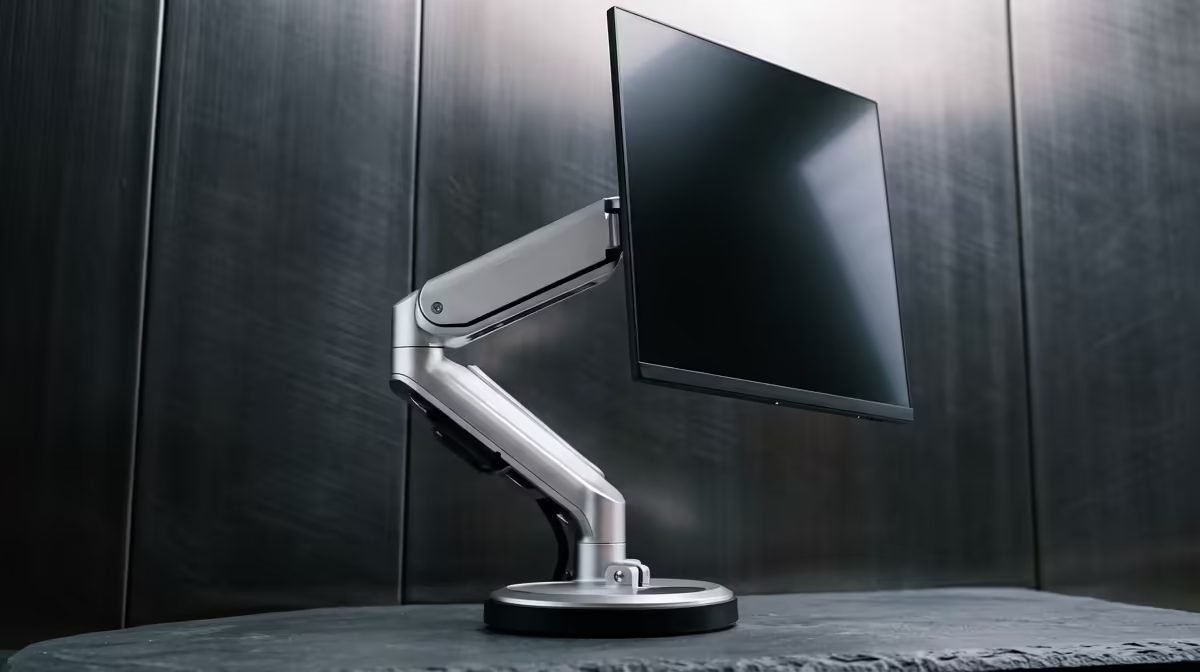
A fold-flat stand is a separate accessory, often a thin metal plate that folds out into a supportive easel or a small arm. It gives you adjustable angle, often adjustable height, and a more stable base that resists wobble when you tap the screen if it is a touch panel. The cost is that it is one more thing to pack and carry, and it offers no protection during transport.
Stability and Viewing Angle
For desk use, the stand almost always feels more solid. A wider footprint and a higher pivot mean the screen sits at a more natural eye line and stays put. A case kickstand, by contrast, places the screen low and at a shallow angle, which is fine for glancing reference content but tiring if it is your main display for hours.
If you use a touch-enabled portable monitor, this matters more. Every tap pushes the screen backward, and a flimsy case kickstand can fold or skid, while a proper stand absorbs the press. To judge which panels suit which holder, it helps to see the current lineup in the portable monitor selection at Evetech and check the weight and thickness of the model you want.
Protection and Portability
This is where the case pulls ahead decisively. If your monitor rides in a backpack between sites, lecture halls or flights, the folio cover guards the panel against the keys, chargers and corners it shares the bag with. A stand does nothing here, so a bare monitor travelling with only a stand is vulnerable.
Portability also favours the case because it never leaves the screen. You cannot forget it at home, and it adds no separate bulk. A stand is one more item to remember and one more thing that adds weight, however slight.
Which One Fits Your Use
Map it to your routine. If you are a commuter, student or travelling professional who moves the screen constantly, lead with the case for protection and grab-and-go convenience. If the monitor lives mostly on a desk as a fixed second display, lead with the stand for the better angle and stability. Hybrid users who do both genuinely benefit from owning each, using the case for transit and the stand once they settle at a desk.
Ergonomics and Long Sessions
Where you spend a full work session matters more than a quick task. A folio kickstand places the screen at a shallow angle, typically ten to twenty degrees from vertical, and quite low on the table surface. That is workable for an hour but causes neck strain during a long writing or coding session, because you are looking down rather than at a neutral eye line.
A proper stand corrects this. Most fold-flat portable stands raise the screen to between 150mm and 200mm above the surface and allow tilt adjustment from roughly twenty degrees to sixty degrees, which puts the panel near eye level for most seated users. For hybrid workers using the screen as a primary display for hours at a stretch, this is not a comfort preference but a posture necessity. If you are using the portable monitor as a genuine workstation replacement while travelling, the stand earns back its weight in reduced neck and shoulder fatigue over the course of a working day.
Materials, Build Quality and What to Inspect
The gap between a good holder and a cheap one is most obvious at the hinge. A well-engineered stand hinge uses a torque mechanism that holds any angle without drifting, stays firm after hundreds of open and close cycles, and does not loosen after a few months of daily use. Cheaper hinges use a simple friction fit that works initially but slackens off with use, leaving the screen tilting forward on its own.
For cases, the critical joint is the kickstand fold. A reinforced spine with a metal or dense-plastic crease holds its angle and does not crack at the fold point. A thin fabric hinge or an unbraced edge crease will weaken and eventually fail to hold the screen upright, which is common on budget folio cases after six months of opening and closing.
When buying either, look for aluminium alloy construction on stands for rigidity without weight, and for reinforced corner protection on cases if the monitor travels in a bag with other gear. Padded inner surfaces protect the panel far better than bare fabric.
Buying Notes for South African Users
Check compatibility before you buy either one. Cases are often model-specific, fitted to a particular screen size and port layout, so confirm yours matches. Stands are usually universal but check the supported weight and that the kickstand groove or magnets line up with your panel. Look for build quality in the hinge, since a cheap stand hinge loosens over time and a thin case kickstand creases. For a sense of what holders and panels are moving locally, the best-selling monitor picks give a quick read on popular, well-reviewed options.
Frequently Asked Questions
Is a portable monitor case strong enough to hold the screen up?
For light reference use, yes. A folio kickstand props the screen at a shallow angle and works for glancing at content, but it sits low and offers limited angle choice, so it is less comfortable as a primary all-day display.
Does a stand protect the monitor during travel?
No. A stand only holds the screen upright on a surface and offers no protection in a bag. If you carry the monitor often, pair it with a case or sleeve, or choose a folio case that protects and props.
Are portable monitor cases universal?
Usually not. Cases are commonly fitted to a specific model and size, so check that the case matches your exact monitor before buying. Stands are more often universal but should still match the panel's weight and thickness.
Which is better for a touch-screen portable monitor?
A fold-flat stand, because it gives a steadier base that resists the backward push of each tap. A case kickstand can fold or slide when you press a touch panel.
Can I use both a case and a stand?
Yes, and many users do. Use the case for protection and quick propping while travelling, then switch to the stand at a desk for a better viewing angle and more stability.
Picking the right holder starts with the right screen. Browse the portable monitor range at Evetech, match a case for travel or a stand for the desk, and keep your second screen steady wherever you work.