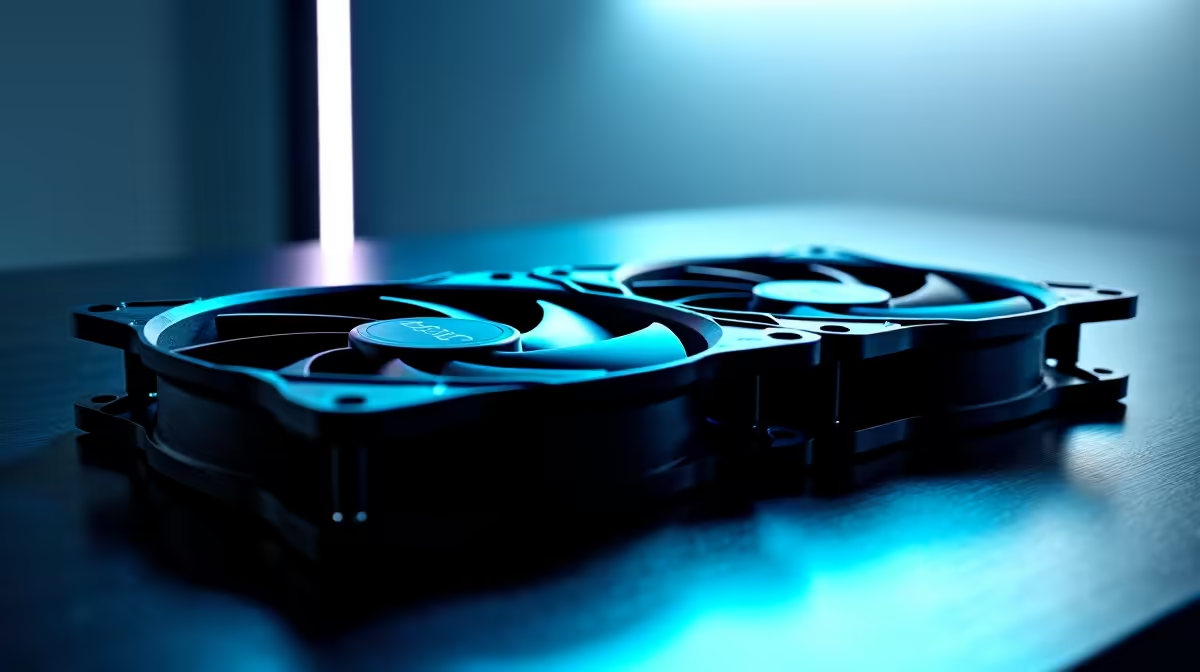
A postgraduate student should choose a set of case fans only after a desktop shows a cooling or noise problem during research work. The DeepCool CG330 case at R770 is a verified enclosure reference, while the factpacks do not identify a separately priced fan set or confirm which kits fit this chassis.
Profile the research load
Run the heaviest typical job, such as data processing, simulation, rendering or compiling, for long enough to reach steady temperatures. Watch processor and graphics temperatures, clock behaviour and fan speed. Inspect filters, cable routing and the direction of existing fans before adding hardware.
Read the exact case and motherboard manuals. Compare live fans by supported diameter, PWM or DC connector, speed range, airflow, static-pressure role, noise rating, bearing type, cable length and warranty. Confirm header-current limits and whether a powered hub is needed. Lighting control does not guarantee fan-speed control.
Aim for a coherent intake and exhaust path, not the largest possible fan count. Clean filters, keep the tower off thick carpet and repeat the same research workload after any change. Power down fully before touching connectors and ask an experienced builder for help when header wiring is uncertain.
Buy a set when the measurements show inadequate airflow or poor acoustic control. If the desktop remains stable and quiet, backups or additional storage may contribute more to postgraduate work.
Cooling a research workstation? > Match Evetech cases and fans to the measured load and motherboard headers.