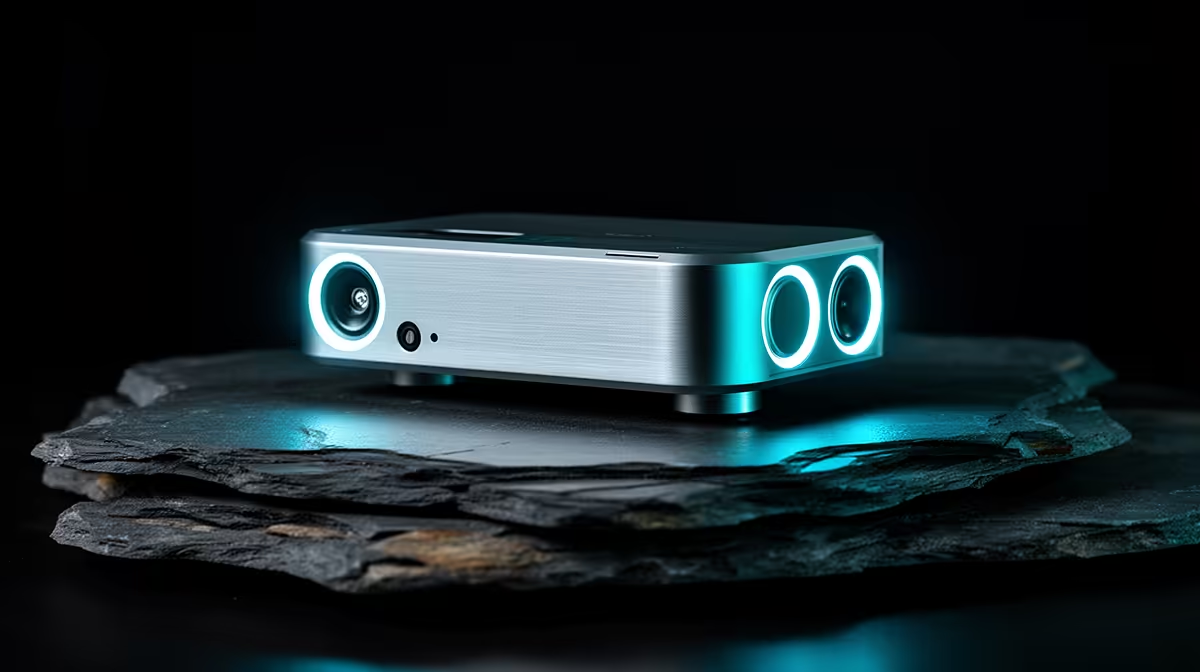
A postgraduate student should choose a USB DAC only after identifying a playback problem such as audible noise, inadequate headphone level or missing outputs. It does not improve research, calls or recordings by itself. Many laptops and USB headsets already provide clean enough audio for lectures, interviews and focused listening.
Isolate the audio fault
Play a known file through the current output and compare headphones at matched volume. Check whether noise appears only while charging or using a hub. The supplied facts contain no verified USB-DAC SKU. The verified Logitech H390 USB headset costs R320 and provides a direct digital call-audio alternative, not a separate DAC. Confirm current connection and compatibility details.
Match outputs and desk use
List headphone impedance, speaker inputs, microphone route and operating-system support. A DAC with a large volume knob may help desktop control, while a portable student setup benefits from fewer cables. Test sleep recovery, conferencing and switching between speakers and headphones. Keep confidential calls on a headset rather than shared speakers.
Buy after a blind or level-matched comparison shows a useful improvement. A DAC cannot remove room echo from a microphone or repair a damaged recording. Spend on better headphones, placement or backup storage when those solve the actual study need.
Keep a wired headset nearby as a reference when Bluetooth, charging or DAC routing clouds the diagnosis.
Improving study audio? > Explore Evetech USB headsets and speakers while checking current DAC options separately.