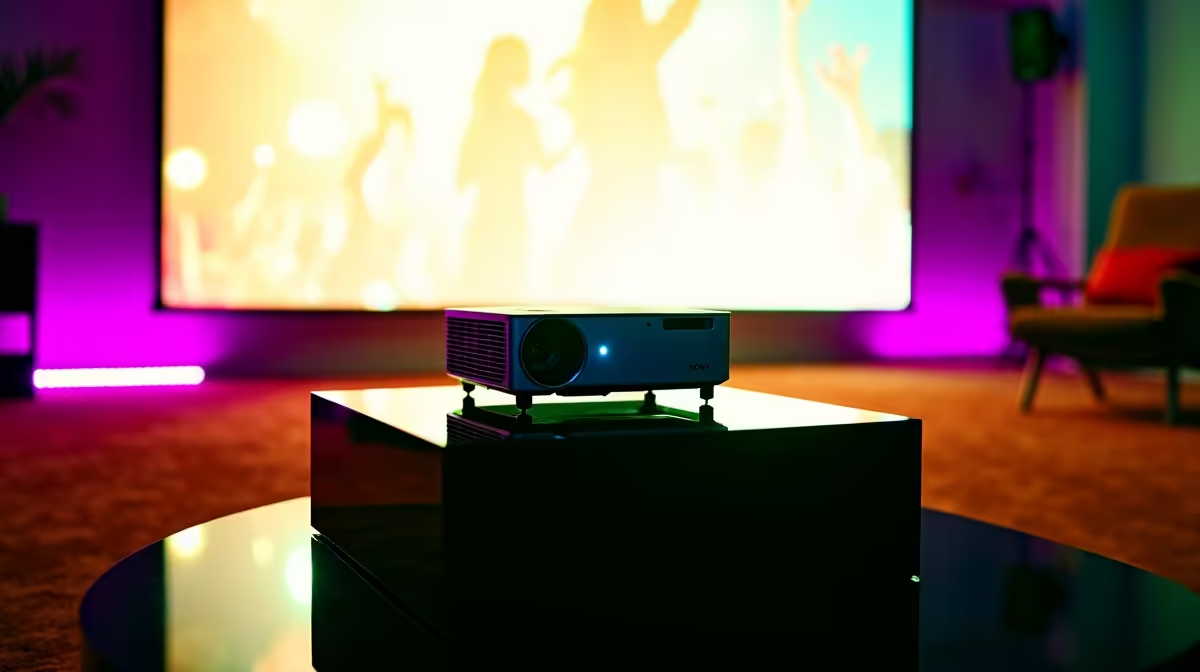
Planning the ultimate braai or a legendary movie night for the big game? Forget huddling around a TV. The secret to an unforgettable get-together is a massive, vibrant picture that everyone can enjoy. A proper projector setup for your party transforms any space into an entertainment arena. It’s simpler than you might think, and this guide will walk you through every step to create a jaw-dropping experience for your guests. 🍿
Choosing Your Gear: The Right Projector & Screen
Before you can host the movie night of the year, you need the right hardware. The perfect party projector setup doesn't require a Hollywood budget, but focusing on a few key specs makes all the difference.
Key Features to Look For:
- Brightness (Lumens): If you're setting up outdoors before sunset or in a room with some ambient light, you'll need more brightness. For a dark room, you can be more flexible. A projector with 2,000+ lumens is a great starting point for versatile use.
- Resolution: While 4K is amazing, a Full HD (1080p) projector delivers a crisp, clear image that's perfect for movies, sport, and casual gaming. It's the sweet spot for performance and price.
- Portability: Are you moving it from the lounge to the lapa? A smaller, lighter model makes your projector setup for the party much less of a hassle.
Finding the right balance is key. You can find some seriously impressive and affordable projectors under R20,000 that are perfect for home entertainment.
Your Step-by-Step Projector Setup Guide 🔧
Alright, you've got your projector. Now, let's get it running. This simple process will take you from a box to a big-screen spectacle in minutes.
Step 1: Placement is Everything
Position your projector on a stable surface, like a small table or a tripod. The distance from the screen or wall determines the image size—further back means a bigger picture. Try to get it as level and centred with your screen as possible. Most modern projectors have a 'throw ratio' spec that tells you exactly how far back it needs to be for a certain screen size.
Pro Tip: Beat the Skew
If your projector isn't perfectly centred, the image might look like a trapezoid. Don't panic! Use the 'keystone correction' feature in the projector's menu. This digital tool squares up the image perfectly, so it looks sharp and professional.
Step 2: Screen or Wall?
A dedicated projector screen will always give you the best colour and contrast. But for a casual party, a smooth, plain white wall works wonders. Just make sure it's clean and free of any pictures or hooks. A clean, ironed white bedsheet tacked tightly to a wall is a classic DIY solution that works surprisingly well!
Step 3: Connect Your Source
How will you play your movies or music videos? The most common connection is HDMI. Simply run an HDMI cable from your laptop, DStv decoder, or gaming console directly to the projector. For a cleaner setup, a streaming stick like a Google Chromecast or Apple TV plugs right into the projector's HDMI port, giving you instant access to Netflix, YouTube, and more.
Step 4: Pump Up the Volume 🔊
Let's be honest... built-in projector speakers are usually not powerful enough for a party. The easiest solution is to connect your source device (like your laptop) to a Bluetooth speaker. For a truly epic sound experience, run an audio cable from your source to a proper soundbar or Hi-Fi system.
Nailing the Party Vibe
A great projector setup for a party is about more than just the tech; it's about the atmosphere. Dim the main lights to make the screen pop, but leave some soft, ambient lighting on so guests can still see their drinks and snacks. For a reliable and vibrant picture that won't let you down mid-movie, it's always worth considering trusted brands like Viewsonic, known for their durability and excellent image quality.
Think beyond movies! Create a YouTube playlist of classic music videos, run a slideshow of fun photos, or hook up a Nintendo Switch for some friendly Mario Kart competition. Your projector is a blank canvas for a fantastic night.
Ready to Be the Host of the Year?
Your ultimate party setup is just a few clicks away. Find the perfect match for your space and budget to make your next event truly epic. Shop our huge range of projectors now!