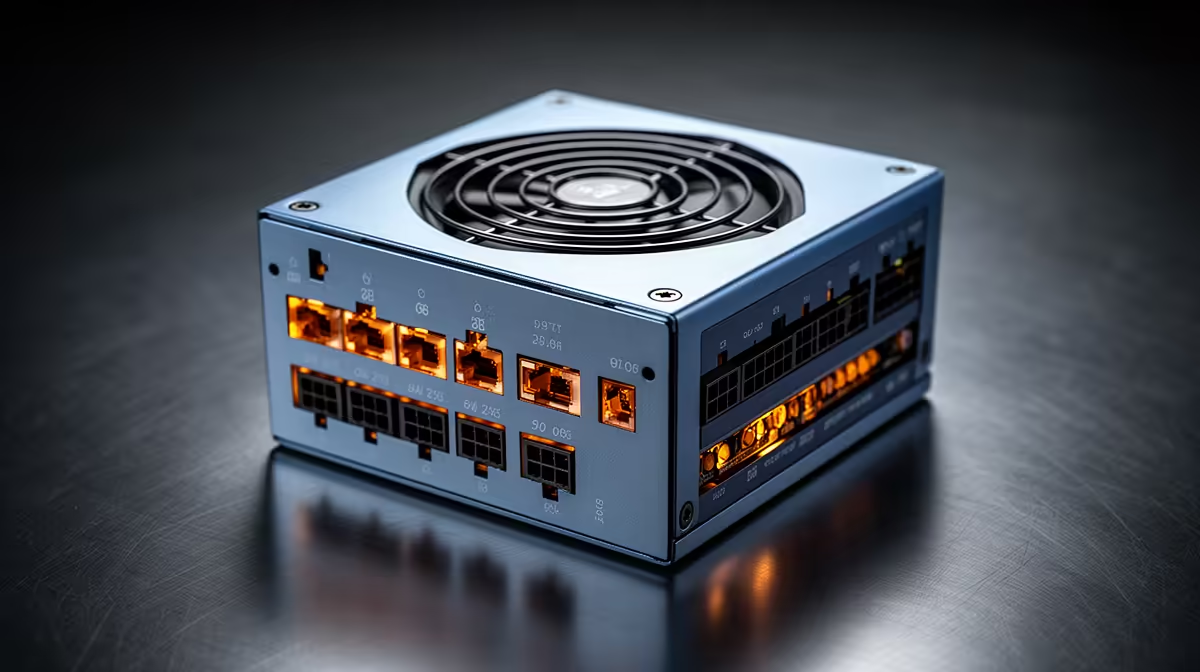
A quality PSU for beat-making should be selected from the exact desktop components, not the full studio ceiling or audio software. A stable, quiet unit matters in a tower, but mini PCs and laptops use different approved power arrangements.
Finalise the music computer before wattage
List the processor, GPU, motherboard, drives, cooling and realistic upgrades. Follow reliable manufacturer power guidance, allow sensible headroom and check PSU length, native connectors and fan behaviour. Include the audio interface, display and backups separately in the studio plan.
The DeepCool PF750 750W PSU is verified at R550, the Cooler Master Elite 850W Gold ATX 3.1 at R930 and Corsair RM850e at R1,900. These offer different capacity references and are not universal studio choices. Check current protections, efficiency, connectors, dimensions, modular cables, fan behaviour, system demand and warranties.
Never mix modular leads between units. Shut down, unplug the PC and obtain competent installation help where needed. Back up sessions, samples, plug-in lists and licences before internal work. Test audio latency and room noise after installation.
Buy the unit that fits the completed tower with rational headroom. Reserve the wider budget for the measured audio, monitoring, storage or acoustic need.
Measure studio noise from the microphone position after installation, since a technically efficient PSU can still be unsuitable if its fan dominates quiet passages.
Powering a beat-making PC? > Compare Evetech PSUs after completing the studio parts list.