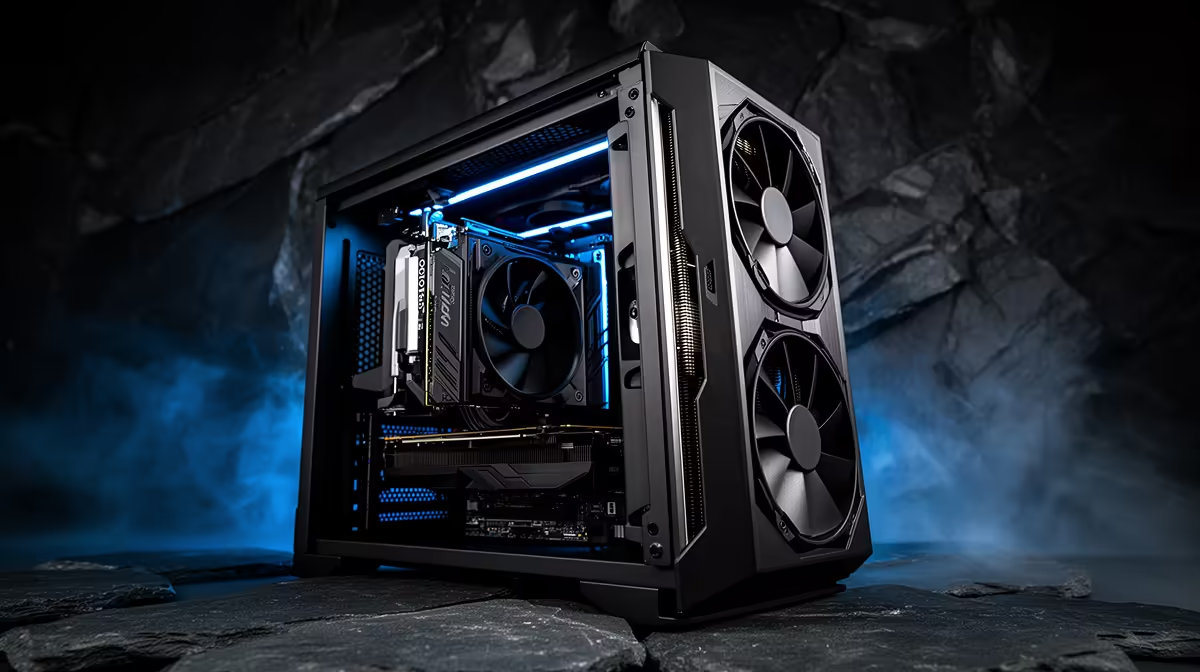
Running a local large language model for coding pins your GPU at near full power for minutes at a stretch, and a quiet local-LLM coding rig lives or dies on how it sheds that heat without screaming at you. A 24GB card such as an RTX 5090 in sustained inference behaves nothing like a card running a game in bursts. It holds a high, steady draw, the cooler never gets a quiet moment to coast, and Cape Town or Johannesburg summer ambient temperatures stack extra load on top. Solve airflow properly and the rig disappears into the background while you write code with a model that never leaves your network.
Quick Answer
A genuinely quiet 24GB inference rig comes down to three choices: a high-airflow case with mesh intake, large slow-spinning fans tuned with a flat curve, and a GPU left to run at a modest power limit. Cap the card around 80 to 85 percent power, run 140mm fans under 1,000 rpm, and you can hold sustained inference under comfortable temperatures at noise levels you stop noticing within minutes.
Why Sustained Inference Is The Hard Case
Gaming thermals are spiky. Frames render, the card idles between scenes, fans surge and fall. Inference is the opposite. The moment you send a long prompt, the GPU climbs to its sustained clock and stays there until the response finishes, which on a large coding model can be a continuous workout. That removes every recovery window the cooling system relies on, so the steady-state temperature, not the peak, is what you are designing around.
South African ambient conditions make this sharper. A study room that sits at 28 degrees on a summer afternoon gives your radiator and heatsinks warmer air to work with, which raises every temperature reading by the same margin. A cooling plan that looks fine in a 19 degree review lab can run loud in a Durban flat in February. Design for your real room, not a benchmark bench.
The Case Decides Most Of The Noise
Airflow is won or lost at the chassis before you touch a single fan. A case with a restrictive glass front forces the intake fans to spin harder and louder to pull the same volume of air, which is the wrong trade for a machine that runs hot all day.
Pick Mesh Over Glass
Choose a case with a genuine mesh front panel and an open path from intake to exhaust. Mesh lets slow fans move a lot of air quietly, which is exactly what sustained loads need. A solid or heavily filtered front turns your fans into the loudest part of the room.
Give The GPU Room To Breathe
A 24GB flagship card is long, thick and hot. Leave clearance below it for fresh intake, and avoid cramming it directly above a basement power supply with no gap. If your case supports it, a vertical mount with adequate spacing from the side panel can help the card draw cooler air rather than recycling its own exhaust.
Fans And Curves Are The Quiet Lever
Two slow large fans almost always beat four small fast ones for the same airflow at a fraction of the noise. Fit 140mm intakes where the case allows, and set a deliberately flat fan curve so the fans ramp gently rather than lurching up and down. Sudden speed changes are far more noticeable to the ear than a constant low hum, so a steady curve that holds a moderate speed under load reads as quiet even when the fans are working.
Positive pressure, slightly more intake than exhaust, keeps dust out of a machine that runs continuously. That matters more here than in a gaming PC because your rig may be on for the whole working day.
Cooling The Card Itself
For the GPU you have two sane paths. A premium air-cooled card with a large triple-fan heatsink can stay quiet if the case feeds it cool air. A liquid-cooled card or a quality AIO moves the heat to a radiator with big fans, which often runs quieter under sustained load because radiator fans can be large and slow. Either works. What does not work is a blower-style card in a closed case for hours on end.
The single most effective quiet trick is a power limit. Dropping a flagship card to around 80 to 85 percent power typically costs only a small amount of inference throughput while cutting heat and fan speed noticeably. For a coding assistant, a fraction of a second longer per response is invisible, and the silence is worth it.
Memory, CPU And The Rest
A 24GB card sets the model size you can hold in VRAM, which is the whole point of the rig. Pair it with 64GB of system RAM so your editor, browser and containers have plenty of headroom alongside the model. The CPU has a light job during GPU inference, so a mid-range chip with a quality quiet air cooler is sufficient, keeping heat output and noise low. For a pre-built starting point, the AI-focused PC range at Evetech covers high-VRAM configurations tuned for sustained inference loads.
For component-level choices on case, fans, GPU and cooling, comparing what other SA buyers gravitate toward in the most popular complete builds this season is a fast way to sanity-check your own parts list before you commit.
Who This Build Is For
This rig suits the developer who wants a private coding model that never sends source to a cloud, who works long sessions and cannot tolerate a jet-engine under the desk. It is overkill for someone running a small model occasionally. But for daily local inference on a serious coding model, the quiet, cool, high-VRAM build pays for itself in concentration alone.
Frequently Asked Questions
How loud does a 24GB GPU get during local LLM inference?
Under a bad cooling setup, loud and constant, because the card holds high power for the whole response. With a mesh case, large slow fans and an 80 to 85 percent power limit, it settles into a low steady hum most people stop noticing.
Does limiting GPU power slow down my coding model?
Only marginally. A power cap around 80 to 85 percent typically trims a small slice of throughput, which for a coding assistant means responses arrive a fraction of a second later. The noise and heat reduction is far more valuable for daily use.
Is air or liquid cooling quieter for sustained inference?
Both can be quiet if implemented well. A large triple-fan air card in a high-airflow case is excellent. A liquid-cooled card can edge ahead under continuous load because radiator fans can be large and slow. The losing option is a blower card in a sealed case.
How much RAM should pair with a 24GB inference card?
At least 64GB of system memory. The 24GB of VRAM holds the model, while system RAM handles loading, your editor, browser and any containers, so you avoid stalls when everything is open at once.
Does South African room temperature really change my cooling plan?
Yes. A study sitting at 28 degrees in summer raises every component temperature by roughly that ambient margin compared to a cool review lab. Plan headroom for your actual room rather than trusting figures from a temperate test bench.
Build a private coding rig that stays cool and quiet under real load. Explore the high-VRAM machines in the AI-focused PC range at Evetech and spec yours for sustained inference.