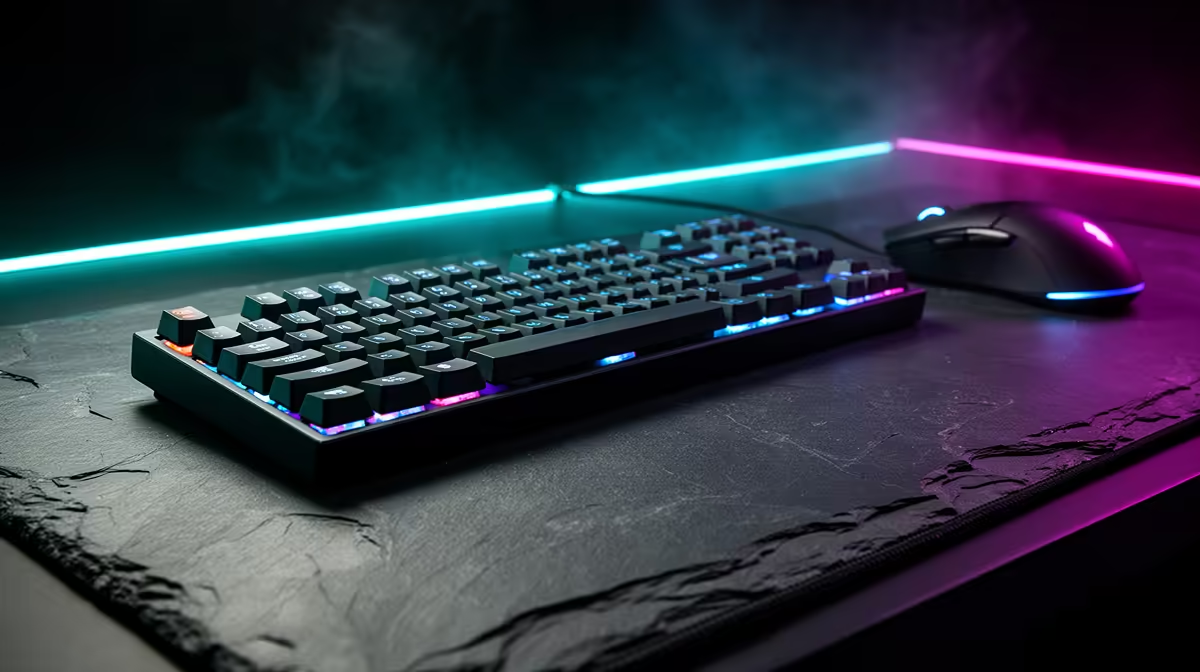
A R2,000 desk-input budget can buy a reliable keyboard, mouse and large pad without chasing features you will not use. Start with fit and layout. The mouse should track cleanly and suit your hand; the keyboard should match the space and work; the pad should stay flat. R2,000 is a ceiling, not a requirement to spend every rand.
Quick Answer
Give the mouse the first fit test, then choose a wired keyboard in the layout you need and a pad sized to the remaining desk. Entry named products can leave plenty of the R2,000 envelope unused. Spend extra on a shape, switch or wireless feature you can explain, not a lighting effect added to complete the budget.
Begin with the desk measurements
Measure the width between monitor stand, microphone arm and other fixed items. Put the keyboard where your shoulders remain relaxed and mark the mouse area. A full-size board includes a number pad and reduces lateral room. Tenkeyless or compact layouts give the mouse a wider sweep.
Measure pad depth as well. A full-desk mat can sit under the keyboard, while a mouse-only pad is easier to replace and clean. Check thickness against the keyboard feet and the desk edge.
The cable route matters for wired gear. Keep it out of chair wheels and leave a gentle loop at the mouse. A bungee is optional; the monitor stand or a simple clear route can manage the first cable.
Choose mouse shape before DPI
Grip, hand size and preferred games decide shape. A narrow light mouse can help fast low-sensitivity movement. A larger ergonomic shape can support palm contact during work. Neither is universal.
Sensor marketing often advertises extreme DPI values you will never use. Look for stable tracking, predictable lift-off behaviour and a polling rate the PC handles. Set one useful sensitivity and build muscle memory.
Button placement should match the games and applications you use. Two side buttons cover common actions. More buttons help specific MMO or productivity workflows and add weight and complexity.
The Marvo MS003 wired mouse was R149 as of July 2026 in Evetech's price snapshot. That named three-button model is a low-cost baseline, not a recommendation for every grip or a generic mouse minimum.
Choose keyboard layout and feel
Full-size suits spreadsheets and number entry. Tenkeyless keeps navigation keys without the number pad. Smaller layouts can move arrow, function and navigation controls behind layers. Check whether you can live with those layers before buying for desk space.
Membrane keyboards can be quiet and inexpensive. Mechanical switches offer distinct travel and feel, with noise depending on switch and case. Hot-swap support can make switch changes easier, but socket compatibility and warranty terms need checking.
The Marvo K638B Soldat S50B membrane gaming keyboard appears at R299 as of July 2026 in the local pack. It provides another named anchor. Confirm its current product page and layout rather than treating the figure as a category promise.
Browse current gaming keyboard deals, then compare models on the keyboard best-seller page. Open switch, layout, connection and warranty details.
Give the pad a real job
A consistent cloth surface helps the mouse sensor and protects the desk. Size depends on sensitivity. Low-sensitivity players need more width, while office and high-sensitivity use can fit a smaller pad.
The Marvo G37 extra-large mousepad is R249 as of July 2026 in the dated local pack. Check its dimensions against your desk. Extra-large is a product description, not proof it fits around the monitor stand.
Stitched edges can reduce fraying but may feel raised at the wrist. A rubber base should remain stable on the desk surface. Wash according to the maker's instructions and let the pad dry flat.
Wired or wireless under R2,000
Wired input removes charging and radio concerns. It can deliver a strong complete kit well under the ceiling. Wireless reduces cable drag and makes the desk easier to clear, but receiver placement and battery behaviour enter the comparison.
For a wireless mouse, use the supported receiver near the pad where interference is low. Bluetooth can be convenient for work, while a dedicated low-latency receiver may suit gaming. Confirm the model's actual modes.
Wireless keyboards need sleep and wake behaviour checked. A long battery claim depends on lighting and use. Keep the charging cable accessible.
Durability is more than a switch rating
Cable strain relief, keycap legends, scroll wheel and side buttons often fail before a headline switch count matters. Read long-term reviews of the exact model. Check whether feet and detachable cables can be replaced.
Spill resistance is limited by the stated design. It does not make a keyboard waterproof. Disconnect power and follow support guidance after any spill.
A simple wired product can last because it has fewer batteries and radio components. A premium device can last because replacement parts and firmware support exist. Judge ownership, not price alone.
Spend the unused balance well
The three named dated anchors total far below R2,000, leaving room to choose a better-fitting mouse or preferred keyboard. Do not assume the cheapest combination is the final recommendation. It demonstrates that the cap can cover the basics without an invented bundle price.
Put extra money into the part you touch most and can test. A mouse shape that reduces correction can matter more than a keyboard switch change. A quieter keyboard may matter more in a shared home.
Keep a portion unspent when the entry gear already works. The budget is allowed to finish early.
Set up and test
Connect directly for the first test and update firmware only through supported tools. Disable mouse acceleration only if your game and workflow call for a direct response, then keep settings consistent.
Test every key, mouse button and scroll direction during the return period. Move across the full pad and check tracking. Save receipts and model details.
Position the keyboard and mouse so neither forces the wrist against a sharp desk edge. Pain or persistent discomfort deserves qualified professional advice; an ergonomic label is not treatment.
Frequently Asked Questions
Must I spend the full R2,000?
No. Use it as a ceiling and stop when the keyboard, mouse and pad meet the fit and reliability needs.
Should the mouse cost more than the keyboard?
It can when shape and sensor performance matter most to your games. Typing-heavy use can reverse that priority.
Is a full-desk mousepad better?
It provides a large consistent surface, but only when dimensions, cleaning and desk layout suit it.
Measure the desk, test mouse shape and choose the keyboard layout before building a named R2,000 input basket around features you will use.