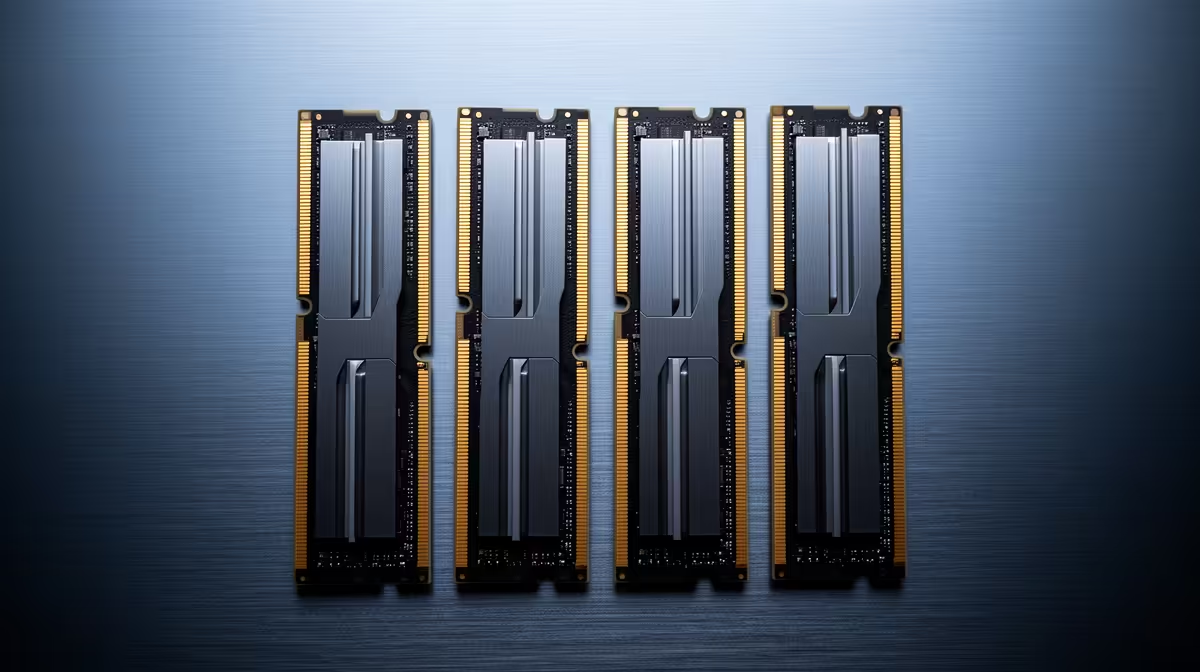
The honest RAM answer starts with the day your PC has to work. If the machine must boot this month, a possible 2027 easing cannot finish the build. If your current memory still has room, waiting can be a calm choice with a target rather than a guess.
Quick Answer
Buy RAM now when a new PC needs it, current memory pressure slows work or an exact compatible kit reaches a price you can accept. Wait when the upgrade is optional, capacity remains comfortable and you have saved several suitable models. Future relief may be modest, so give the wait a deadline.
A needed build gains little from delay
Memory is a core component. A desktop cannot boot and complete hardware tests without it. Buying the CPU, motherboard and graphics card while leaving RAM for an unknown future price exposes those parts to time without proving the system works.
For work and study, the cost of waiting includes slow exports, closed applications and missed time. Measure the hours lost to paging or a machine that cannot run the required software. That use can outweigh a future saving.
Gaming pressure can be less urgent. Sixteen gigabytes may still run the library, while 32GB improves multitasking and gives newer games more room. Watch actual memory use and frame-time behaviour before calling the upgrade essential.
Build the baseline from DDR5 kits and the memory models currently favoured. In July 2026, the named Kingspec 8GB DDR4-3200 module carried a R1,499 price. It belongs to DDR4 and cannot define a DDR5 entry price.
Waiting works when you have flexibility
An existing PC with spare capacity can keep working while the market changes. Save two or three kits that match the motherboard, cooler and capacity goal. Record full model codes and July prices.
Set a target in Rand. "Cheaper" is too vague because product revisions and reference prices move. Decide how much saving would make the wait worthwhile and when you will buy even if the target never arrives.
Keep alternatives inside the same specification. A 2x16GB kit and a single 32GB module have different channel and expansion implications. A slower kit can be acceptable, but make that choice before a sale creates urgency.
Review the plan when the workload changes. If a new course, project or game fills memory before prices ease, the upgrade has gained immediate value. Buy and stop treating the market as a contest.
Compatibility can cost more than timing
DDR4 and DDR5 cannot share a motherboard. Confirm the generation, supported capacity and profile. AM5 uses DDR5, while AM4 uses DDR4. Intel board variants may support one generation or the other.
Matched kits offer the cleanest route to rated settings. Adding a second kit later can work, yet four modules or mixed production batches may need lower speeds. If you know the final capacity now, one matched kit reduces variables.
Module height matters beneath large air coolers. Laptop SO-DIMMs differ from desktop DIMMs. ECC and registered memory requirements can also change in workstations. A cheap incompatible kit is an expensive return.
Update the motherboard BIOS before enabling aggressive memory profiles. Start at defaults, run a memory test and add tuning after the system proves stable.
Compare the total PC, not one painful line
If memory pricing pushes a build over budget, look for cosmetic or peak-spec cuts first. A non-RGB kit, sensible speed bin or simpler case can save money without reducing capacity. Protect the PSU and the GPU tier needed for your games.
Do not cut capacity below the workload to preserve decorative features. A beautiful 16GB machine that pages during paid work is poorly balanced. The same applies to buying 64GB for browsing while accepting a weak screen.
For a full platform change, price CPU, motherboard and memory together. A cheap kit does not make an expensive platform good value, and an expensive kit may sit inside a complete bundle that still works.
The buy-now choice earns months of use. The wait choice preserves budget and can catch relief. Both are rational when tied to a measured need, exact kit and final date.
Make the installation part of the decision
Desktop memory is simple to install when the case and cooler allow access. Shut the PC down, disconnect power, release the slot clips and align the module notch. Use the motherboard manual for the preferred pair of slots.
The first boot after a change can take longer while the board trains memory. Let it finish. Enter BIOS, confirm capacity and start at default speed before enabling the supported profile.
Run a proper memory test and then the workload that triggered the upgrade. Watch for application crashes, blue screens and game errors over several days. A kit that posts once has not proven stability.
Laptop upgrades need the service manual and a separate compatibility check. Disconnect the internal battery where instructed and avoid forcing the cover. If the machine uses soldered memory, no desktop-style module can change its capacity.
Keep the old kit until the new one passes. This gives you a recovery part and makes diagnosis easier if the PC refuses to boot.
Photograph the original slot layout before removal. If the board manual is unclear, the image provides a quick route back to the known working configuration. It also records the module labels needed for a later match.
If the kit is for paid work, keep one stable spare or the old modules within reach. A memory fault can stop the whole machine, and a known working set is a faster diagnostic than waiting for a replacement.
Frequently Asked Questions
Should I buy RAM now in 2026?
Buy when it completes a needed build or fixes measured memory pressure. Optional upgrades can wait with a target.
Will prices fall in 2027?
They may ease as supply changes, but the size and timing remain uncertain.
Is 16GB enough while I wait?
It can be for gaming and everyday work. Watch total use, paging and slow task switching.
Should I add a second kit later?
You can, though mixed kits and four modules may need conservative settings. One matched final-capacity kit is easier.
How long should I wait?
Set a deadline tied to the PC's use. Open-ended waiting makes the possible saving impossible to value.
Save compatible memory kits, record July prices and let a measured workload or clear target end the wait.