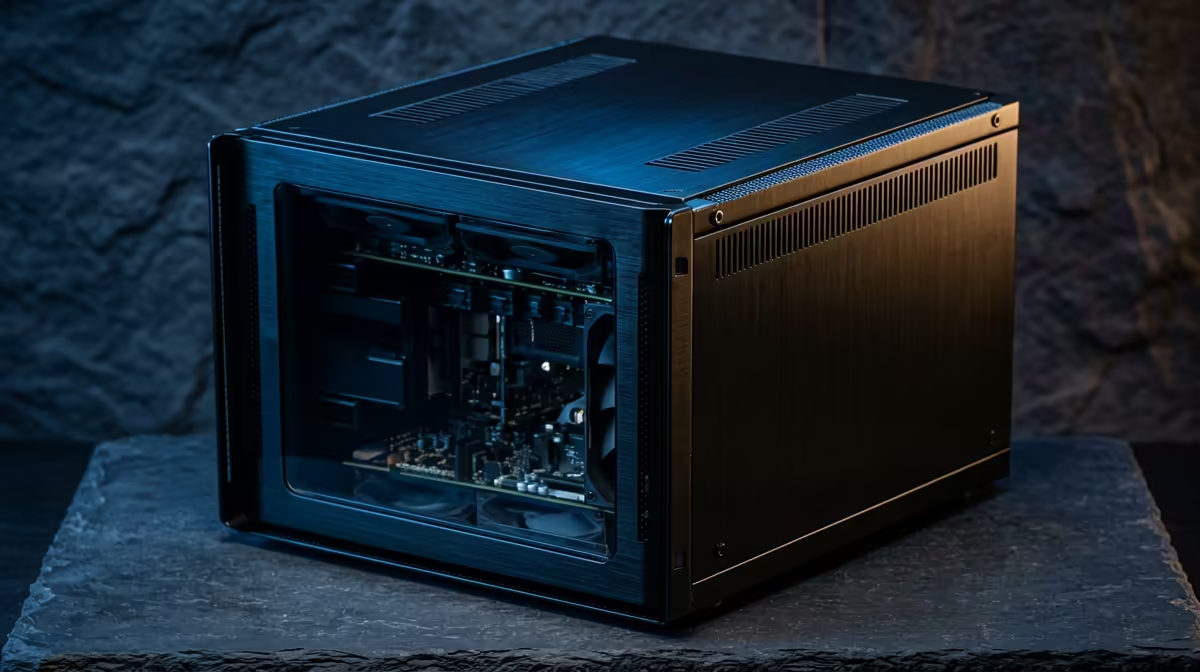
A home server runs around the clock, so the spec that quietly matters most is not the one printed in the biggest font. It is idle wattage, the power the machine sips while doing almost nothing, which is what it does most of the time. The Raspberry Pi 5 vs a mini PC question for an always-on server really comes down to that idle figure and what it costs you over a year of continuous running.
Quick Answer
The Raspberry Pi 5 idles at roughly 3 to 5 watts running a basic server stack, while a typical x86 mini PC pulls around 10 to 12 watts doing the same job, so the Pi draws roughly half. In absolute rand terms over a year the gap is modest, often small enough that performance, software compatibility, and storage flexibility decide the pick. Compare current small machines in the mini PC range at Evetech.
Why idle power is the number that counts
For an always-on server, the machine spends the vast majority of its life waiting, not working. A home file share, a few Docker containers, or a media indexer sits idle for long stretches between bursts of activity. That means the idle draw, multiplied by 24 hours a day and 365 days a year, dominates the running cost far more than the peak figure ever will.
This is why a server is judged differently from a gaming PC. Peak performance per watt barely matters when the box is mostly resting. What matters is the floor: how little power it consumes while keeping your services alive and ready. The Pi 5 and a mini PC take genuinely different approaches to that floor.
The Raspberry Pi 5 and its Arm efficiency
The Pi 5 uses an Arm system-on-chip, the same family of low-power design philosophy that powers phones. Running a modest home server stack, it idles in the region of 3 to 5 watts. That low floor is its signature strength. For a single-purpose, lightweight server, the Pi sips power and stays cool, often without even needing active cooling for gentle workloads.
The trade-offs come with that efficiency. The Pi runs Arm software, so anything built only for x86 will not run natively, which rules out some applications and complicates others. Storage is typically a microSD card or an add-on SSD rather than internal bays, and RAM is fixed at purchase with no upgrade path. For a focused, light server those limits are often fine, but they are real.
The x86 mini PC and its higher floor
A modern x86 mini PC, built around a low-power Intel or AMD chip, typically idles around 10 to 12 watts under a comparable server load, roughly double the Pi. In exchange it offers full x86 software compatibility, so almost any server application runs without translation. It usually has internal storage bays or slots, often supports more and upgradeable RAM, and delivers noticeably more raw compute for heavier tasks.
It is worth being honest about the power gap. While the mini PC draws about twice the Pi at idle, the absolute difference is small in rand terms over a year, and the most efficient x86 machines can edge surprisingly close to the Pi. So the choice is rarely won on electricity alone. The mini PC trades a little more idle draw for far broader software support and easier expansion.
Putting the running cost in perspective
Doubling from roughly 5 watts to roughly 11 watts sounds dramatic as a percentage, but the absolute numbers are small. Over a full year of continuous running the cost difference between the two is modest, the kind of figure that should inform the decision without dominating it. If you are weighing many machines or run several servers, the gap adds up and the Pi's efficiency becomes more compelling. For a single home box, it is one factor among several.
Beyond watts: the other deciding factors
Idle power is the headline, but a few practical factors often tip the decision in real homes. Cooling and noise matter for a box that lives in a lounge or bedroom: the Pi runs cool enough to be silent in many setups, while a mini PC usually has a small fan that is quiet but not always silent. If the server sits where you sleep or relax, that difference is worth weighing alongside the wattage.
Storage flexibility is another. A mini PC's internal bays make it straightforward to run a proper SSD as the system drive and add capacity, whereas the Pi leans on a microSD card or an external drive, which is fine for light duty but less robust for heavy continuous writes. Finally, consider the software you actually intend to run. If your chosen applications are tested and common on Arm, the Pi is smooth; if they assume x86, the mini PC removes a whole category of compatibility headaches. Weighing cooling, storage, and software alongside power gives a truer picture than wattage alone.
Which one fits your home server
Choose the Raspberry Pi 5 when your workload is light and focused, when you value the lowest possible idle draw, and when the software you need runs on Arm. It is excellent as a quiet, cool, low-power appliance for a contained job like a file share, a small automation hub, or a single lightweight service.
Choose a mini PC when you need full x86 compatibility, more storage and RAM headroom, or more compute for several services at once. The slightly higher idle draw buys flexibility and power that a Pi cannot match, and for a server you will grow into, that headroom often justifies the small extra running cost. To see which compact machines offer the best balance right now, the best-selling PCs list is a useful snapshot of current value.
Frequently Asked Questions
How much less power does a Raspberry Pi 5 use than a mini PC?
Running a comparable server stack, the Pi 5 idles around 3 to 5 watts versus roughly 10 to 12 watts for a typical x86 mini PC, so about half. The most efficient mini PCs can narrow that gap.
Does the power saving make the Pi much cheaper to run?
In percentage terms the saving is large, but in absolute rand over a year it is modest for a single machine. The gap matters more if you run several servers or many machines together.
What does the mini PC offer that the Pi does not?
Full x86 software compatibility, internal storage bays, usually more and upgradeable RAM, and more raw compute. Those advantages often outweigh the small extra idle power for anything beyond a light single-purpose server.
Can the Raspberry Pi 5 run all server software?
No. The Pi uses an Arm chip, so software written only for x86 will not run natively. Many popular server tools support Arm, but you should confirm your specific applications before committing.
Which is better for a beginner home server?
If your needs are light and your software runs on Arm, the Pi is a cheap, efficient, low-power start. If you want broad compatibility and room to grow into more services, a mini PC is the more flexible foundation.
Deciding on your first always-on server? Compare compact, efficient machines in the Evetech mini PC range and match the idle power and expansion to the job you have in mind.